ServerUser
Members
-
Joined
-
Last visited
-
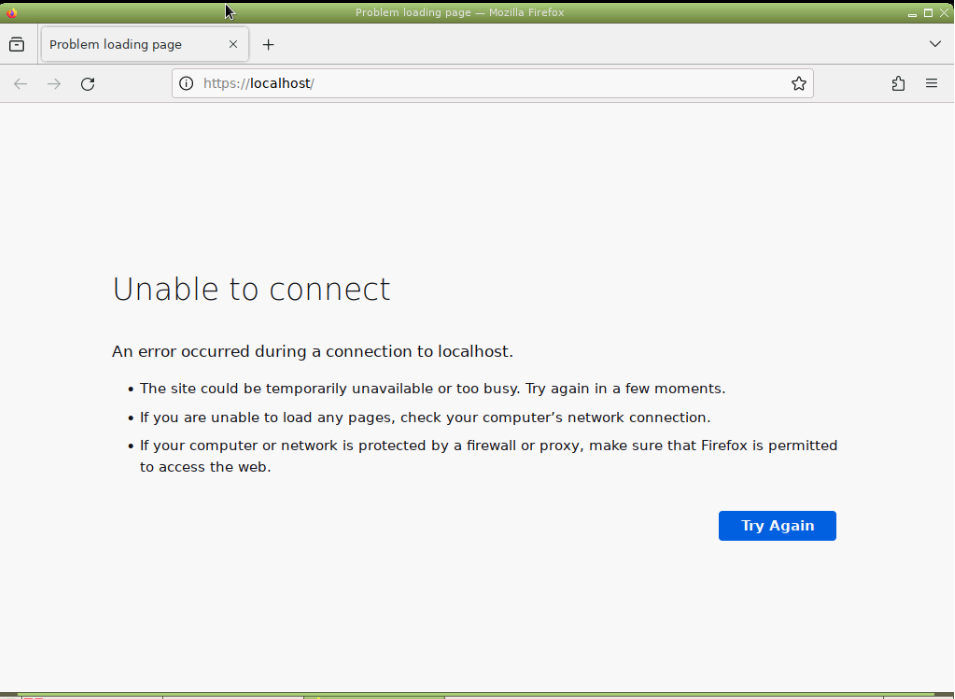
Currently my unraid dashboard doesnt work, it use to work i was navigating the dashboard and then it suddently stopped working then i tried to restart it and it did nothing, i also went into unraid gui mode aswell and the dashboard doesnt work there either
-
Usually just upkeeping services and make sure it’s running but the biggest issue is server noise it’s very loud whenever running something, is there any chance I can make a small partition on the server and boot off that?
-
I currently have my own home server but I currently don’t have enough time to take care of it and maintain it and in general I want high uptime with fast internet so I been looking at zap hosting dedicated servers https://zap-hosting.com/en/shop/product/lifetime-dedicated-server/ and my question is can I install unraid on it is bare metal with hp ilo access
-
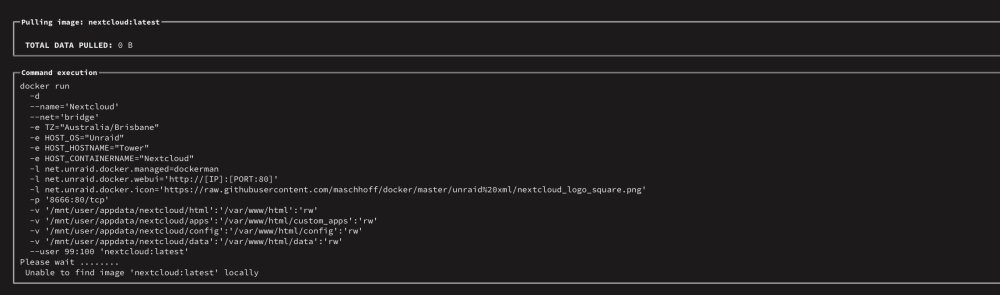
When ever I try to download anything from the App Store it just gives me an error and doesn’t download I would appreciate help.