






Zonediver
Members
-
Joined
-
Last visited
Everything posted by Zonediver
-
I added the diagnostics - maybe its helpfull...
-
Hi folks, updated to 7.3.0 and now i cant access the GUI - but the ssh is working... I disabled Docker over docker.cfg, rebooted but no luck. Is this a known issue? horus-diagnostics-20260517-1227.zip
-
Updated to 7.3.0 and now i cant reach the WebGUI, but ssh is working... Whats next now? How can i get back to the WebGUI? EDIT: Connected a Keybpard and Mouse... GUI-Mode also not working... unable to connect to localhost... EDIT 2: Reverted back to 7.2.4 and all is working again... This 7.3.0 is not really finished yet...
-
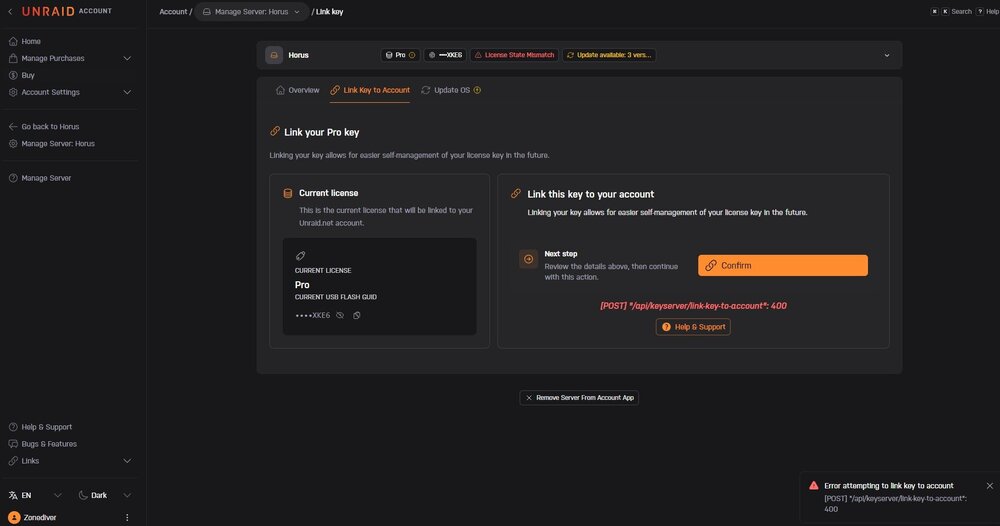
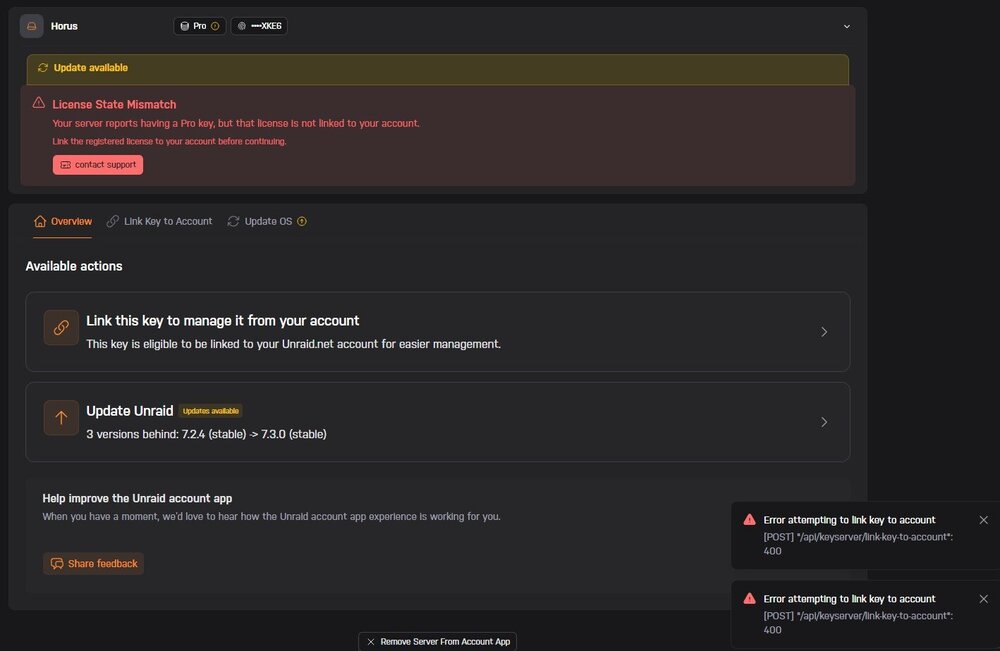
Hmmm... there is a plugin needed? Where can i check this? EDIT: Installed a Plugin called "Unraid Connect" (2026.05.11.1745) but got the same Error... Key can not be linked to my profile... Is this "linking" necessary for internal boot or can i skip this?
-
Here a screenshot from https://account.unraid.net/server/link-key
-
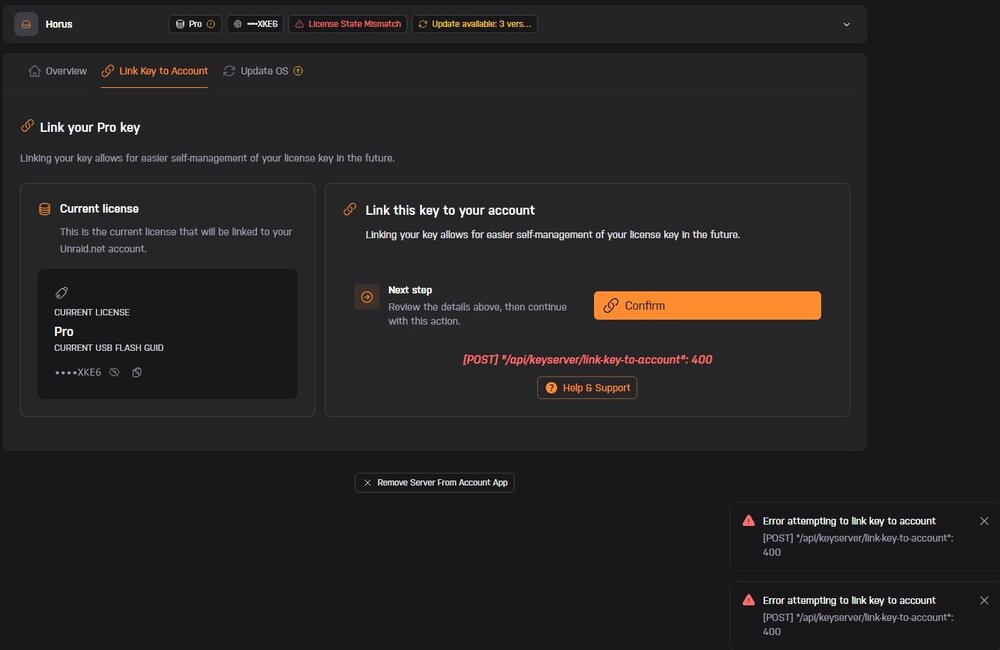
Well... I tried it several times and got this...

-
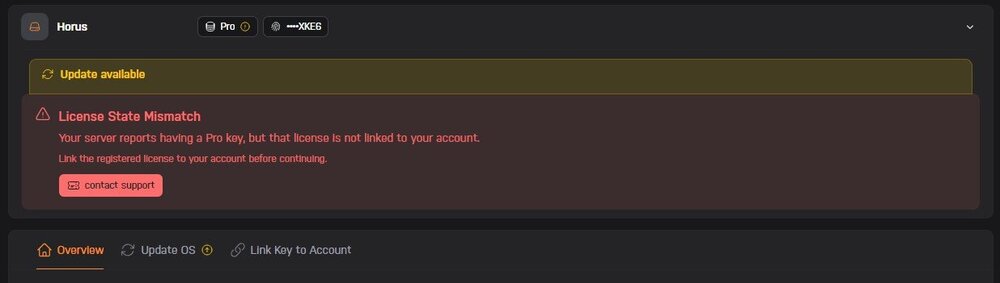
Can someone explain, what this means?
-
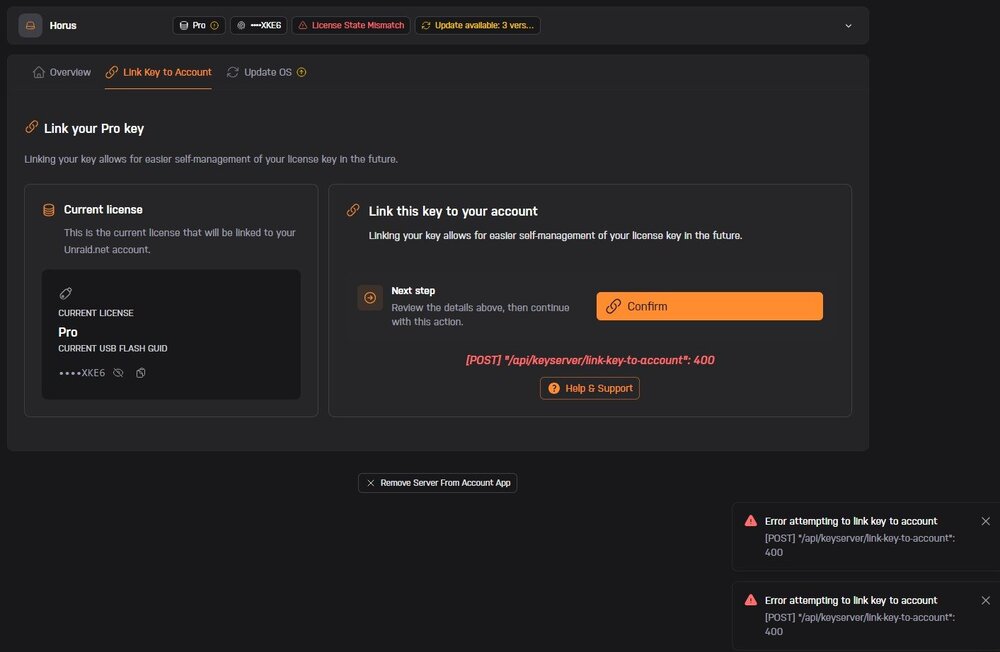
...i am confused...
-
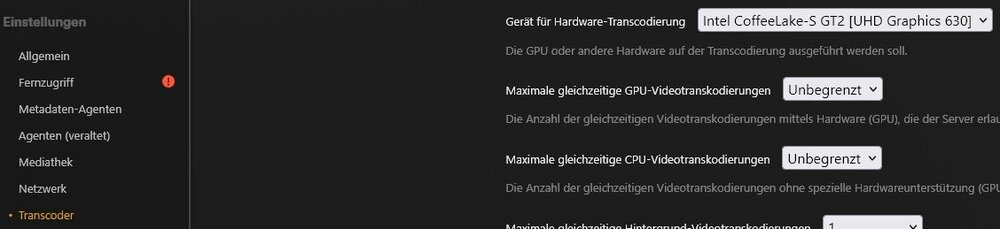
I use the plex docker from linuxserver.io with a plex pass and the latest Plex version 1.43.1.10611 - HW-transcoding is working fine 👍
-
At the Docker, use "Host" - thats all you need. And you ned "also" to select the iGPU at the plex settings...
-
You can use 10.11.11.x SubNet 255.255.255.x - this is working
-
Well... thats wrong... 11.x.x.x is not allowed for private notworks and part of the public range. The second range must be 10.x.x.x Subnet mask 255.x.x.x On my server, i use 10.10.10.x with subnet 255.255.255.x - thats working. https://en.wikipedia.org/wiki/Private_network
-
NIC type? Connection type? RJ45, DAC, AOC? IPs? (Range must be different from eth0) More infos we need ☺️
-
i would prefer SFP+ because less powerdraw, cooler and reliable. If possible, change the nic(s). I use two open SFP+ cards with a laser link AOC OM3 cable and all is running smooth. The cards at my signature have an additional advantage: PCIe x4 and not x8.
-
Did you read the conclusion? NOT recommended... even as "normal" SSD...
-
You can use a 14600K - its much cheaper and you can set the max. Power to 65W at the BIOS (if you like) 👍
-
Last Version is 1.43.0
-
In my case not relevant because its a nvme and i dont remove drives when unraid is running - but thanks for the hint 👍
-
I see - but the function will stay normal (for my backups). So its then no longer an UD-device, its a pool-device but should be reachable normal for my backups from Windows (i think?) EDIT: Ah - i found a video which explains it It must be a "bootable pool" - also possible with only one drive. 👍
-
Just a question for understanding: Is it possible to boot from an UD-ssd? I ask because my mainboard has only two nvme-slots and i use the UD-device only for backups. The UD-nvme is large enouth so i could (if possible) boot from this device...
-
Because i got no answer so far, i ask my question again: Modern CPUs have a TPM inside... is this supported or do we need a "Hardware-Module" for the TPM-header? Someone with infos here?
-
Modern CPUs have a TPM inside... is this supported or do we need a Module for the TPM-header?
-
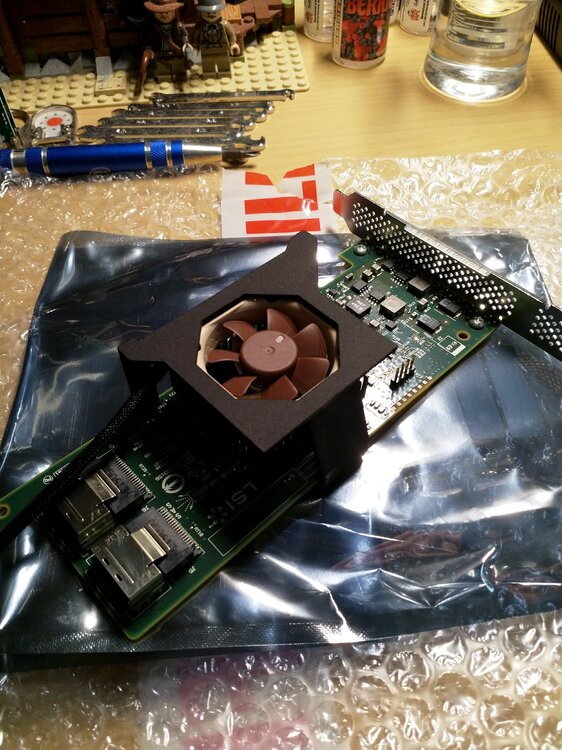
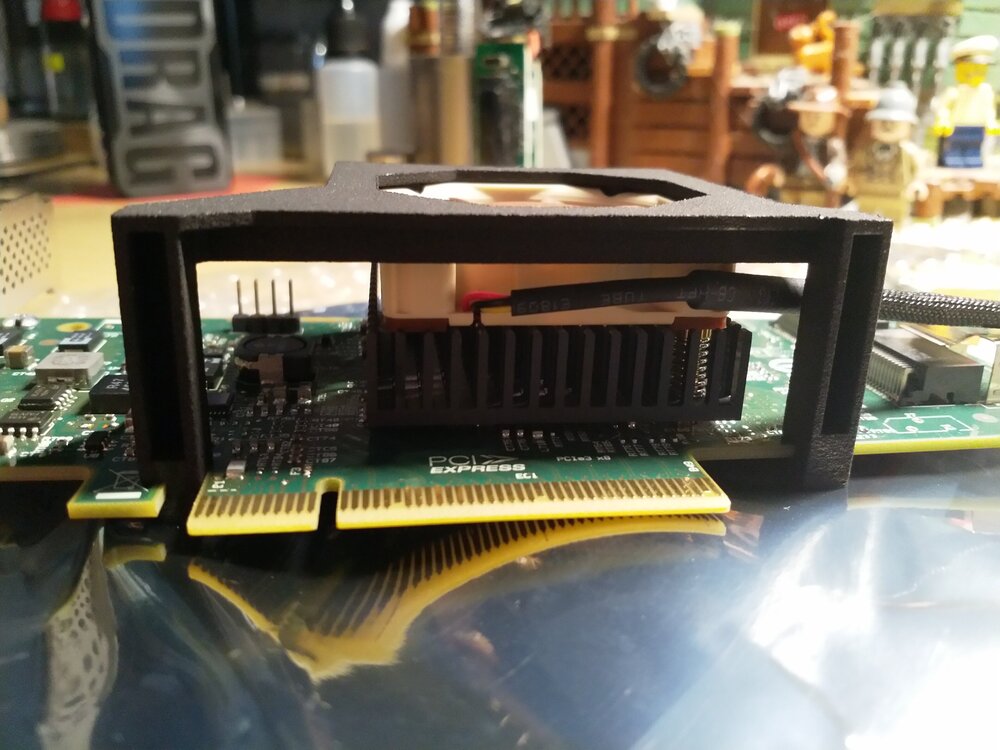
This type af HBA "need an active airflow" - otherwise, it gets more then 60°C
-
Remove the P2000 (if possible). As far as i know (or guess), if an additional GPU is present, the iGPU will not work under Plex.
-
Update went smooth and all runs fine - thanks 👍





