





wbh
Members
-
Joined
-
Last visited
-
webui都进不去呀。。。 我已经硬重启了。。
-
tried kill -15 and reboot -f, can't work
-
I got the xmrig virus, I killed the virus process. but there is still anohter process "lsof -Owl /mnt/disk1" 100% cpu usage, I try to kill or kill -9 command, can't really kill it. and I sent the "reboot" command, the machine didn't reboot. I'm on a trip, can't touch the machine, now Webuit down, and many other services down. I can only connect to this machine by ssh, can't use the reboot button on the machine. How to kill this process and reboot the machine? I used "find" command to find the virus, but it also stuck, can't be killed.

-
-
之前就xmrig进程,杀掉就好了。 结果这次还多了个lsof -Owl,cpu占用也是100%,kill和kill -9都杀不掉呀,reboot命令发出去也不重启。web进不去了,只能ssh进机器。怎么办,如何重启或杀掉这两个进程?那个find命令是我查杀xmrig的,一样也卡住了,杀不掉。
-
电池是自己换,还是在什么地方换的呀,我有一个ups常年通电,没断过电,然后就坏了,怀疑也是电池挂了,想换个电池试一试。
-
-
是的,我后来又格式化重新安装并且只copy了key进U盘可以正常启动,但重新copy备份的config文件夹就不行,哪怕是很久之前,3月份的config文件夹进去也不行,真的奇了怪了。还好除了网络配置丢失,插件全没了,docker和虚拟机配置还在。要不然要折腾死。
-
-
谢谢,确实是mover再后台读写,强制停止mover也不行,强制重启后好了
-
没有多少数据在缓存呀,怎么手动停止mover,按钮是灰的,没法点。能命令行停止吗?


-
如题,之前以为是机器不行,4个的cpu,经常全部100%占用。就换了一个cpu,6核的,结果还是有2~4核正常100%占用。进终端用top命令也找不到占用高的进程。系统是正版的呀。
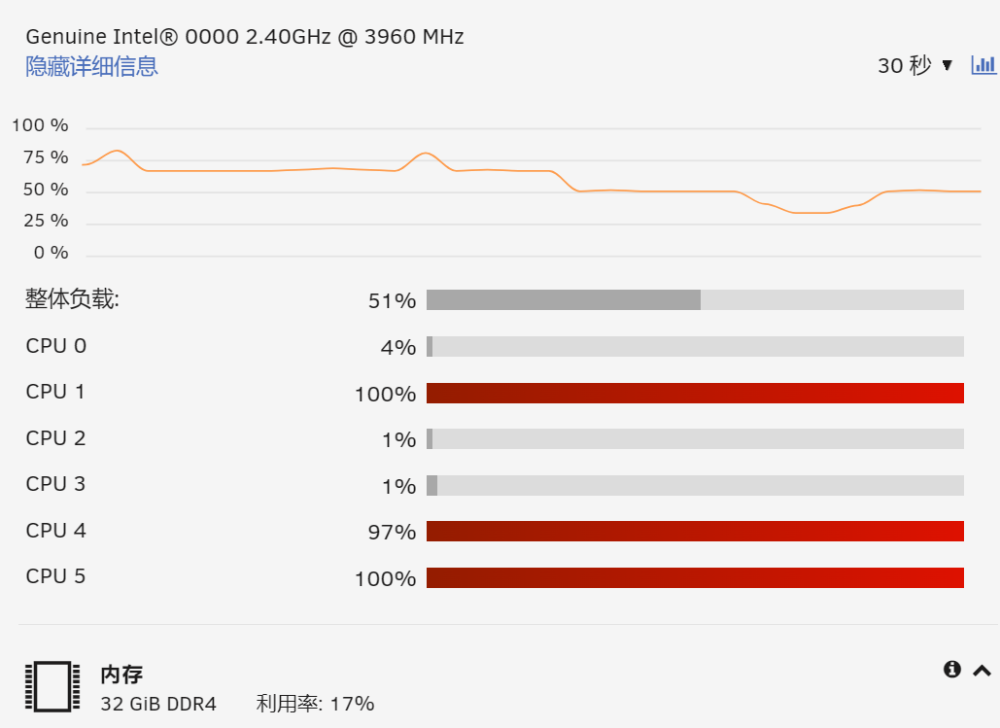
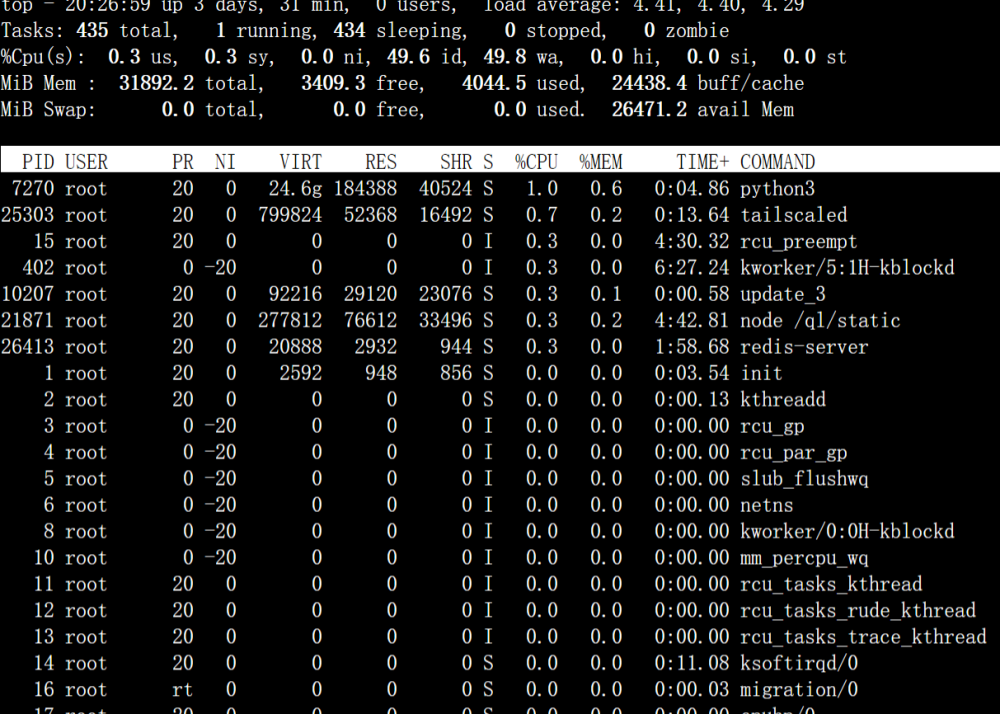
-
web界面的重启按钮就一直转圈也不重启,去命令行输入reboot,或reboot -f就没响应了,然后web页面里各个功能还正常,我这样要怎么重启呀,暂时接触不到物理机。用top命令看又没什么cpu占用,不知道为什么。
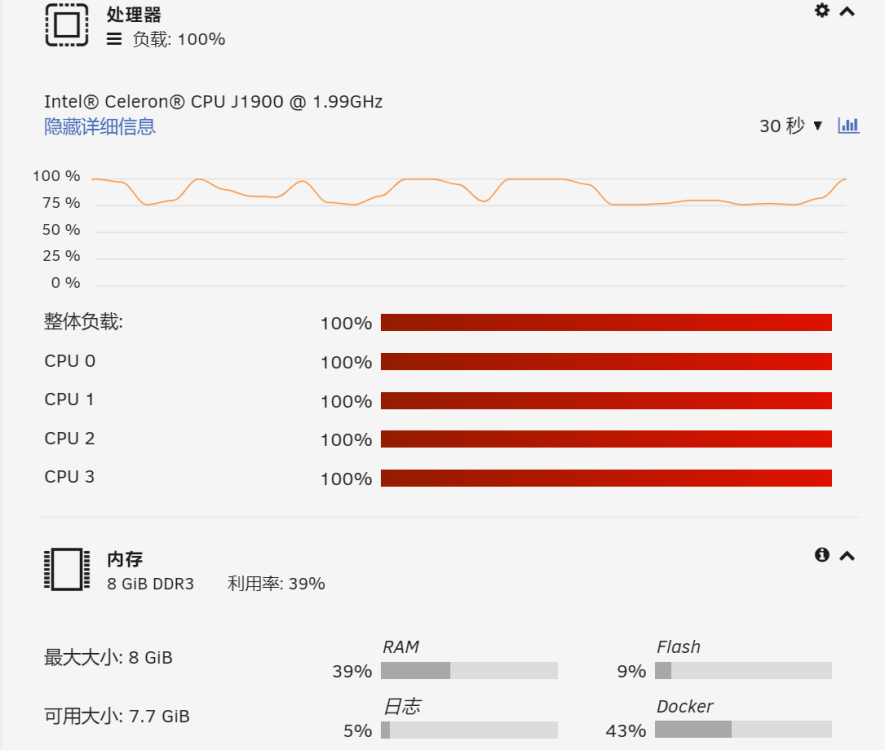
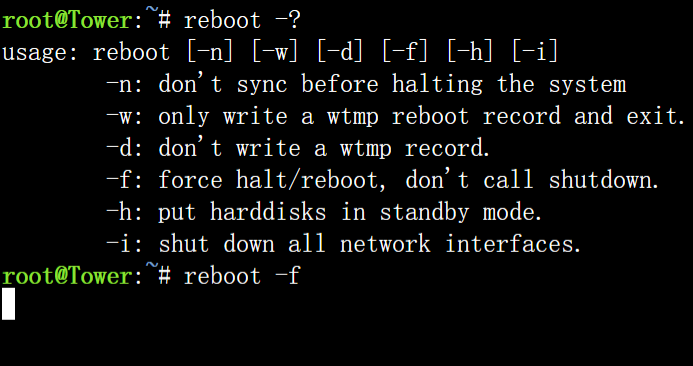
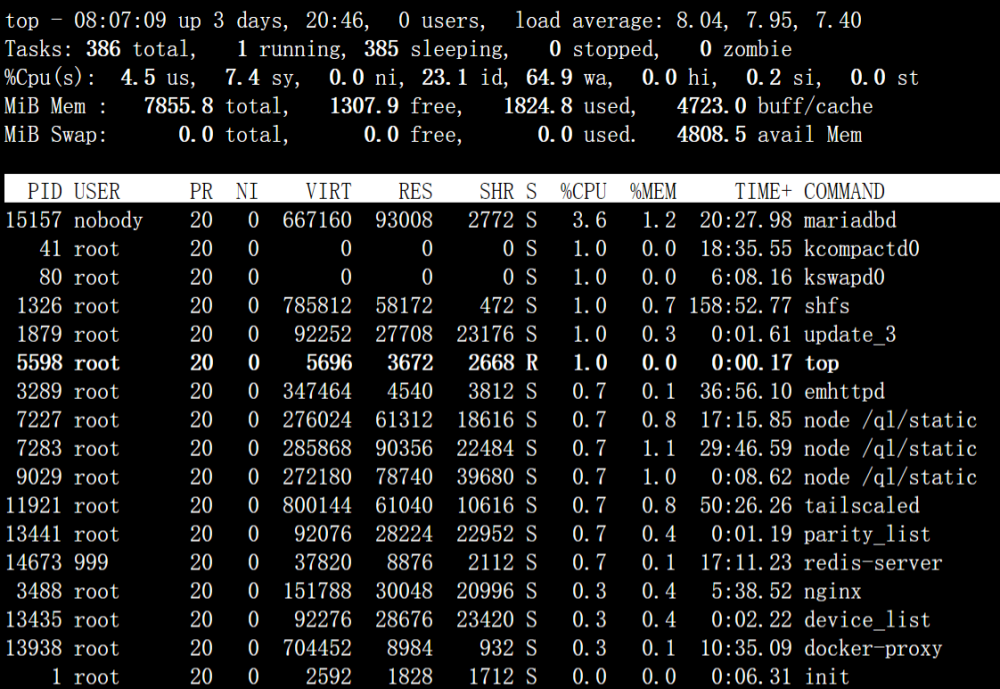
-
不需要魔法,好像可以拉2.9.0版本的,最新的是被删掉掉了,拉不到
-
你怎么知道我不是用的正版,我就是花钱买的正版的呀


