





WayneJz
Members
-
Joined
-
Last visited
-
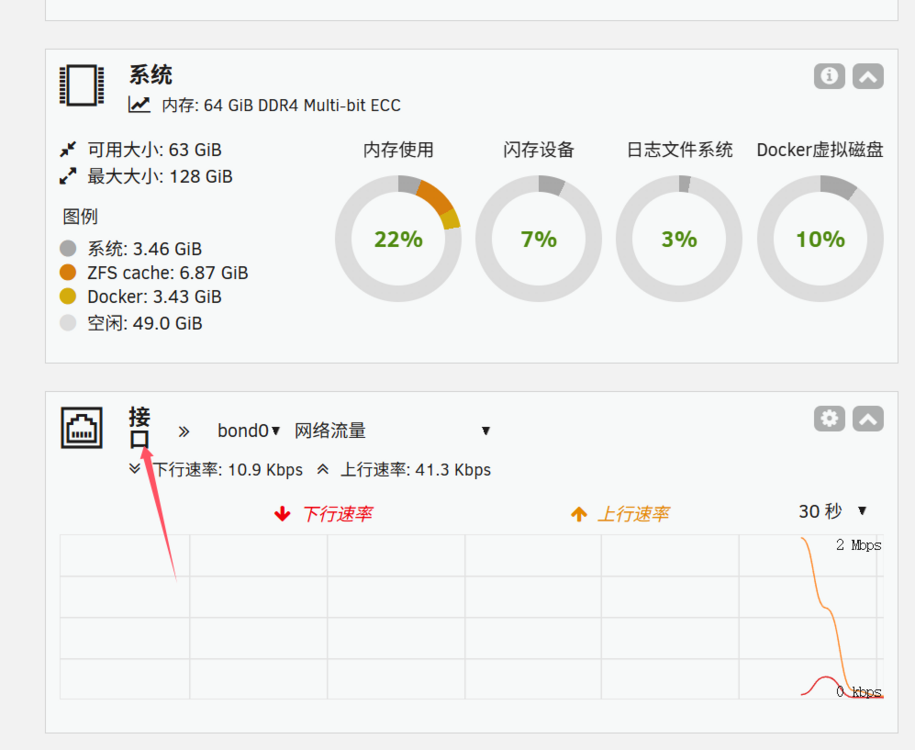
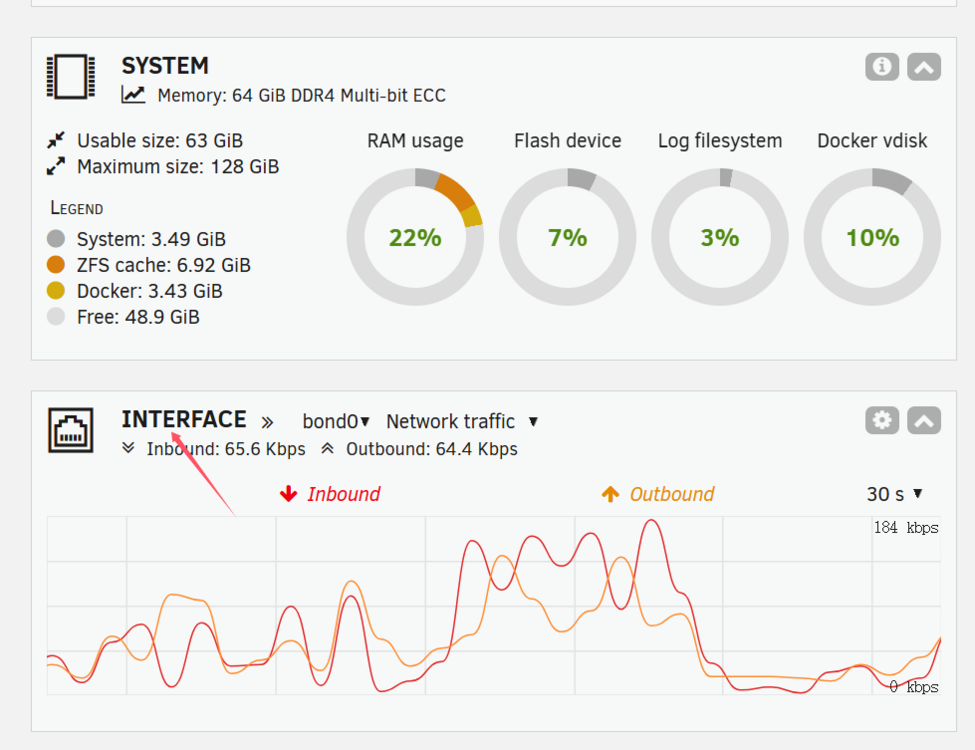
A minor UI bug: in Simplified Chinese, the "Interface" heading in dashboard cards takes up 2 rows. When language set to English, it looks normal.
-
Hi, I want to replace my SLOG and L2ARC devices (both are nvme ssd) from ZFS pool for other use. Especially my SLOG device is always in low-level usage (very few sync writes). I tried to stop ZFS array -> remove the devices -> restart array, but the UI prompted 'missing device' and refused the op. Is there any way to safely remove them? Should it be better from Unraid UI than terminal operation. Many thanks
-
Recently updated to 7.1.1 and tried to remove an empty directory `plexcache` on UI. This directory had been used by plex but I had deleted the plex docker, and removed from SMB share list before I tried to remove it. Have clicked DELETE button and nothing changed. And then I tried to stop the array, re-spin up the array, and to remove, the bug is still. Finally I tried to remove this directory in command prompt (found that this directory only exists in zfstank), got `device or resource busy`. But when I tried to find which process took this directory up, it said no. Go to /mnt/user and have done this commands, very confused, the empty directory just like a ghost. EDITED: diagnostics file posted. auranas-diagnostics-20250513-0217.zip
-
Exactly. Many unix-style system has /dev/shm device that uses RAM first (could use swap file if needed) as "tmpFS". That is what I need, but it is not convenient to use. Forgive me, in Unraid system, I don't really want to use the terminal. So I request this feature to support RAM disk: maybe in a plugin, that could configure RAM disk on website, in cache pool or somewhere else.
-
Hi all, Since more hardwares support big memory now (64GB, 128GB or above), the feature of RAM cache (disk) becomes practical. RAM cache has more i/o speed than SSD, and no worries about SSD lifetime. This feature can be either Accelerating unraid JBOD arrays by RAM caching. Or, User-defined temporary file storage I would like to see this performance enhancement.

