ienjoymovies
Members
-
Joined
-
Last visited
-
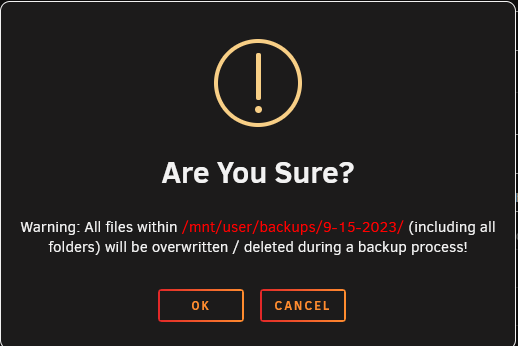
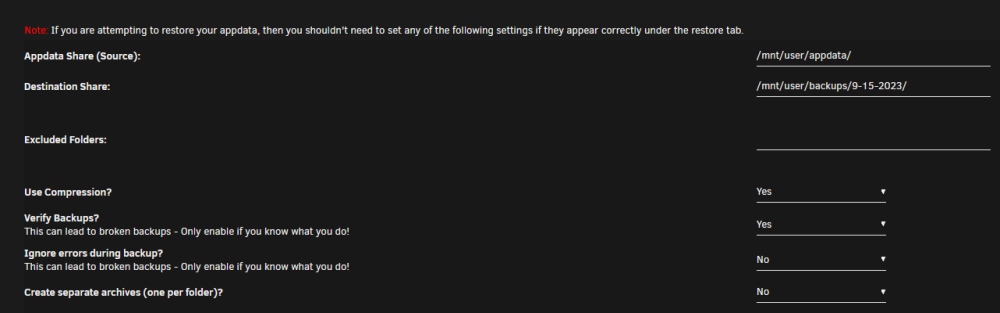
Yes, and the destination in this situation is specifically only the 9-15-2023 folder, correct? no folders higher up on the directory (/mnt/user/)? Just paranoid it's going to clear out everything nested in /mnt/user/
-
I am using the old 2.5 version (am still on 6.11.X). Just checking to be certain, this warning means the backup plugin will delete all files/folders within the specific 9-15-2023 folder, not the entirety of "/mnt/user/" directory, correct?
-
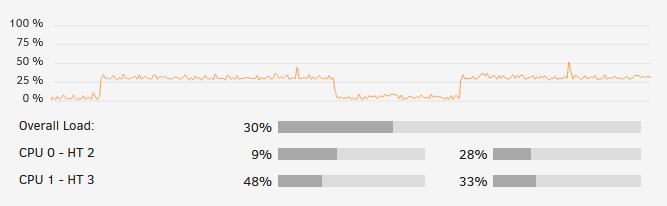
Hello, I recently set up a new unRAID server that is used primarily for Plex Media Server / *arr suite / seedbox. When running 1 plex transcode (I have verified it is using the iGPU for (hw) transcoding), the CPU usage shoots up to around 75%-100%. It also is only a 1080p -> 1080p lower quality encode, even though it seems the 8th gen iGPU QSV should handle even 1x 4k -> 1080p with ease. From looking online, it seems like similar processors are able to do multiple transcodes at a much lower CPU usage, any ideas of what I can look for?/ EDIT 2: So it seems as though the primary offenders happen when I'm not transcoding on plex as well. ffprobe + shfs seem to account for a steady 25-30% CPU usage when engaged. Attached diagnostics. tower-diagnostics-20230224-1553.zip