steff94
Members
-
Joined
-
Last visited
-
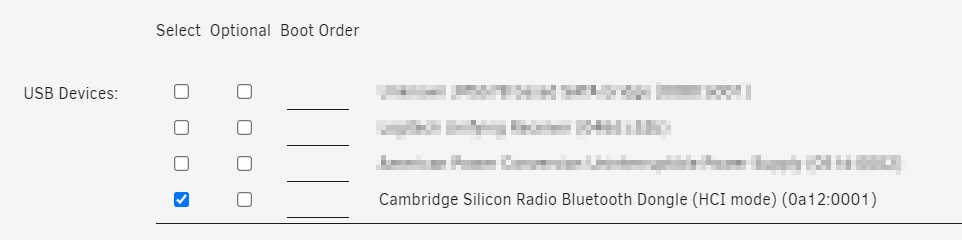
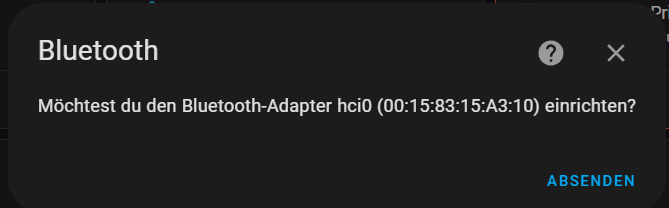
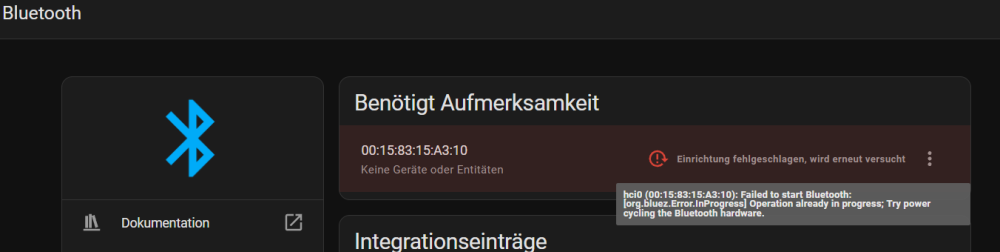
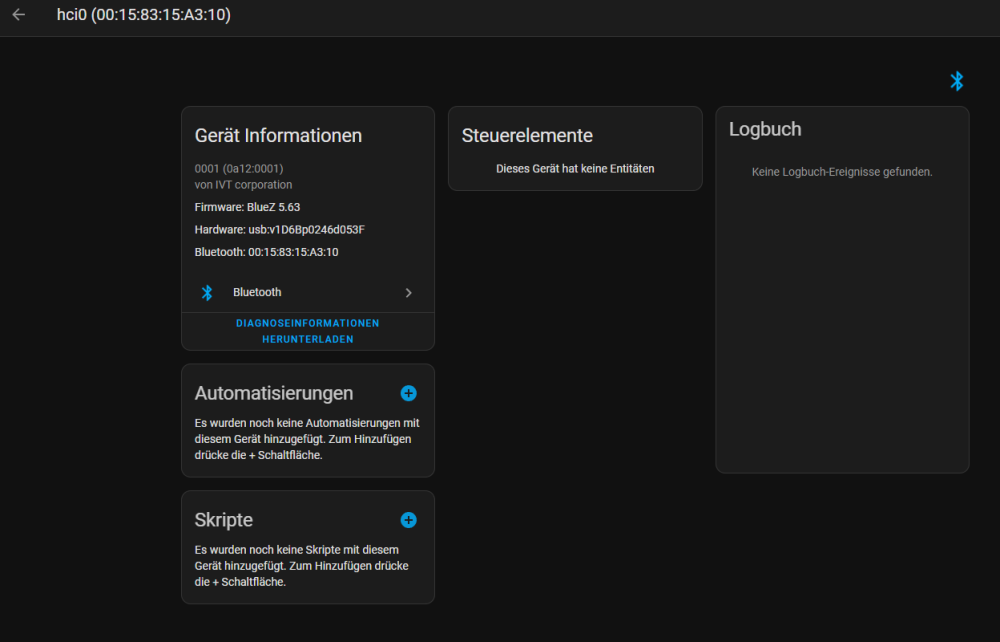
Hey all, I just installed HA-OS using the official tutorial: https://www.home-assistant.io/installation/alternative and it works like a charm! Now I wanted to pass through my Bluetooth-USB Stick and therefore did the following config on the VM: Homeassistant correctly recognizes the Bluetooth Dongle and asks me to add it which works fine: But Homeassistant isnt able to successfully start the bt adapter: Logs are telling me: Protokolldetails (WARNUNG) Logger: bluetooth_auto_recovery.recover Quelle: components/bluetooth/__init__.py:328 Erstmals aufgetreten: 16:06:33 (3 Vorkommnisse) Zuletzt protokolliert: 16:09:02 Could not cycle the Bluetooth adapter hci0 [00:15:83:15:A3:10]: [Errno 114] Operation already in progress Bluetooth adapter hci0 [00:15:83:15:A3:10] successfully turned back ON What am I doing wrong? Best regards Stefan
-
Just add a path like that: Works perfect for me:

-
Upgrade worked fine but a few containers lost their storage mapping and therefore the config is gone. Containers who lost their config are uptime Kuma and changedetection any help?
-
+1 for official ntfy.sh notifications
-
Hi all, is there a possibility to include ntfy as an official notification agent on Unraid? I‘he seen unter „Settings“ -> „Notification Agents“ a whole lot of agents like Telegram, Boxcar and so on … but ntfy is so nice and incredibly easy to use! does anybody know, if this will be available soon? Or is already possible via an alternative way like HTTP POST? best regards
-
Obviously this problem was already discussed without real "solution" ...
-
Hi all, I am trying to make a offline copy of all my iCloud Photos using the following Container: https://hub.docker.com/r/boredazfcuk/icloudpd/ It all works fine until the moment where the container wants to actually download and therefore create files in the folder I mapped it to: Thaats the mapping: Can somebody help? I wasn't able to solve the problem on my own using the docs ... Best regards, Stefan


-
Thank you very much - perfect solution including some explaination. Thanks a lot!
-
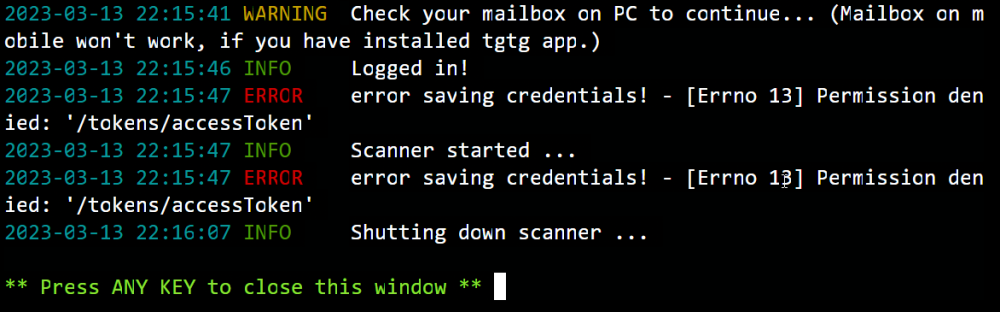
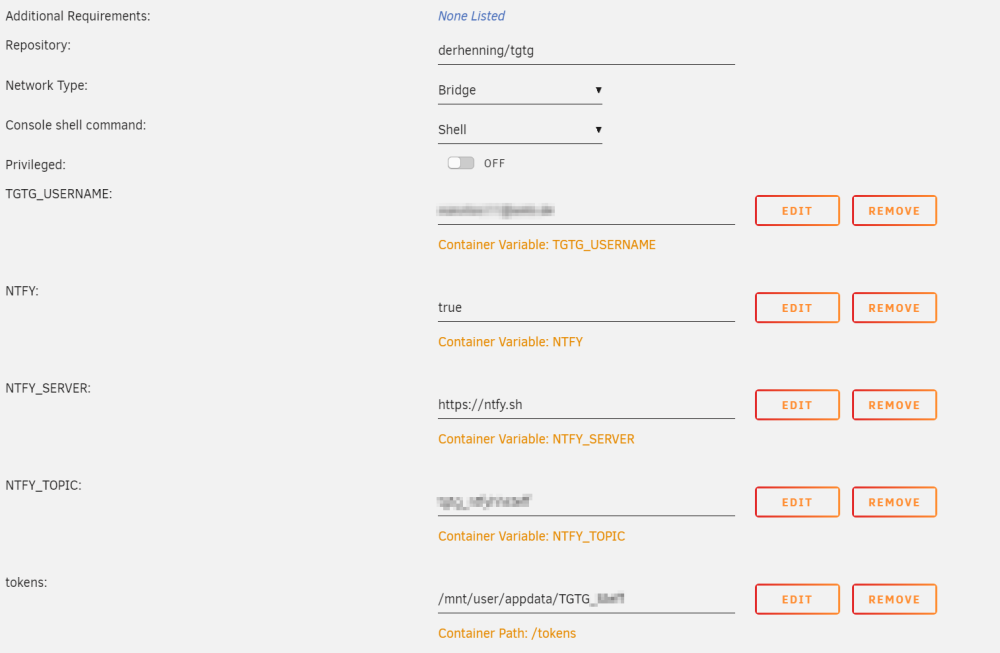
Hi all, I just tried to deploy my first own container using an image from dockerhub (https://hub.docker.com/r/derhenning/tgtg). I successfully mapped some variables and also a path to my container, but apparently the container is now allowed to write some text files (tokens) to the mapped folder within "appdata". Can somebody please help me? What do I have to do to make it work? Best regards Stefan
-
I was able to resolve it by manually reinstalling the driver: https://superuser.com/questions/1671932/unable-to-connect-to-internet-in-windows-10-vm-using-kvm-qemu
-
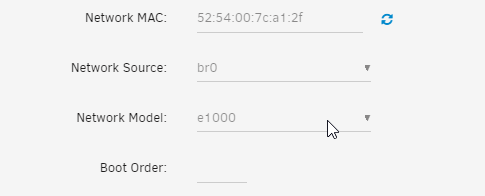
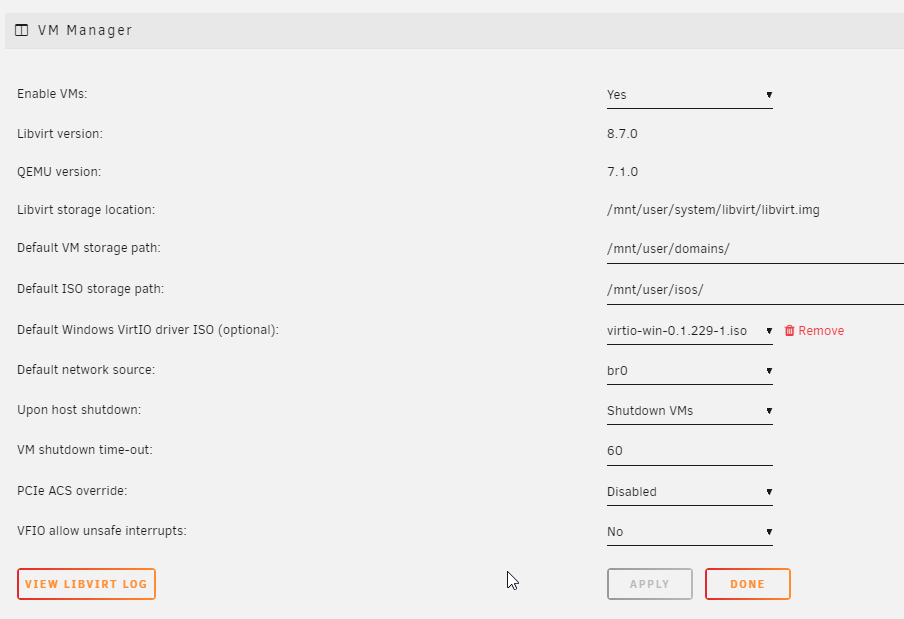
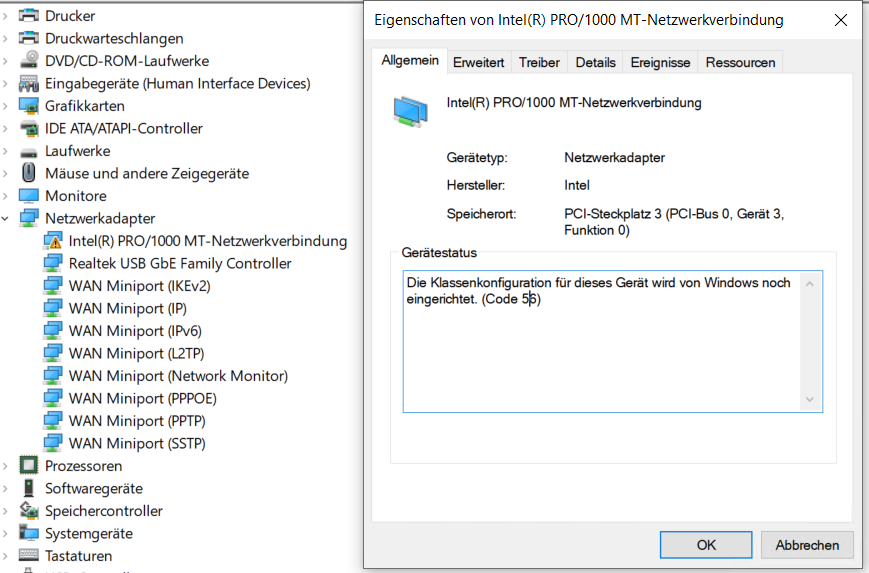
Dear Unraid-Community, I just started using Unraid and so far I am super happy with it! Sadly, I am not able to configure a network connection of my Windows 10 VM properly, because Windows tells me in device manager Error 56 - i tried different network models. Setup: Drivers installed using: virtio-win-0.1.229-1.iso Win 10 Pro 22H2, Build: 19045.2673 USB Network adaptor works fine I would be so happy if you can help me Best regards