thepix
Members
-
Joined
-
Last visited
-
I too am having similar issues only since 3rd Apr (not sure if it was an update). Issue I have is the server is housed in a different location, so I require the Tunnelled access, but locally I couldn't connect using LAN IP addresses and now there seems to be no LAN access to the internet at all. I had brought the server to my home location over the weekend and all seemed to be working fine on my network via GUI mode. But when I took it back, same issues occur?? Only difference I know of is the router equipment and the fact I use pihole and adguard as my DNS serves at my local location vs remote location. From what I've read removing the Tailscale plugin will likely fix the issue, but surely there's an alternative??
-
I seem to have a couple candidates "plextraktsync" and "plex-image-cleanup". Kinda need plextraktsync, I'll stop the other for now.
-
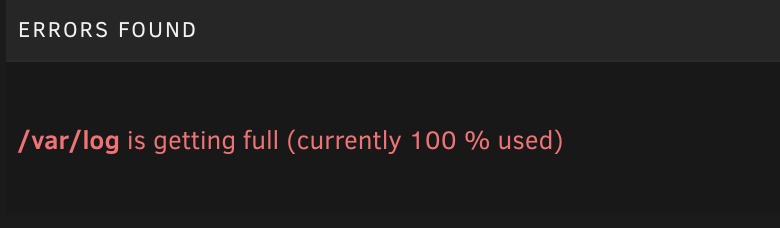
Hi there, Anybody able to help figure out why I'm having this error, by all accounts I shouldn't really have this problem for 2 months of uptime? I've also attached the Diagnostic files. babylon-diagnostics-20230907-2106.zip