




Skip to content
View in the app

A better way to browse. Learn more.

Unraid

A full-screen app on your home screen with push notifications, badges and more.

To install this app on iOS and iPadOS
  1. Tap the Share icon in Safari
  2. Scroll the menu and tap Add to Home Screen.
  3. Tap Add in the top-right corner.
To install this app on Android
  1. Tap the 3-dot menu (⋮) in the top-right corner of the browser.
  2. Tap Add to Home screen or Install app.
  3. Confirm by tapping Install.

yaohui

Members
  • Joined

  • Last visited

  1. 好像是不能,但是应该是可以单列出来一个磁盘,不加到阵列里,这样校验的时候就不会校验这张盘了
  2. yaohui changed their profile photo
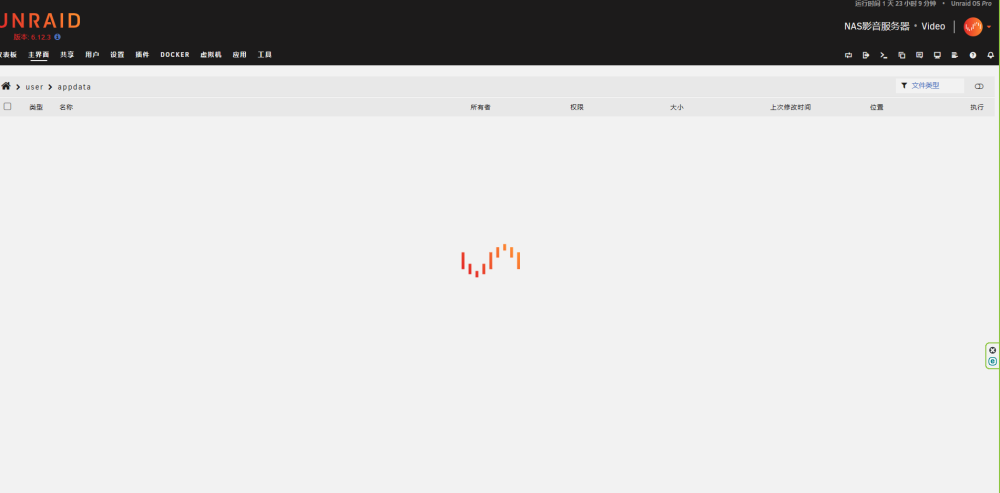
  3. 进去就是刷新,一直等待,刷不出来任何文件和文件夹,但是别的目录正常,不知道是什么原因,有大神帮忙看看么?
  4. 已经自行验证了~
  5. 各位大神,阵列已经有缓存盘了,并且共享目录设置的首选,现在想加入校验盘,想问下是需要先把缓存数据移动到阵列里,然后再加校验盘,还是说可以不移动缓存,停止阵列后直接添加校验盘而不会丢失缓存数据?

Account

Navigation

Search

Search

Configure browser push notifications

Chrome (Android)
  1. Tap the lock icon next to the address bar.
  2. Tap Permissions → Notifications.
  3. Adjust your preference.
Chrome (Desktop)
  1. Click the padlock icon in the address bar.
  2. Select Site settings.
  3. Find Notifications and adjust your preference.