





sangtian
Members
-
Joined
-
Last visited
-
Good news! After update 6.12.5 . I reconnect my server to Unraid Connect. It's WORKS! prompted to update to a new UUID server. After waiting for a few minutes, the jump was successful.
-
Yes! This is not a fatal problem, but it is very troubling
-
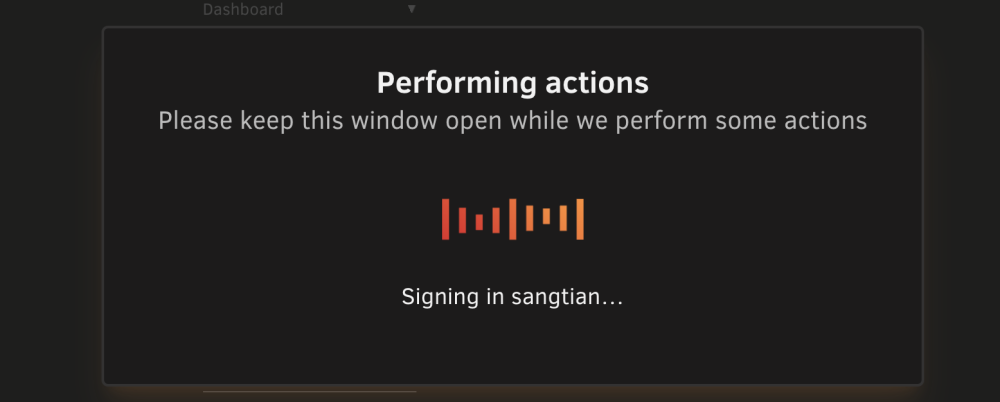
last week I update my new key with new udisk But i could not connect my server to Unraid Connect. it’s stuck at “Performing actions Please keep this window open while we perform some actions“
-
Thanks For your help!!! already change to ipvlan will rebuild docker image on weekend
-
Thanks For your help!!! already change to ipvlan will rebuild docker image on weekend
-
sangtian changed their profile photo
-
After Update to 6.12.3 Warning : kernel: BTRFS error (device loop2): bdev /dev/loop2 errs: wr 0, rd 0, flush 0, corrupt 9488, gen 0 Is my ssd cache damaged? Thanks for the technical expert's reply🥺 samnas-diagnostics-20230901-1006.zip
-
Thanks a lot
-
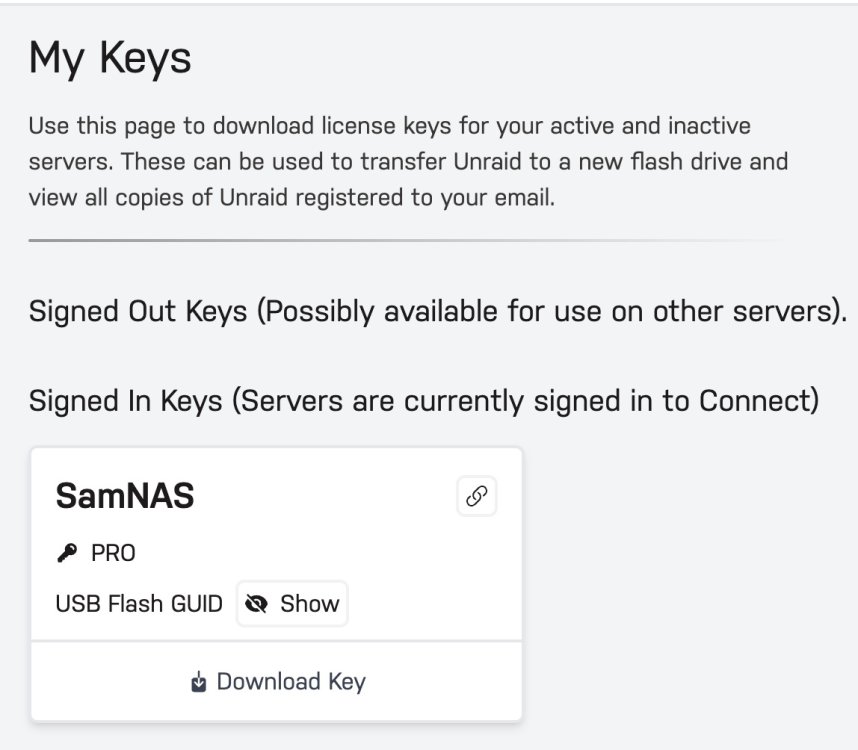
My key is Clear
-
there is no such file “key.key” in my boot USB device /boot/config/
-
Help update to 6.12.1 ERROR:“ ld.so: object '/boot/config/key.key' from LD_PRELOAD cannot be preloaded” Docker could not start...... samnas-diagnostics-20230621-1340.zip



