Gex2501
Members
-
Joined
-
Last visited
-
Any reason this doesn't seem to work correctly with Unraid 7.1.4? It shows swag but not tsdproxy, and any changes I try to make are not being saved. I have attached my diagnostics.zip. I hope someone can help? aorus-diagnostics-20260619-1352.zip
-
@BrandedTamarasu OMG! So awesome! I will definitely help test and get back to you on my results. I've got four servers on different versions of unraid I'll happily give feedback on!
-
This is fantastic! Thanks for this! If you're feeling ambitious I know a lot of people would appreciate some kind of adaption of the Theme Park themes since the plugin no longer works in 7.2+. I like to use a different theme for each server I work on. Help keep them distinct. I've tried to adapt them myself but my CSS-fu is not so good. https://docs.theme-park.dev/theme-options/
-
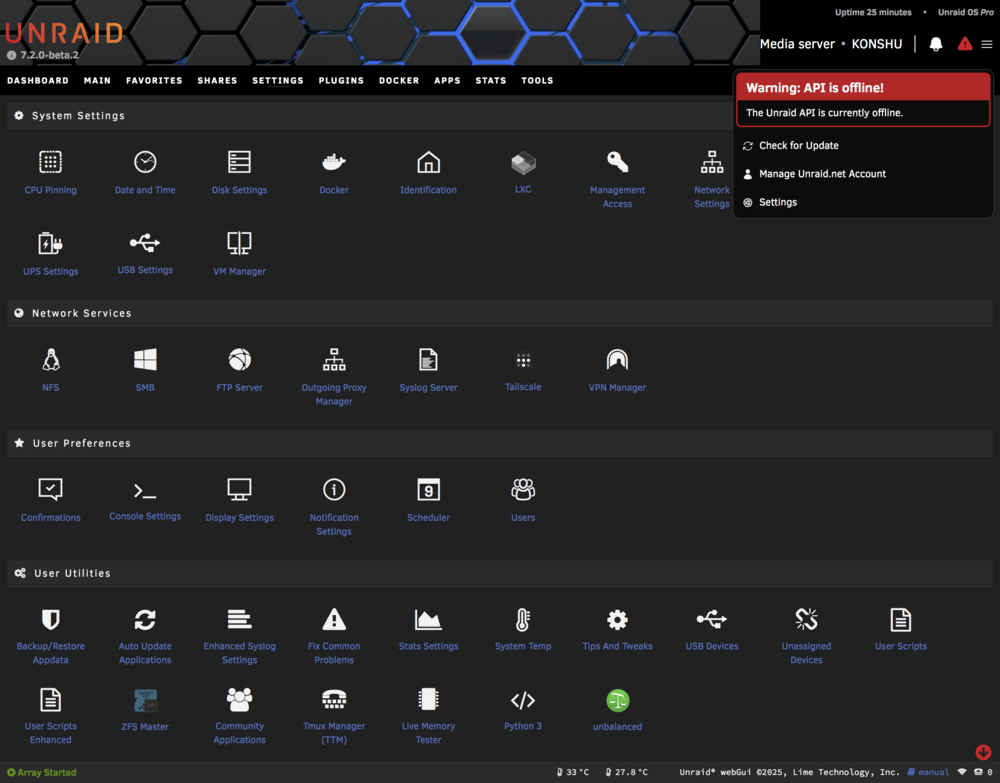
I'm seeing this after every reboot. I had this same problem with the connect plugin under 7.1.x I can start the API manually using either unraid-api restart or pm2 start /usr/local/unraid-api/ecosystem.config.json --update-env and it seems fine, but I have to do this after every reboot... also, FYI: pm2 is aliased to '/usr/local/unraid-api/node_modules/pm2/bin/pm2' I have attached a screenshot and logs files. konshu-diagnostics-20250901-1625.zip logs.gtar
-
I love this! Makes configuring SWAG auto-proxy so much easier! And I can see which containers to setup to proxy too! Thank you!
-
Here are diagnotics from another server I have. Same issue... Also, I have to manually start the API every time, which I've posted about in another thread https://forums.unraid.net/topic/186583-red-triangle-with-new-version-202502062108/ tower-diagnostics-20250407-2302.zip
-
I have to do this too! With every...single...update...on both of my servers! Here are diagnostics if it helps but unless it's a plugin conflict I'm not so sure the issue is on my end. aorus-diagnostics-20250406-1613.zip konshu-diagnostics-20250406-1613.zip
-
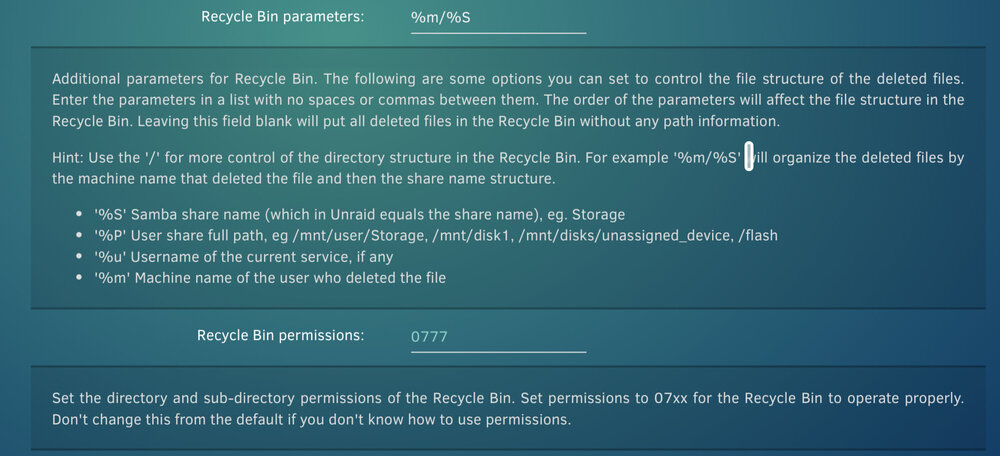
Thanks for fixing this! Things seem to be working correctly again. However I'm trying to use the parameters and permissions feature and it doesn't seem to work. Files moved to the recycle bin just keep the same permissions and don't have the specified folder structure... Am I doing something wrong? I never used these features before so I'm not sure if they were working...
-
Is it possible for the docker containers to be restarted in the same order they have in the docker tab, instead of alphabetically? I ran into an issue today where redis and authelia were updated at the same time, but authelia failed to start because redis wasn't running first. Also, in searching the thread I've seen reference to a CA manual way back in 2017 (see below). I suppose I could utilize this to work around my specific issue but perhaps restarting in the user defined order on the docker tab would be better... Is there a place where the rest of this CA Manual exists? I can't seem to find it...
-
I also see the github repo was archived...is this plugin abandoned?
-
I have this same issue. Seems if I turn of "Log Deleted Files" it doesn't happen. Still, my recycle bin isn't working either and shows '?' for size. No shares listed or logs. Running Unraid 7.0.1 and version recycle.bin-2025.03.06.tgz
-
I'm curious about doing this myself. Did you have any luck with it?
-
Maybe try this path for pm2. I haven't tried 7.0.1 yet but maybe this will work... /usr/local/unraid-api/node_modules/pm2/bin/pm2
-
I just added this to my go file. # Restore custom sshd_config cp --update=all /boot/config/ssh/sshd_config /etc/ssh/sshd_config /etc/rc.d/rc.sshd restart But my vote would be adopt the use of customization files in an /etc/ssh/ssh.d directory. Seems to be more of a linux standard.
-
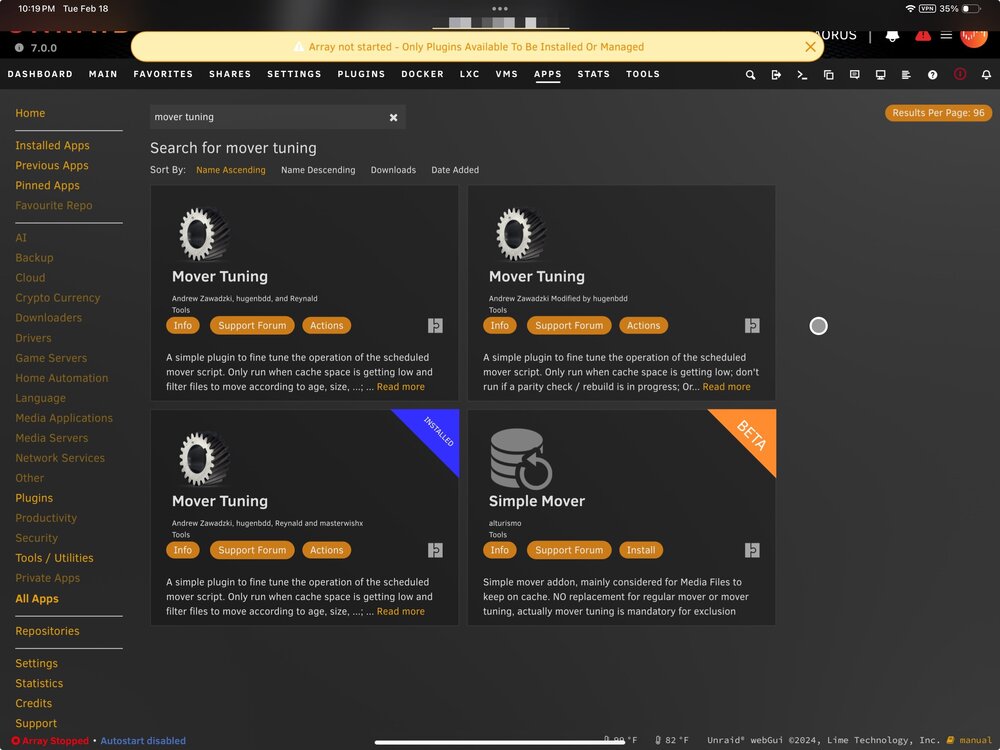
Seems there are three versions of this plugin in the CA apps. I assume we should use the latest one but perhaps the other two need to be removed?