Simoxvl
Members
-
Joined
-
Last visited
-
Actually i tried to setup a cloudflare login though cloudflare tunnel, and it works, but the problem isn't solved, I still can't see arrays and server infos using It, any ideas?
-
I didn't mention a thing... i can't access to firewall... so the only way to access remotely to it is actually a cloudflare tunnel (at least for free). Do you have any other idea?
-
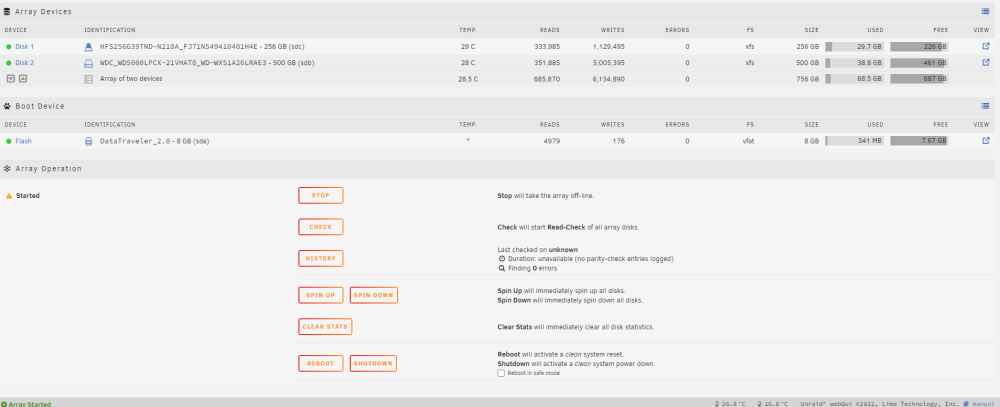
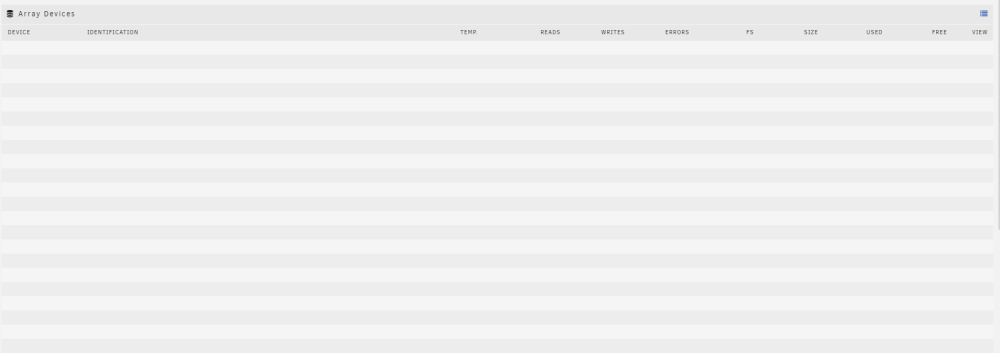
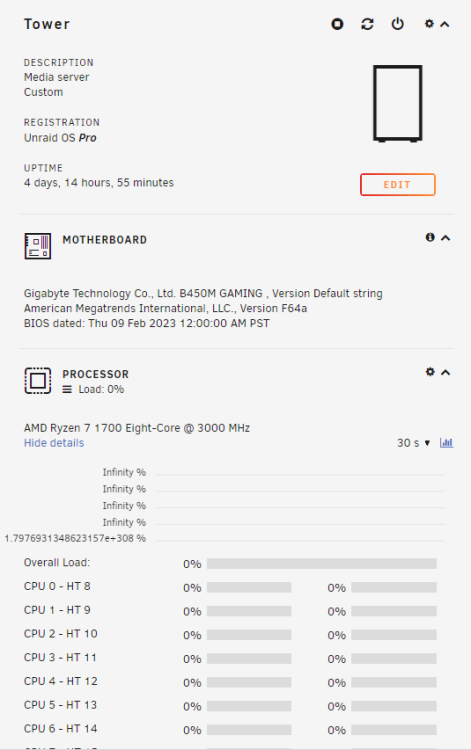
Hi, maybe you guys can help me, i was wondering if there is a solution using cloudflared to access to unraid webpage, am gonna explain it better, when i access unraid with local ip address i can see everything, such array and other infos (like the first image), but if i set up a tunnel to access to my unraid server i can't see server's infos like storage and cpu (second and thirth screenshot). Do you guys have a solution so solve this?