androo303
Members
-
Joined
-
Last visited
-
Hello - quick question. Say I have 15 containers, of which 10 are running full time and 5 are only ran when on an as needed basis. Using this plugin, is it possible to only re-launch those that are running before the backup was cron'd?
-
I didn't manually touch the XML, but I did edit the MAX RAM by adding an extra 2G. I was able to find out what I had it at before, so its now stable again. Any tips on how to virtually "add" more ram to my VM?
-
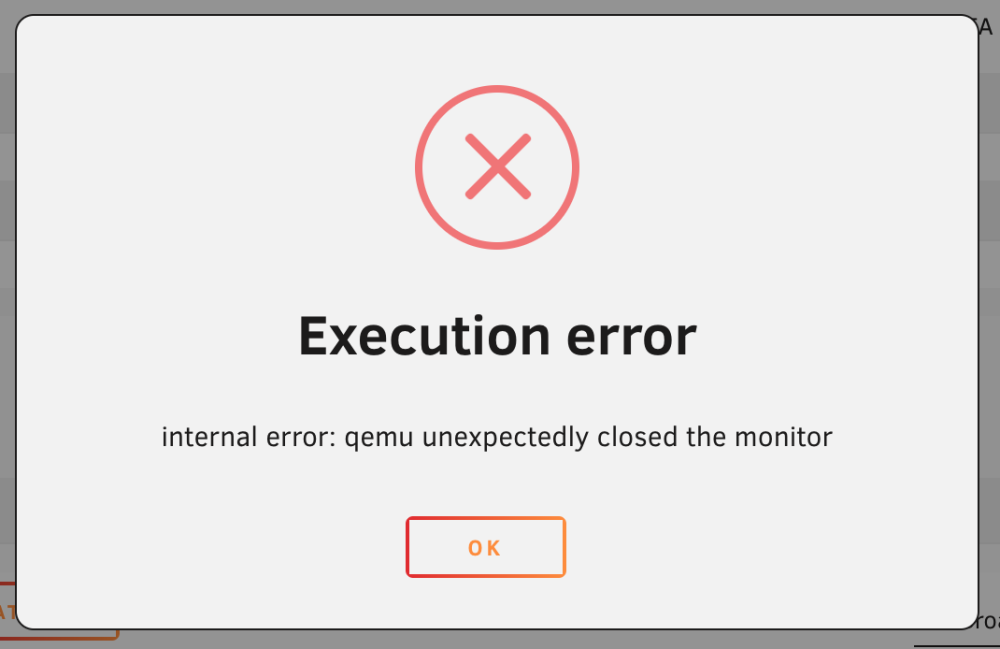
Trying to reboot my VM and I continually get this error. I've pasted the log file for it on PasteBin https://pastebin.com/xiRfvNP2 . I've also included the libvert log output as well just below (didn't go to PasteBin since it is smaller in size). 2023-05-20 17:57:28.744+0000: 19056: info : libvirt version: 8.7.0 2023-05-20 17:57:28.744+0000: 19056: info : hostname: Tower 2023-05-20 17:57:28.744+0000: 19056: error : qemuMonitorIORead:423 : Unable to read from monitor: Connection reset by peer 2023-05-20 17:57:28.744+0000: 19056: error : qemuProcessReportLogError:1963 : internal error: qemu unexpectedly closed the monitor I attempted to up my ram to 30G but I think this is what started breaking it. I cannot remember what I had it set to prior to these crashes. Are there any other logs that I can share to help troubleshoot?