K1LLA_KING_KING
Members
-
Joined
-
Last visited
-
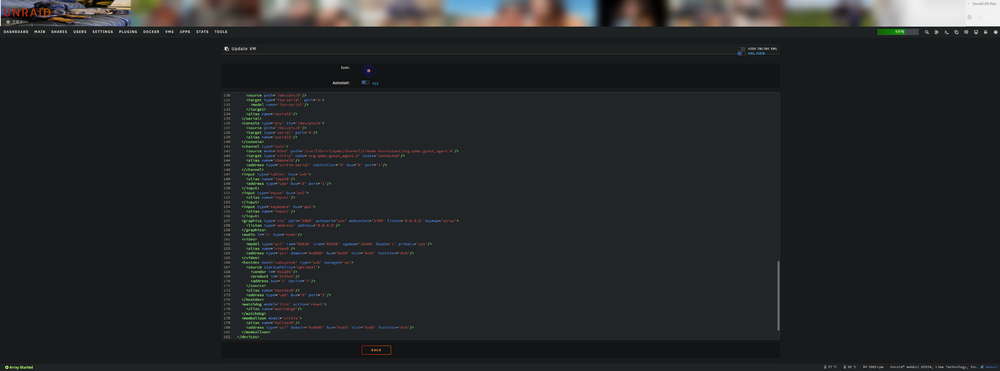
Im trying to edit the XML code to enable auto start of USB devices. (No it does not work in form view, each time the VM restarts, I must manually 'check' the box) So I'm trying to edit the XML, but there is no save option. Pressing back resets the code, pressing form view and applying resets the code. How can I save the XML text? alien-diagnostics-20250413-1107.zip
-
I second this...
-
There is an app I'd like to run on my server: AIrenamer Not too sure how it works yet but I thought I'd ask here in case there is a more Unraid friendly option: Purpose of application: identify what is in the image and name the file accordingly with key words.
-
Thank you very much thats worked for me. But also very strange. As I had not changed this setting, and was working fine for months prior.
-
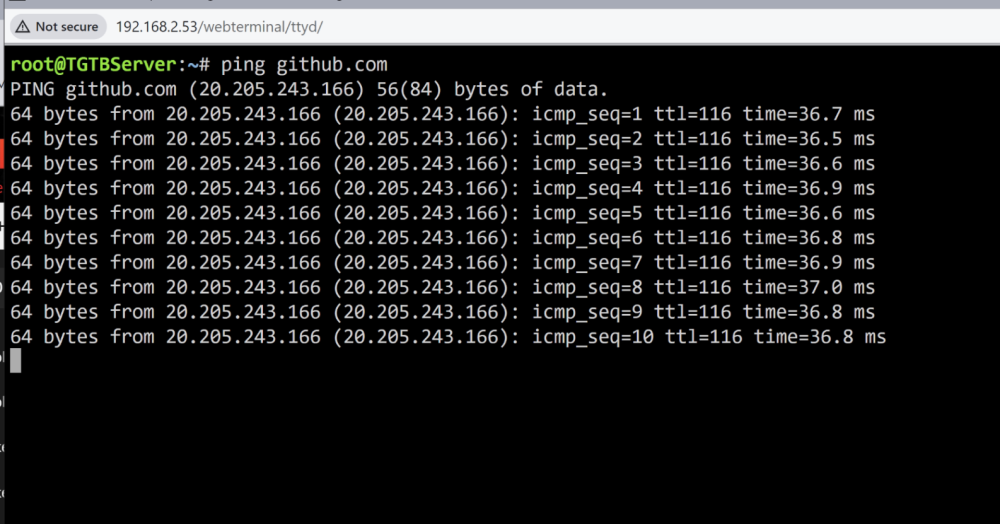
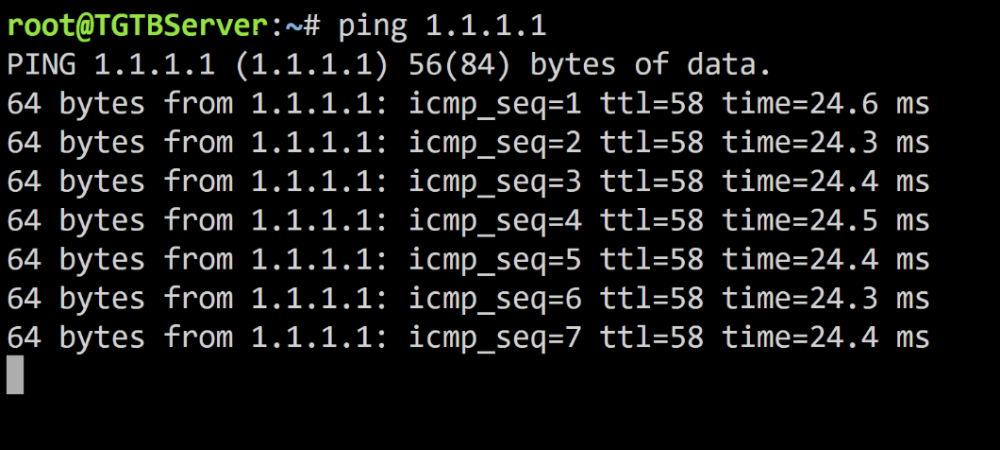
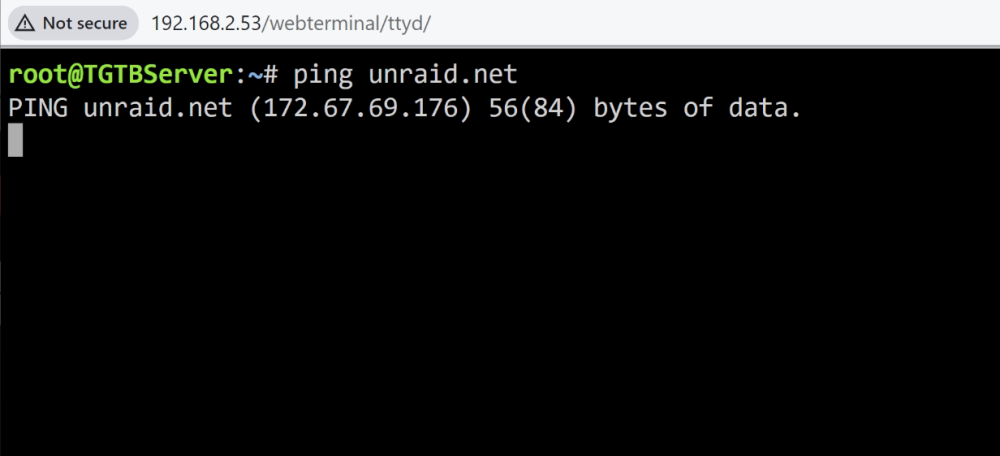
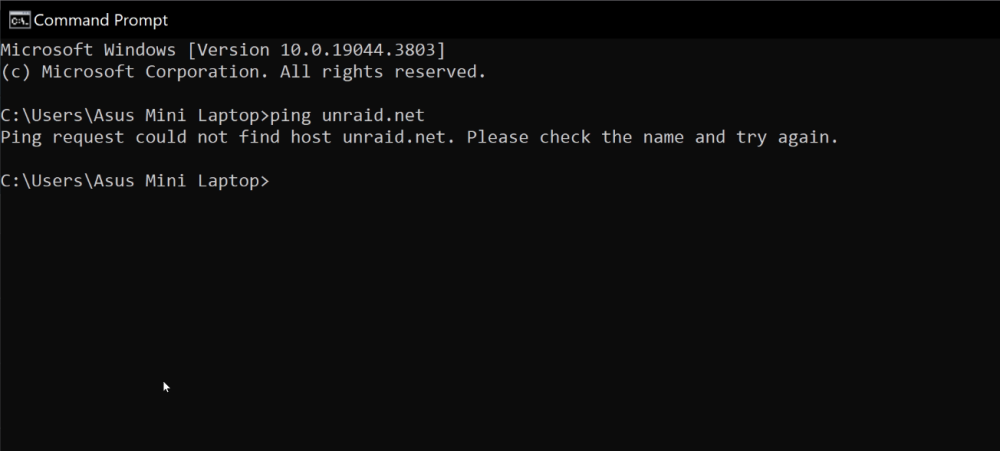
Why cant I connect sab to my LAN? It seems there is a network problem. All was fine before 1 error showing:
-
K1LLA_KING_KING changed their profile photo
-
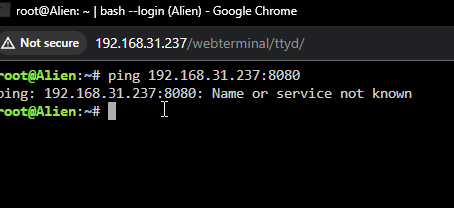
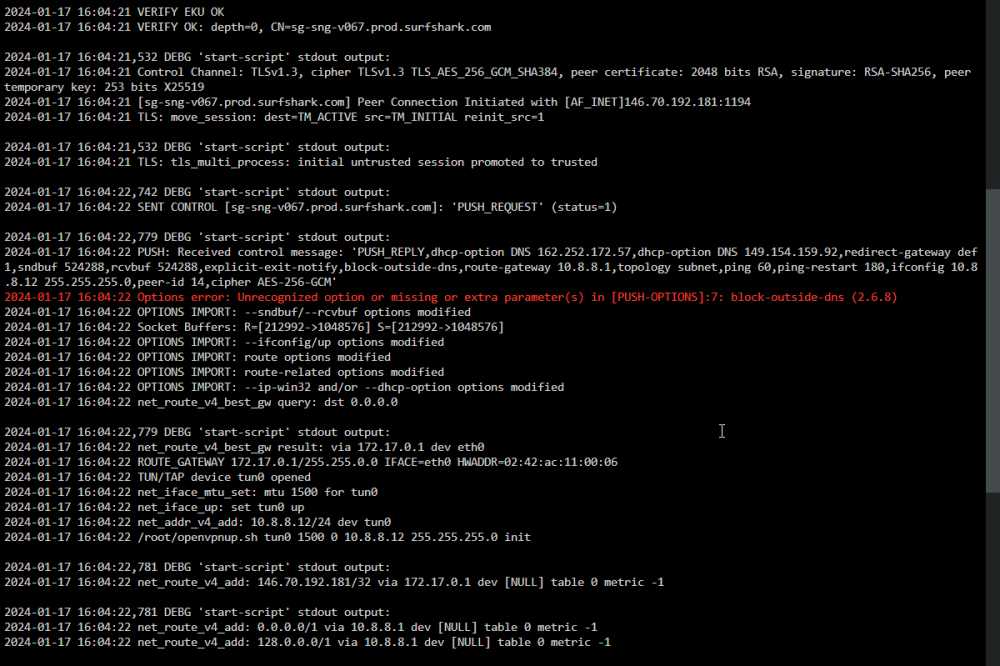
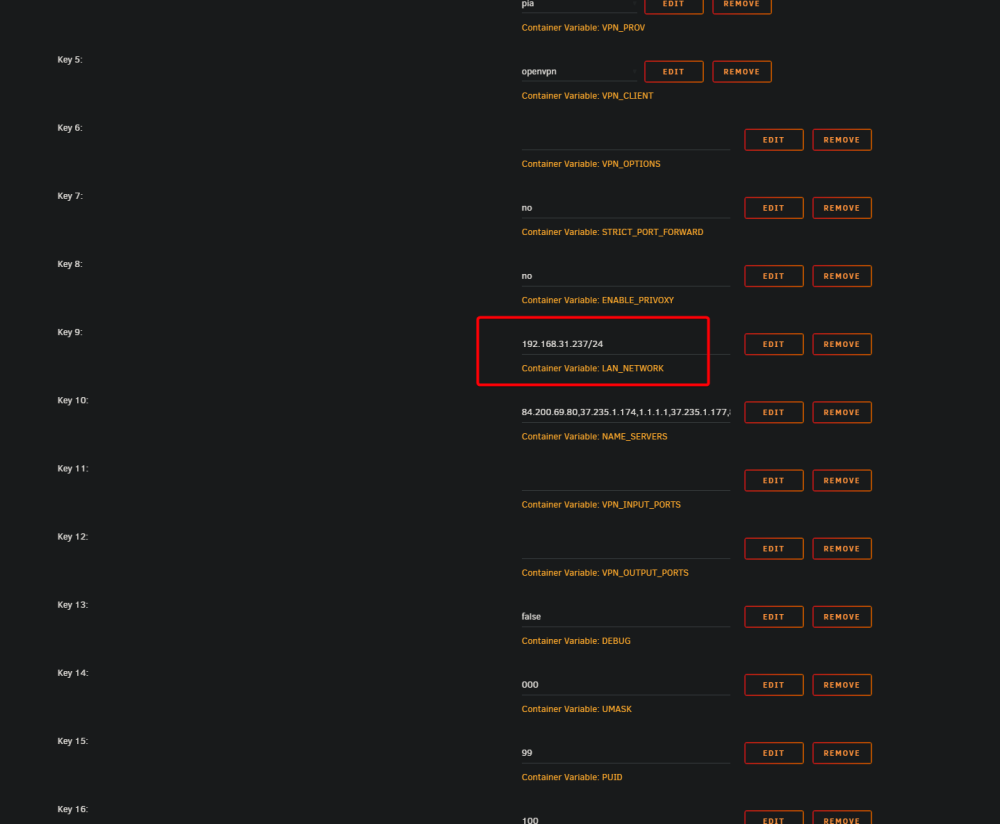
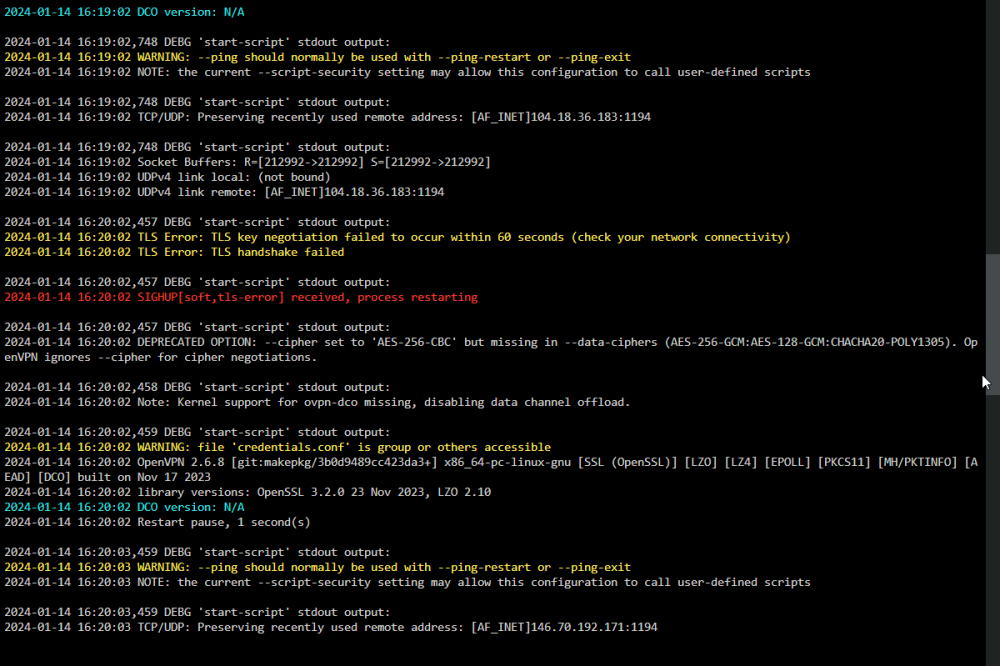
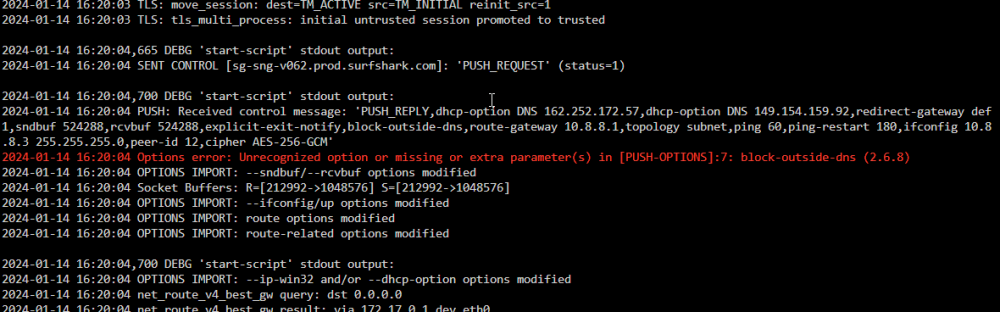
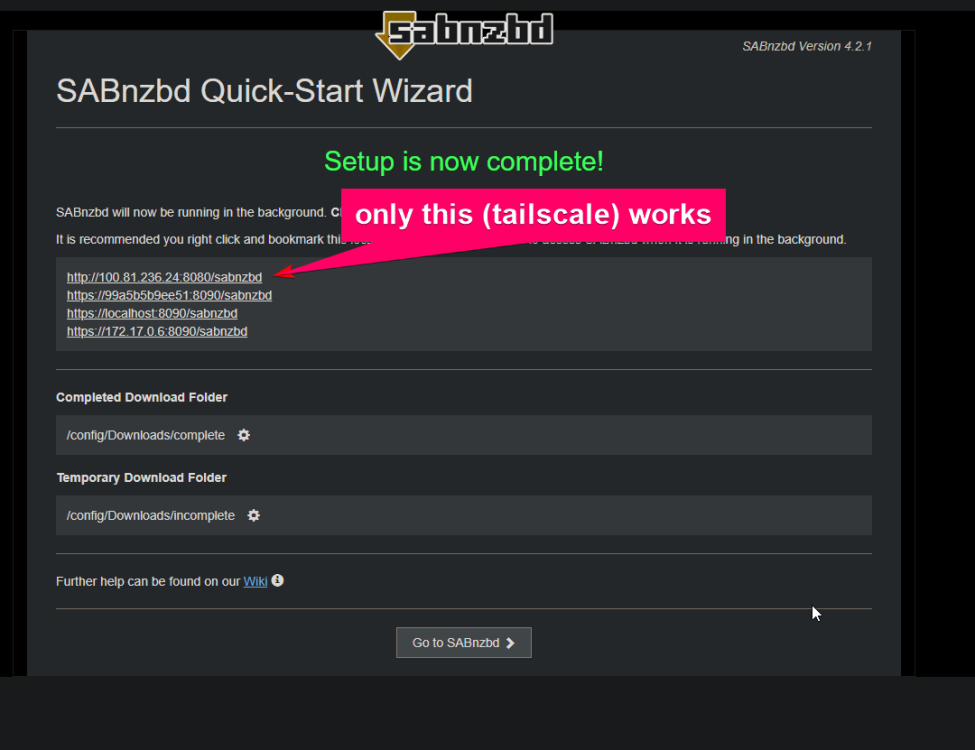
Sab suddenly has problems: 1. Cannot open GUI in local IP:8080 but I can open GUI with Tailscale IP 2. Sonarr & Radarr says: Download Client is unavailable all was working a couple days ago. I have made no changes. Have this error in logs: Options error: Unrecognized option or missing or extra parameter(s) in [PUSH-OPTIONS]:7: block-outside-dns (2.6.8) On start up have this: and this later: Using surfshark UDP VPN All was working fine. Although this did happen before. And a total reinstall solved it. I wanted to avoid that a second time. I wonder if the VPN could be responsible? Testing with VPN set to 'no' gives me access to local IP GUI and no errors in log. But Sonarr & Radarr says: Download Client is unavailable still Im also getting this: 2024-01-14 16:44:21 UDPv4 link local: (not bound) 2024-01-14 16:44:21 UDPv4 link remote: [AF_INET]172.64.151.73:XXXX (this is my tailscale which works) Now reinstalling again I: How to troubleshoot this?
-
yes. Or I would be getting differnt error re: missing db port etc
-
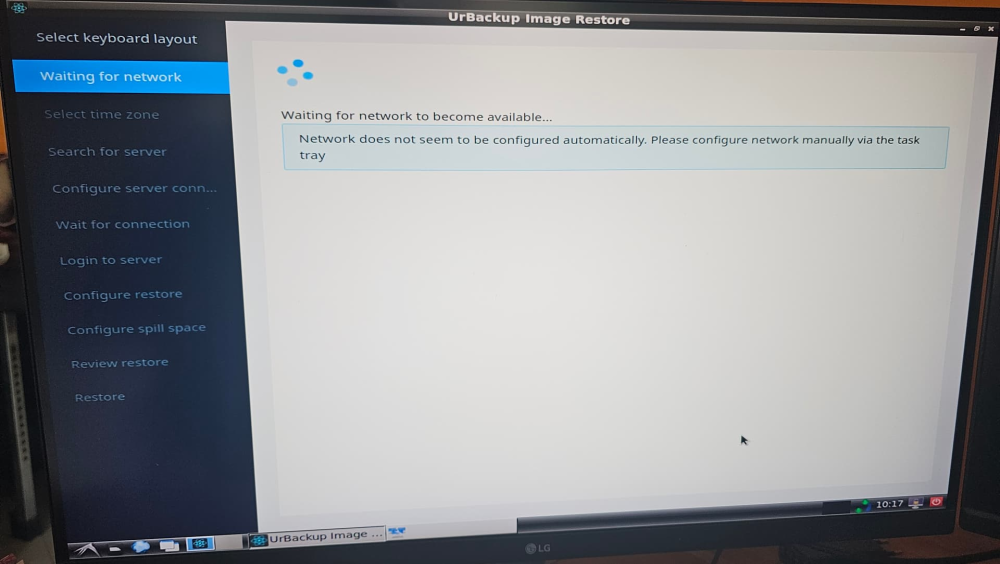
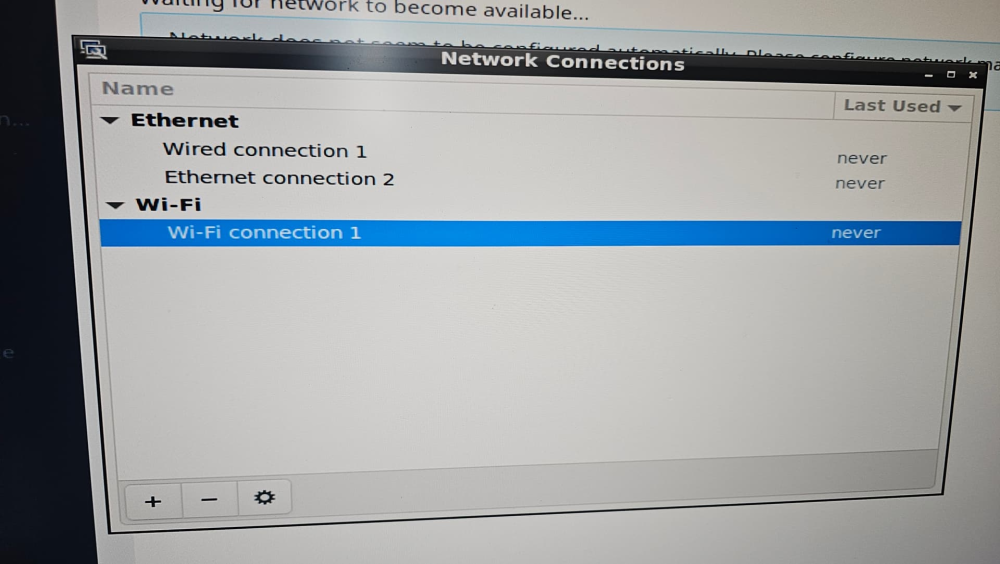
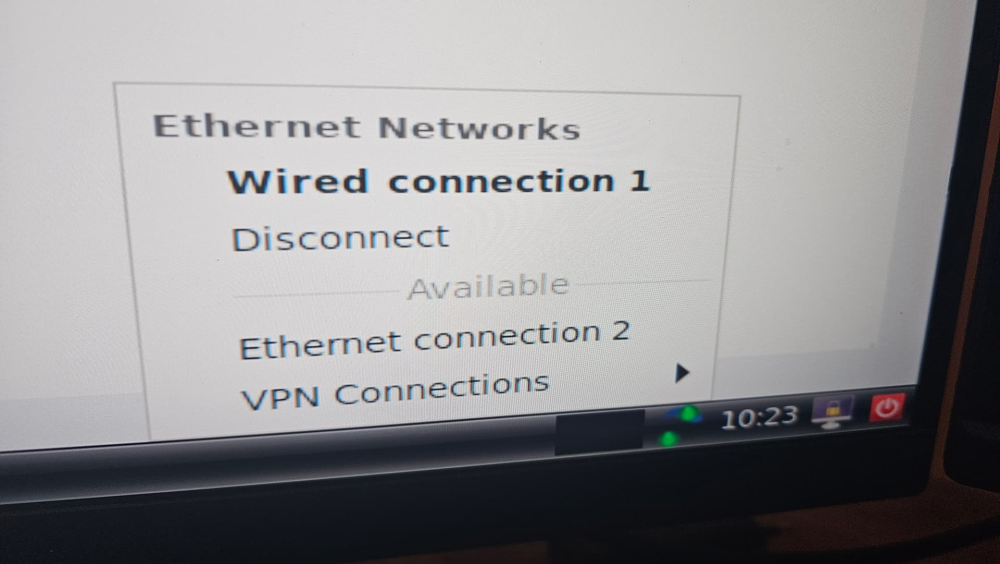
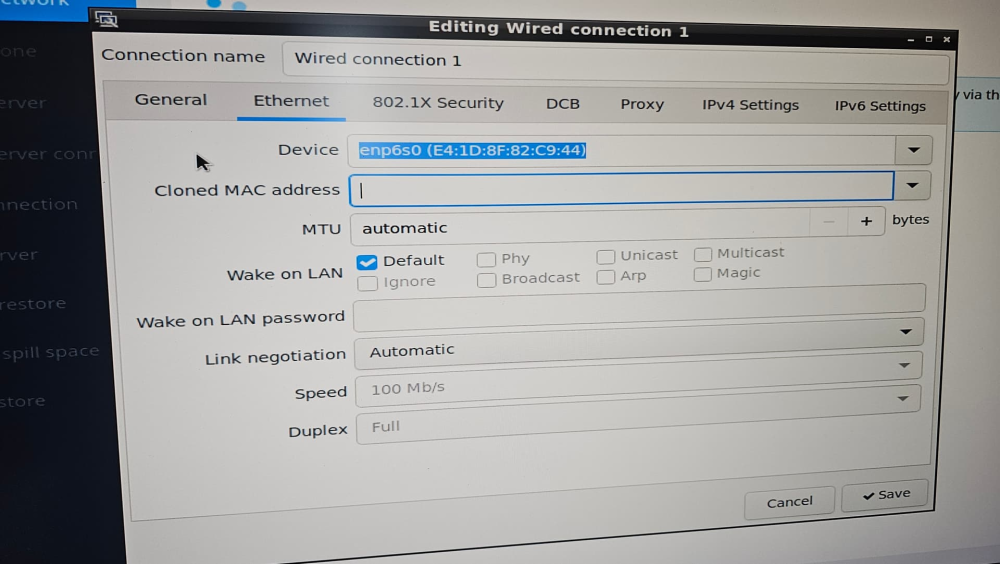
I've been backing up with URbackup for some time, only today did I think I should test if I can restore. Turns out I cannot. Using the lastest version of UrBackup Restore CD 2.4.2 (x64) (USB) it obviosly cannot support my network drivers. I have both LAN and WIFI. Intel(R) Ethernet Controller I226-V Intel(R) Wi-Fi 6E AX211 160MHz I manually added the wifi credantials, but this network will not appear in the task tray. I also tried to find the backup via windows > restore system image > network and that also fails after entering network credentials. I think its the same problem. Network drivers. Any idea how to solve this? Perhaps there is a way to add drivers to the USB?
-
thank you very much. This works... UPVOTE the man ^^^^^^^^^^^^^^^^
-
what are you doing with this error?
-
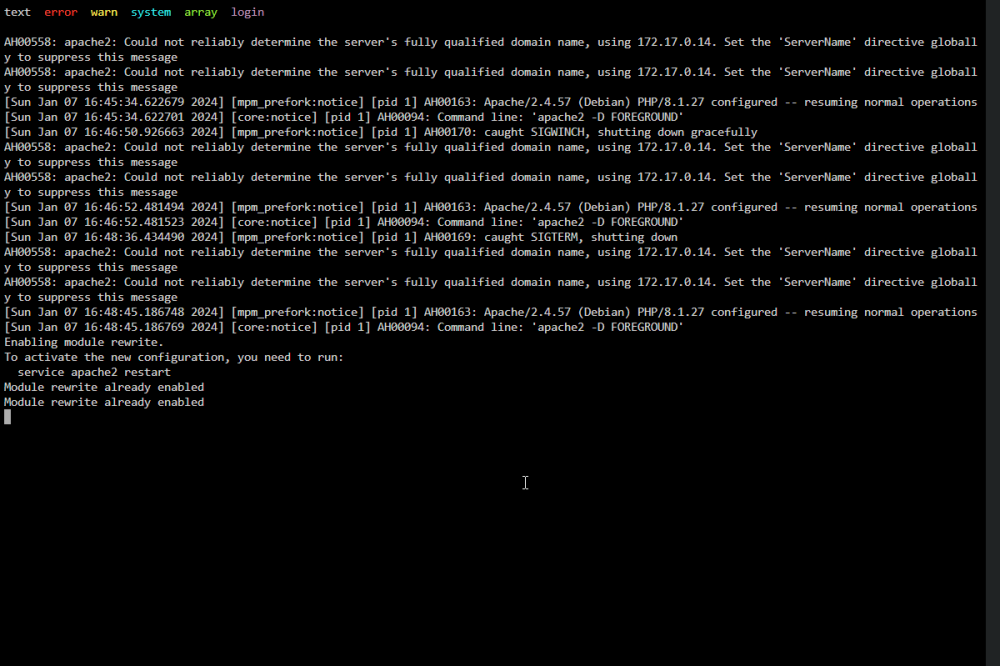
Same question from me. I used the custom string as suggested, which removed the DB NAME and DB PORT error. But now im left with this: Rolling back toakaunting/akaunting:2.1 is worth it? Or do I just look for a different app?
 Is there anyway to backup and restore plugins? Recently I've had issues with a couple plugins and I wanted to revert to previous settings, instead need to remove, reinstall and set up againWould like to see a camera icon to represent photography / photospings Windows terminal