





gsownsby
Members
-
Joined
-
Last visited
-
Done. When I add a new drive for cache, I'll adjust that setting. Thank you.
-
Yes, I think so; however, this server has been reconfigured a few times over the last year due to a nearby lightning strike. Reassembly was a best-effort with what was left in a working state. So now as I recall it, the cache drive was dead therefore not available for use in the last "rebuild". Thank you.
-
Thank you. See attached. tower-diagnostics-20250122-1100.zip
-
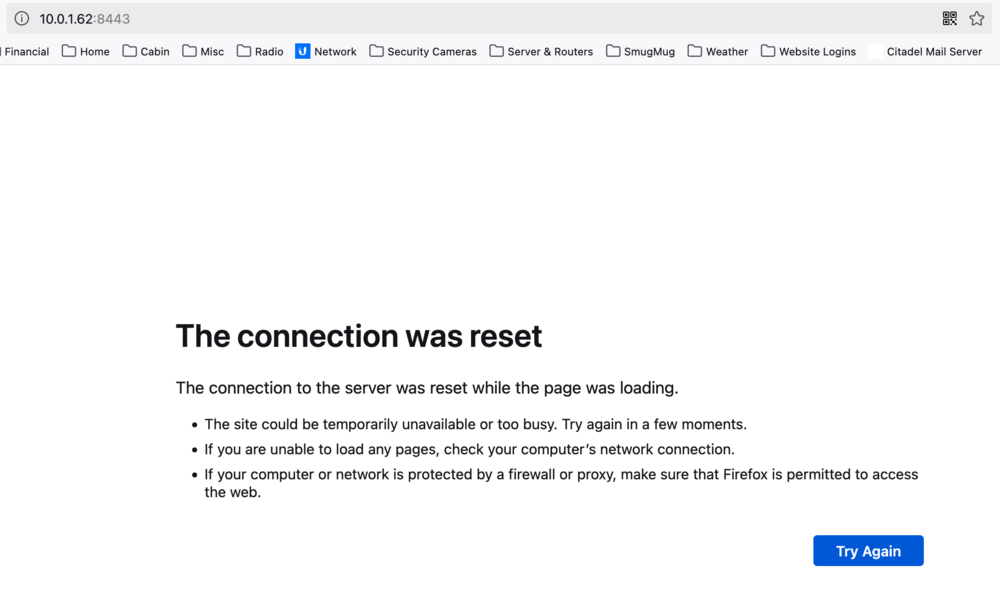
Hello All. I recently installed Proxmox Datacenter Manager on my UNRAID server and on another server. My usage is strictly local on my home network, so the URL is the IP address plus the port number 8443. When attempting to access Proxmox on my UNRAID server or on my other Proxmox server, I often see these types of messages, but not always. What do I need to do to resolve these messages? Some virtual machines on my non-UNRAID server trigger these types of messages as well. Thank you...still learning. Gary
-
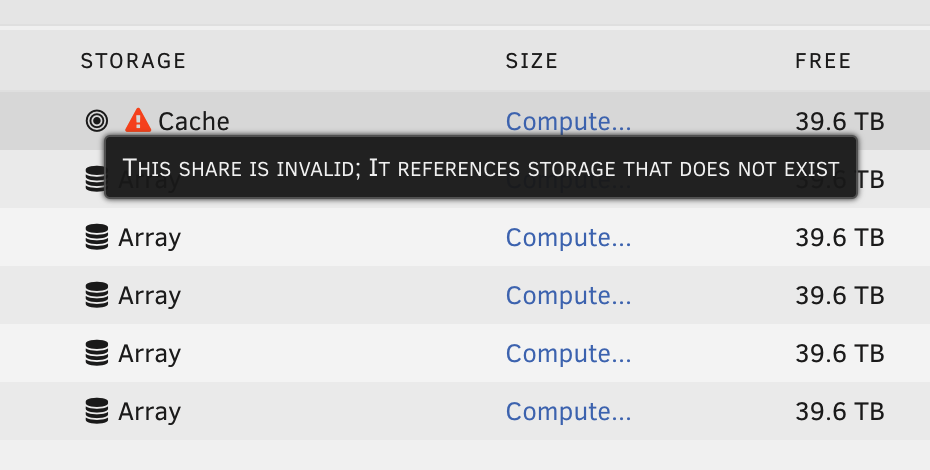
Hello All. Since upgrading to Version 7.0, this error appears. See screenshot. How do I resolve this? Thank you. Gary
-
Thank you for your reply. I haven't noticed this condition changing over time. Originally, these files (the whole folder) were copied from my Synology Server. I wonder if they were picked up from there? Would permissions come along with them? Thank you.
-
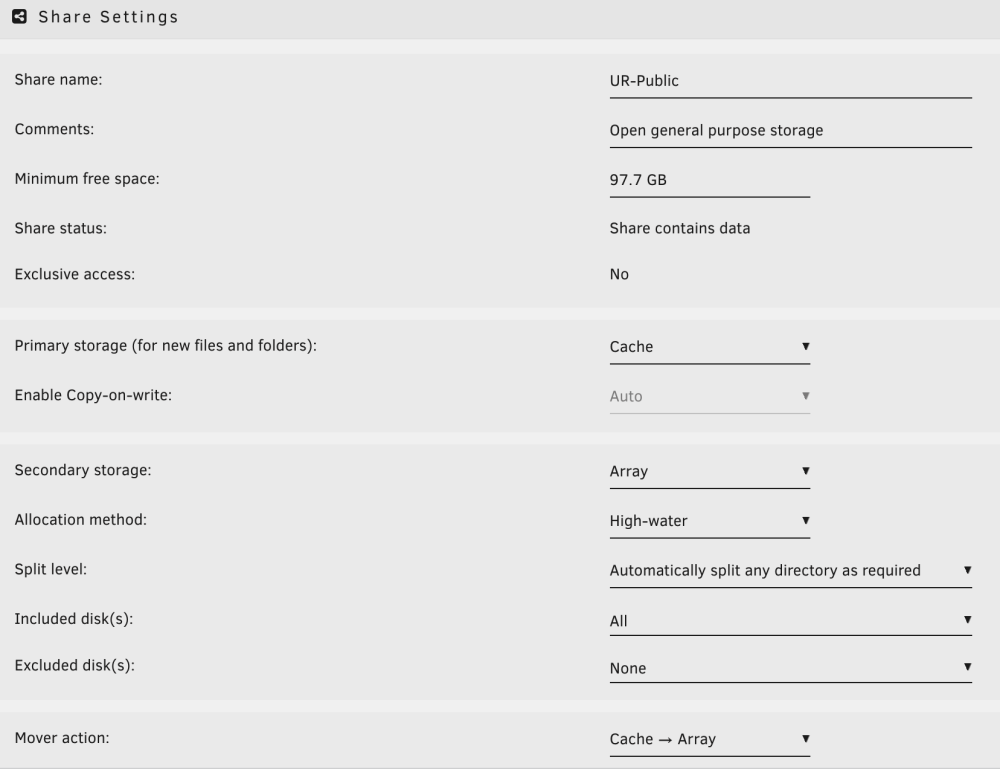
Thank you for your reply. I understand that well enough; however, when I look at the settings for the upper tier folder, does this not show that it is set to be cache and array? See screenshot below. It appears to be only the "Icon" files that are causing this problem; however, I cannot delete them or move them out of this folder. I'm not even sure what they are. Thank you again.
-
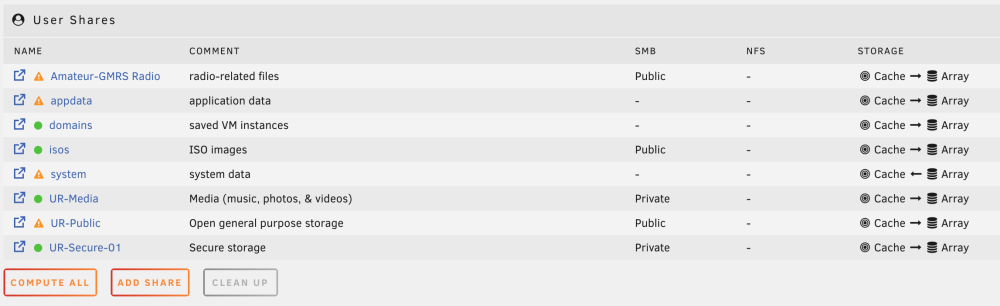
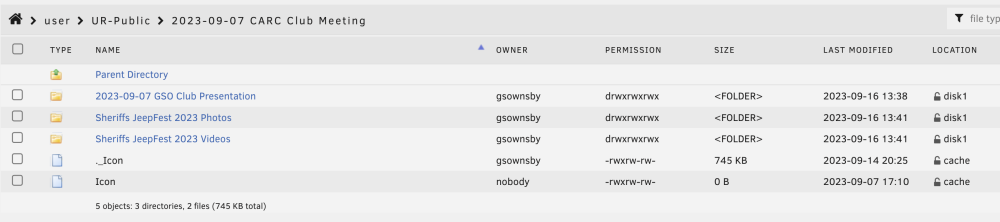
My Unraid Server has been going for well over a month. I'm puzzled as to why the caution symbol appears (Some or All Files Unprotected) for some folders/files. See screenshots attached. Those files appear to be system-owned files (._Icon / Icon), so why does this happen and is it something I should be concerned about? If not, how do I make it stop flagging them? Thank you.
-
Hello All, I'm new to Unraid, and I am enjoying what it is able to do. I'm trying to determine what causes some files to seem to stay in cache when their size is very small compared to others that have long since moved to the Array that were significantly larger. The attached screenshot shows what appears to be a couple of files that are "icons" but seem to be stuck in the cache. Is this normal? What am I missing about how Mover works. My Mover schedule is temporarily set to trigger every hour. Thank you. Gary



