Bronom
Members
-
Joined
-
Last visited
Everything posted by Bronom
-
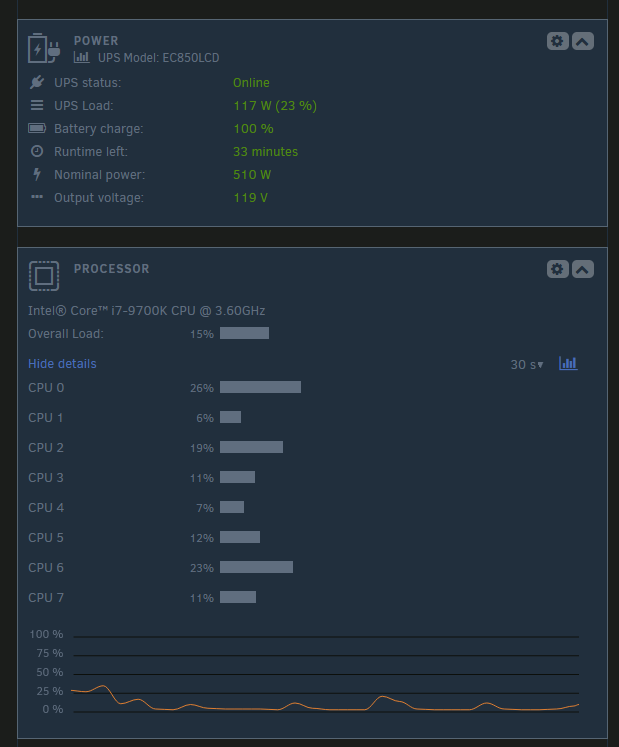
When using the Gray theme the dashboard seem to display a weird washout blue background for every card. I tried to modified it with theme engine but that still doesn't work. (It was working for few week and suddently it just stopped) (Theme Engine was juste a workaround it not the ''issue'') I tried on 3 browser and the issue is still there. Even with private navigation I've cleared my cache Tried with a new install of Unraid Pro on a other server.
-
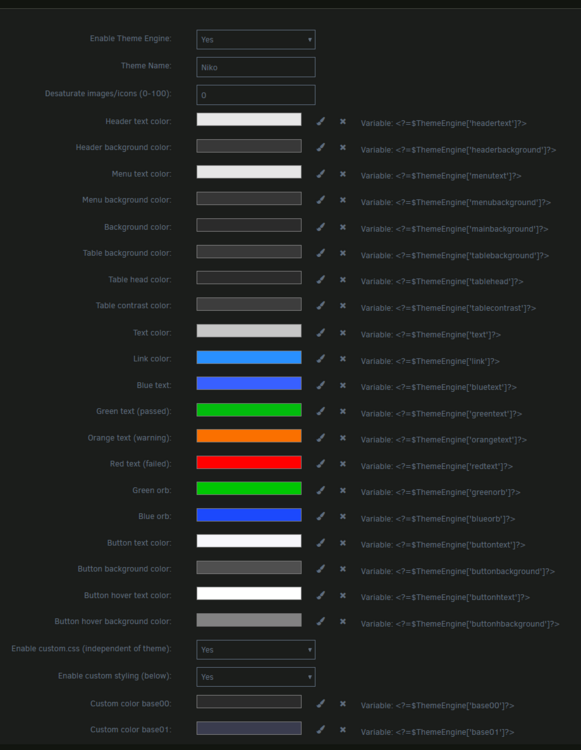
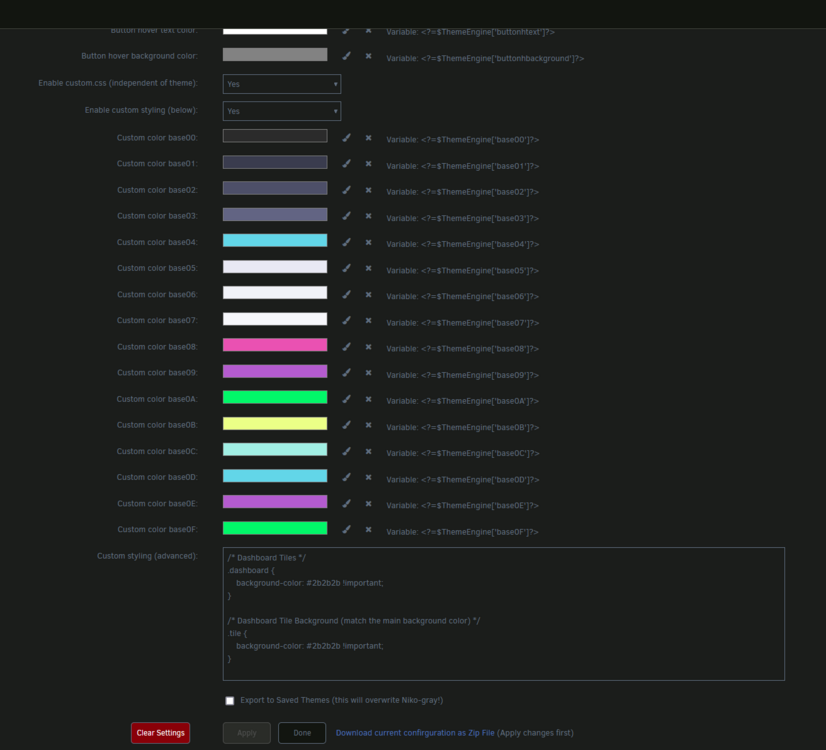
Hi i try to hide the ugly blue square on the gray theme but theme engine doesn't seem to modify anything when the gray theme is used. I've tried many different theme. Imported, put everything in yellow disabled custom css and Enable custom styling. But nothing seem to work. Anyone got an idea ?
-
I would love to try it.
-
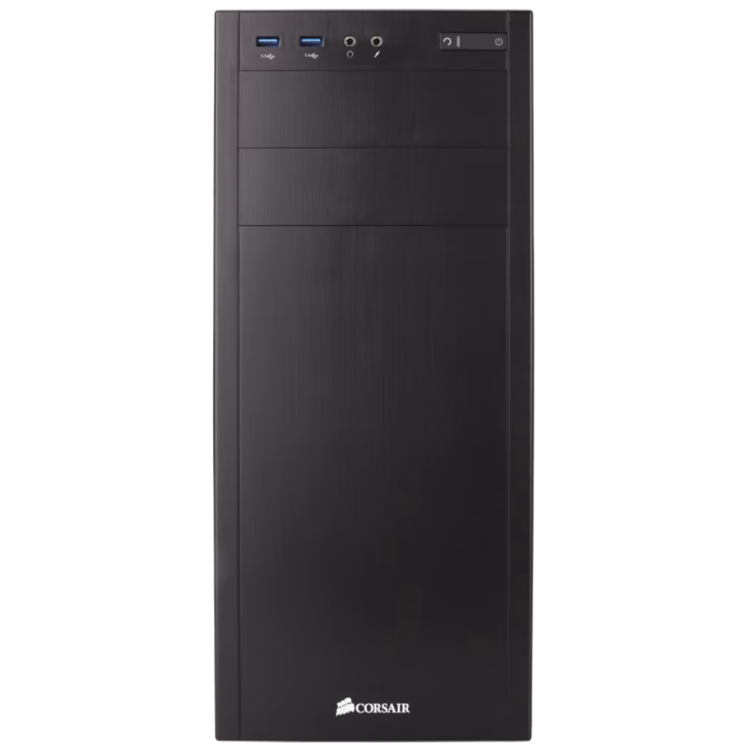
Did someone have a icon for the Corsair 100R Silent Please ?