lightsout
Members
-
Joined
-
Last visited
Everything posted by lightsout
-
I am running this docker but it is showing in the unraid UI that there is no update, but in radarr there is one. I am still on 4.xxx. How do I get it to update to 5.xxx. Repository setting?
-
Dang man you're good. I've had two issues and both were with my VPN provider. I'll start there next time thank you. If anyone reads this down the road, the VPN server I had chosen was down for maintenance.
-
Yeah I wasn't sure what I should share. Sent from my Pixel 7 using Tapatalk
-
@binhex Can you or anyone please check this log. I am unable to access the container it was running fine yesterday. supervisor log.txtsupervisor log.txt
-
I woke up to qbittorrentvpn not working, here is what I am seeing in the log. insmod: ERROR: could not load module /lib/modules/iptable_mangle.ko: No such file or directory 2023-10-11 06:25:54,413 DEBG 'start-script' stdout output: [warn] Unable to load iptable_mangle module, you will not be able to connect to the applications Web UI or Privoxy outside of your LAN 2023-10-11 06:25:54,413 DEBG 'start-script' stdout output: [info] unRAID/Ubuntu users: Please attempt to load the module by executing the following on your host: '/sbin/modprobe iptable_mangle' I pasted the command that it shows there in the terminal, the error went away but it still won't allow access to the UI, and a tracker says I am not connected. Not sure where to go next.
-
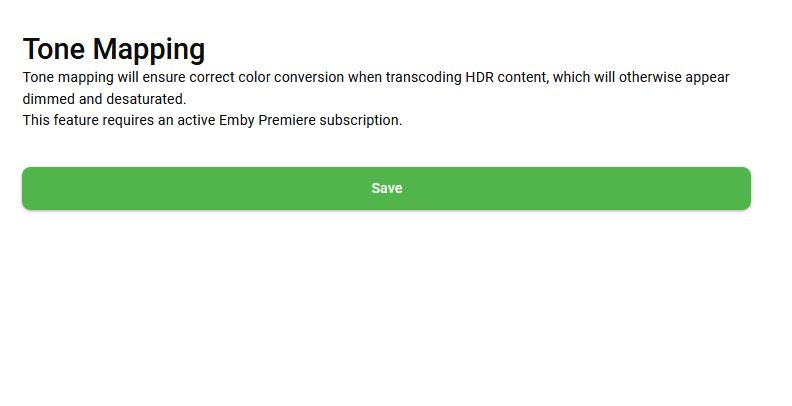
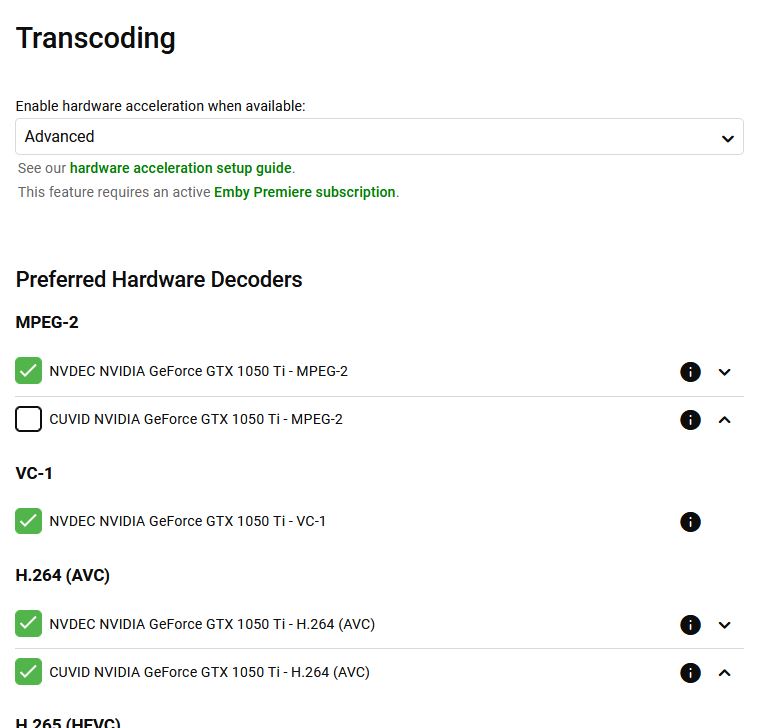
Should I expect HDR tonemapping to work? I have HWA setup, and I am a premier member. But this is all I see under the tonemapping section.