





Monetary5569
Members
-
Joined
-
Last visited
-
Thank you man!
-
Hi guys, I've received this error on my server through the "Fix Common Problems" plugin. The more information link said to post the diagnostics here. I don't really know what to do, hope you can guide me. Thanks! alexandria-diagnostics-20241230-1944.zip
-
Ok, understood! I think that using unraid settings for the warnings could be a very nice idea. Thanks for the reply!
-
Yeah, it's still not fixed, they don't care a bit.
-
Hi @FlamongOle thank you for this amazing plugin. I've updated recently and I encountered that now there are S.M.A.R.T warnings as a feature, that's nice, the problem is that one of my disk is flashing because it has 2 uncorrectable errors but I have it acknoledged in unraid because those two errors occurred years ago and they don't increase, so I'm good with them. The thing is that I want to use this feature for this disk and also the others, but I see that there is no specific setting, I would have to disable all warnings or increase the global limit but that's a bad solution. Am I missing something? Thank you!
-
Didn't try that far, but it makes sense because I have the problem with smb shares on unraid that I can't access if I don't do the workaround.
-
I'm having this problem on 6.12.4. Don't know what to do.
-
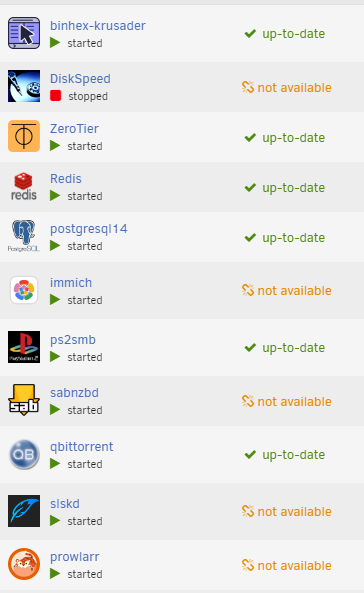
That's exactly right. The below solution works but not after reboot, I did what you said and it's working again, this is an Unraid bug. We should notify this.

