






Antiq
Members
-
Joined
-
Last visited
-
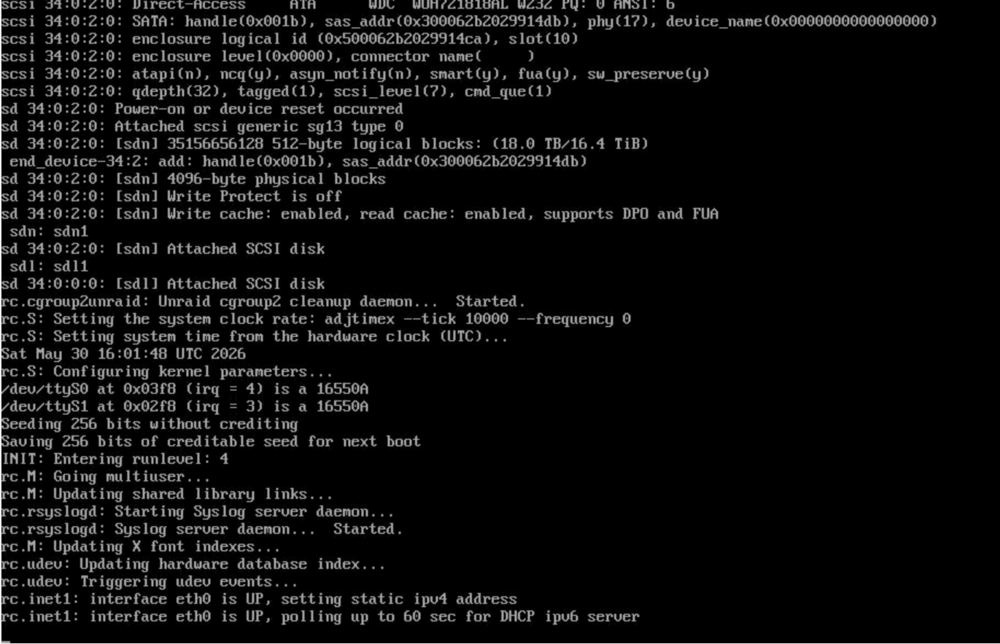
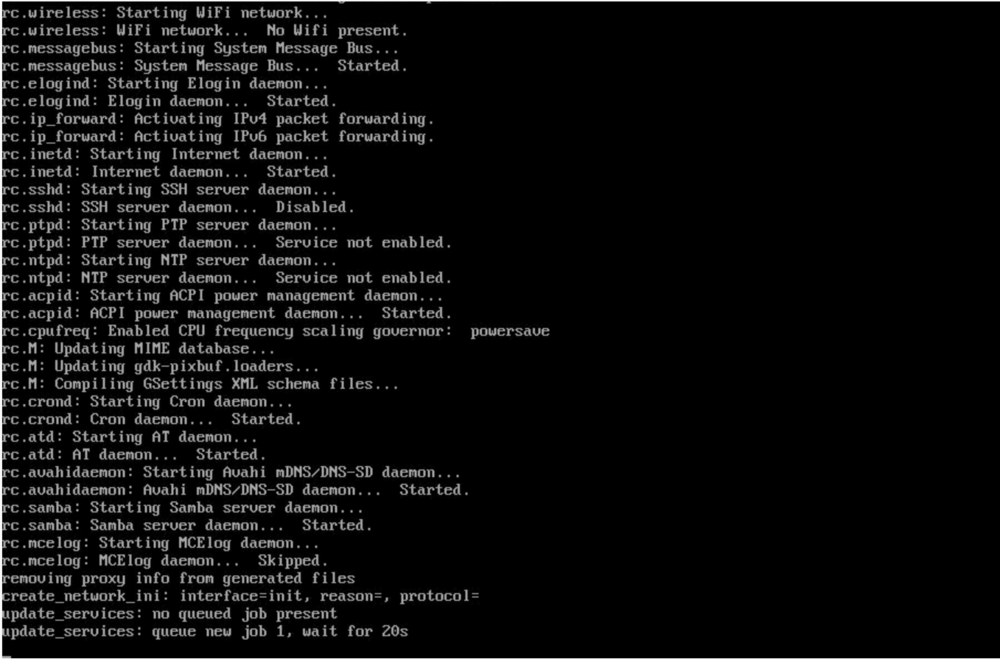
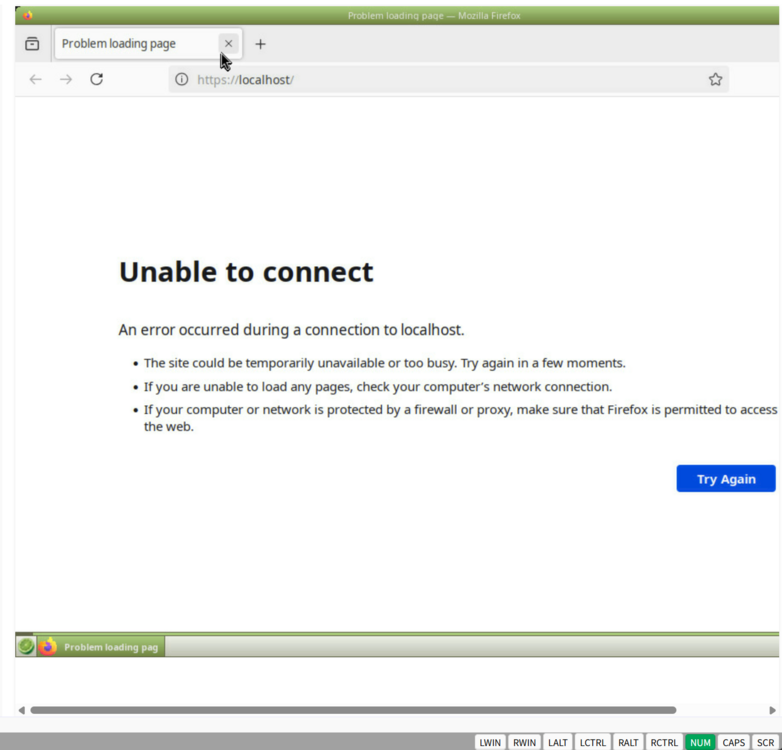
The failure presents as "SYSTEM STUCK" after choosing the UEFI booting usb drive, which means it's not showing either Unraid Booting Menu nor rows of logs in terminal. As what I have met when I updated from unraid 6 to unraid 7, consider it as a booting media failure. I managed to shutdown the server and backuped the files from the usb drive, then tried methods in BOOTING FAILURE page from https://docs.unraid.net/unraid-os/troubleshooting/common-issues/boot-and-startup-failures/ Use a USB 2.0 port for the boot device if possible (when booting from USB). It's generally more reliable and less prone to issues than USB 3.0. [I used another usb3.0 drive with valid GUID] Check your BIOS/UEFI settings to ensure that the Unraid boot device is set as the primary boot target. [UEFI checked] Inspect the boot device for any physical or logical errors on a Windows or macOS computer. [Cleared] Re-extract the Unraid release bz* files onto the boot volume to prevent any potential corruption. [Tried, not working] Rebuild boot media by starting with a clean Unraid copy, then restore your config folder. [I backed up the files from the corrupted drive, and downloaded a new unraid 7.3.1 archive. After exracting the files to the new drive, I then REPLACED the /config folder with the BACKED-UP one. This time, it boots HOWEVER when it comes to the GUI, the firefox says it is unable to connect. I even tried "ip addr" and confirmed im using the right ip address. ] Try booting in Safe Mode to check for any plugin-related problems. Test with new boot media and perform a clean Unraid installation. This helps determine if there are issues with the server hardware. If necessary, transfer your license to a new boot device. At this stage, i don't know what to do. Should I create a new unraid 7.3.1 boot drive? or how should I solve this "Not Booting WebGUI"?
-
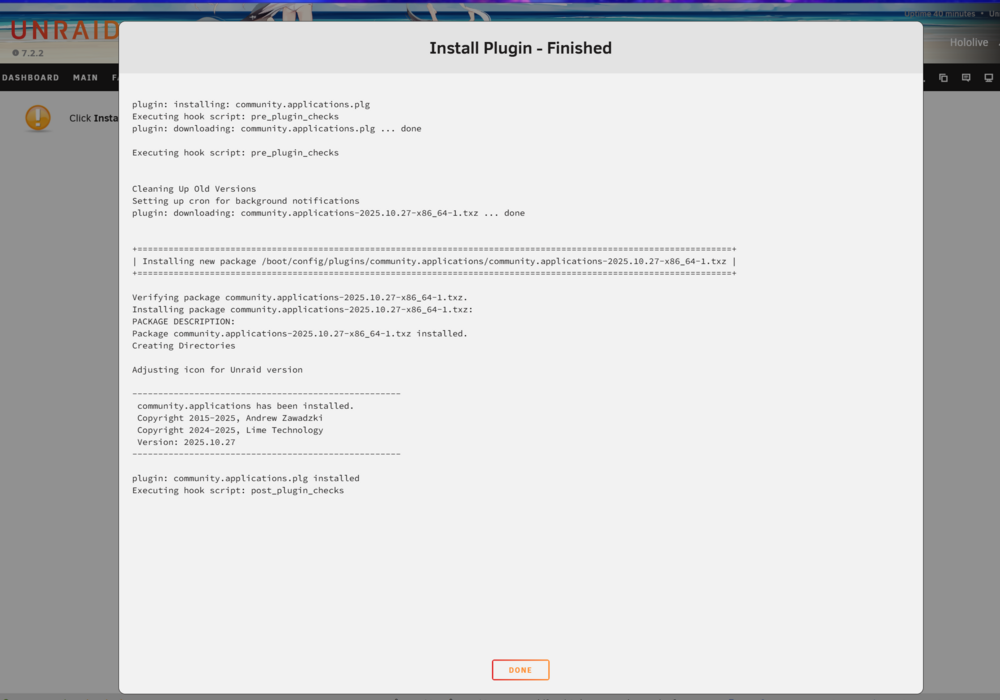
I saw a hoving Unassigned Devices Plugin update Notification when in Main Tab. I clicked on it, and a window pops up, waited till it finish. Then I tried the "Install" button in App Tab to install CA. Guess what, it works! Seems there has been some background task that conflicting with the installation or something? There's no relavent search results when I browse through the forum, so I'll keep the topic open till the dev bro's review.
-
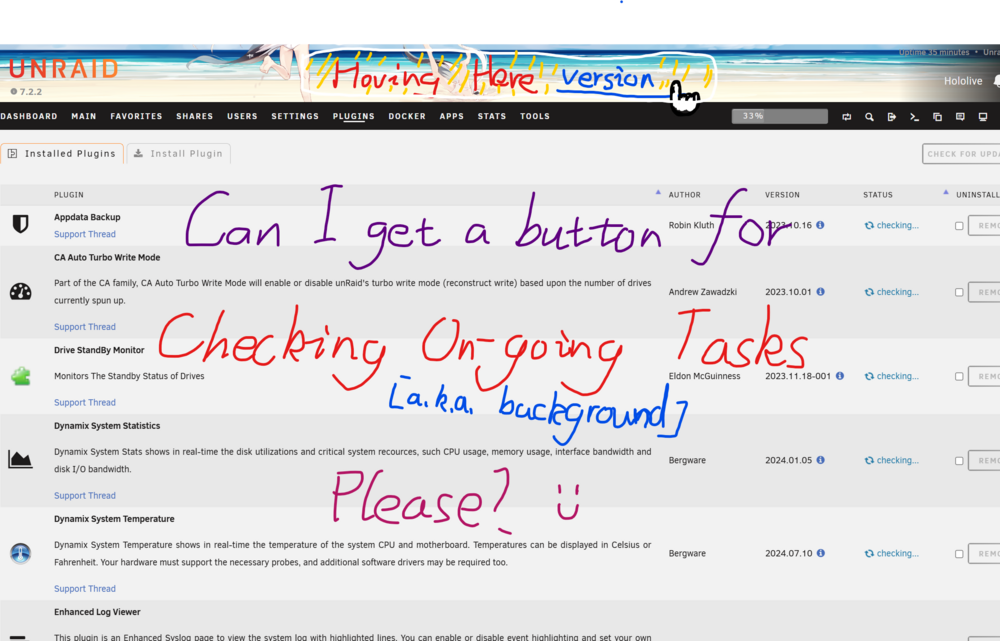
or is it already available? Let's say, when I click on the UPDATE NOTIFICATION of a plugin, which hovers at the top of the browser, normally an update PROCESS window would pop up, along with a CLOSE button. The CLOSE button can be used to close the pop-up window and keep the update process working in the background. However sometimes I would like to RE-OPEN that process window to see if things went through well or not. Currently: There seems to be NO obvious method to wake that process window up and allow users to keep track on the working process If I want to do that I would need to keep that browser tab there and the process window lying there. When I accidentally closed that browser tab, I would then lose track of the ongoing tasks.
-
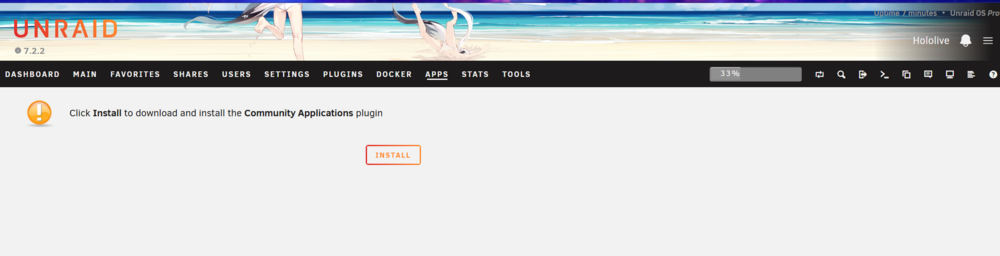
After updating from unraid 7.1.3 to 7.2.2, I found my CA apps And the CA itself too out-dated to work well. Tried Clicking on the YELLOW Update info bar hoving above the browser, that would make it turn RED, however no update process window popping up. Then I tried REMOVING the Community Applications Plugin in the Plugins Tab. Now there's a brand new installation guide here just like whats on the DOCUMENTS of the CA . However nothing happens when I click on that "Install" button, no notifications, no update process windows. Any way I can forcely install the CA Plugin?

-
Thanks, I did a safe mode reboot, then updated the Unraid OS to 7.2.2. After another reboot, things seems to work just fine.
-
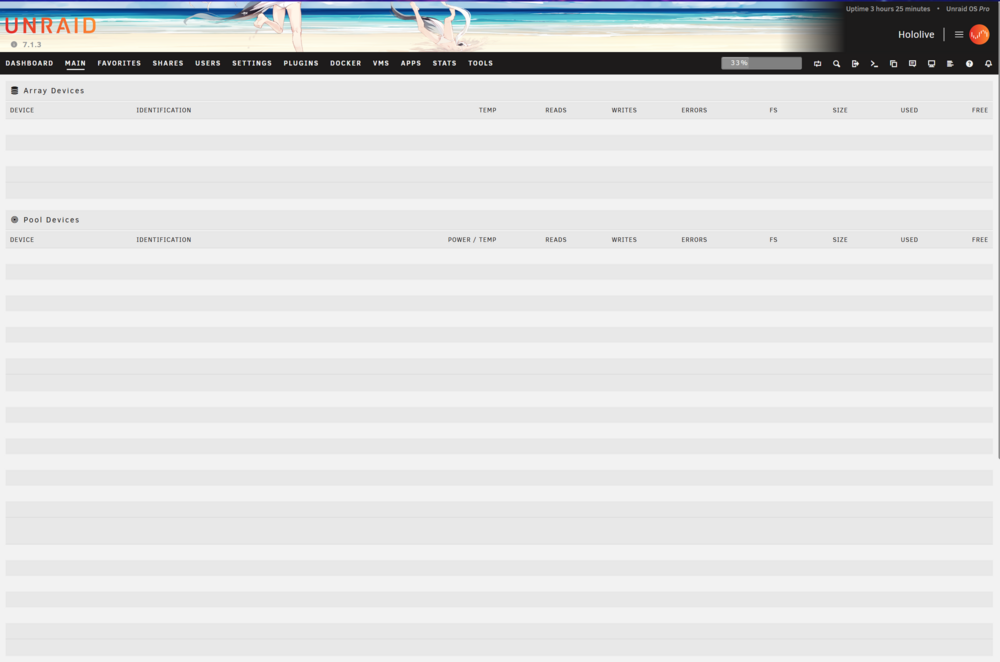
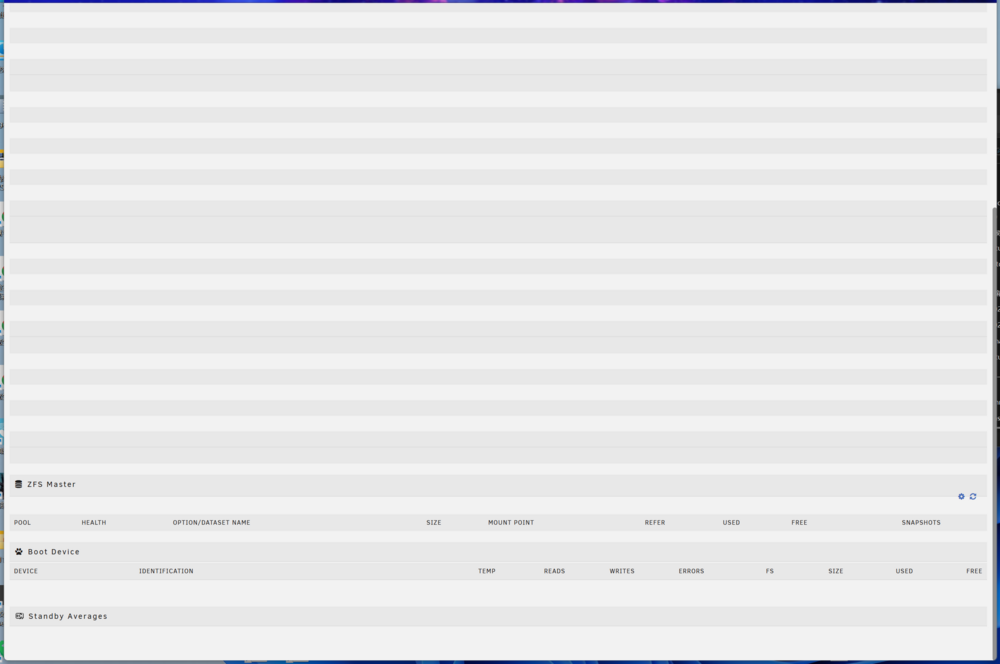
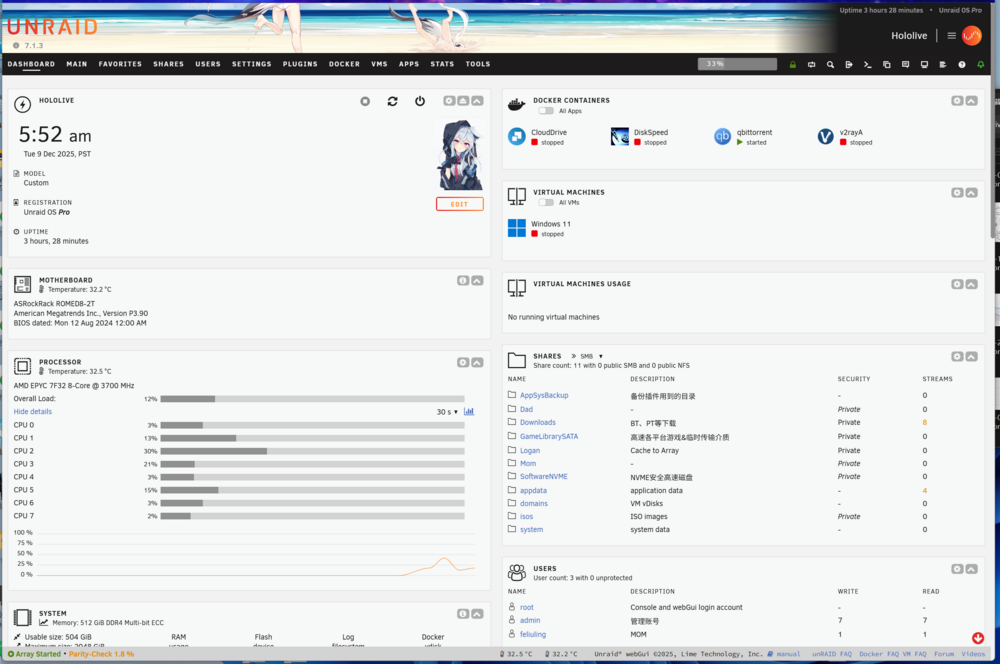
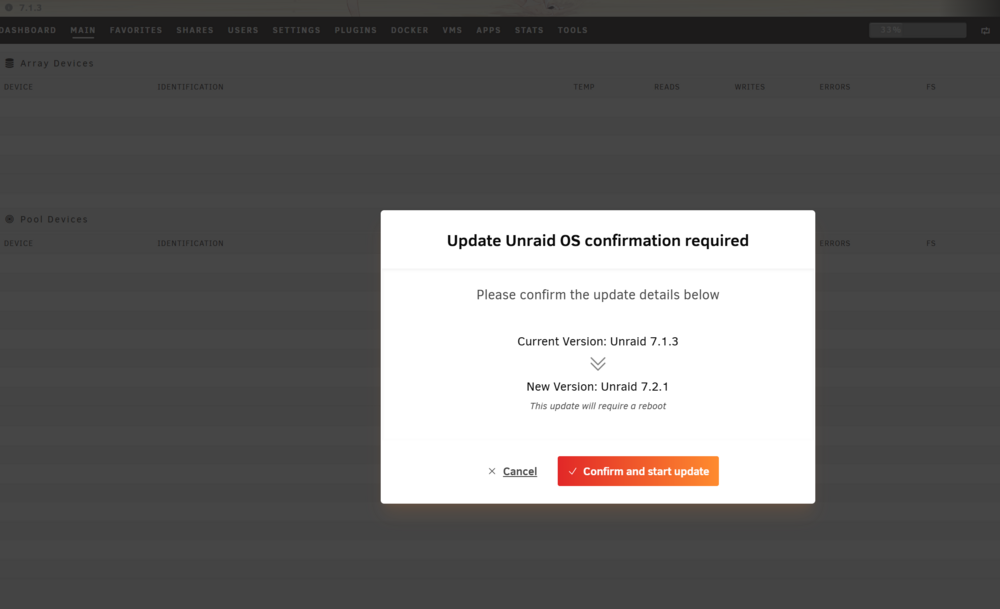
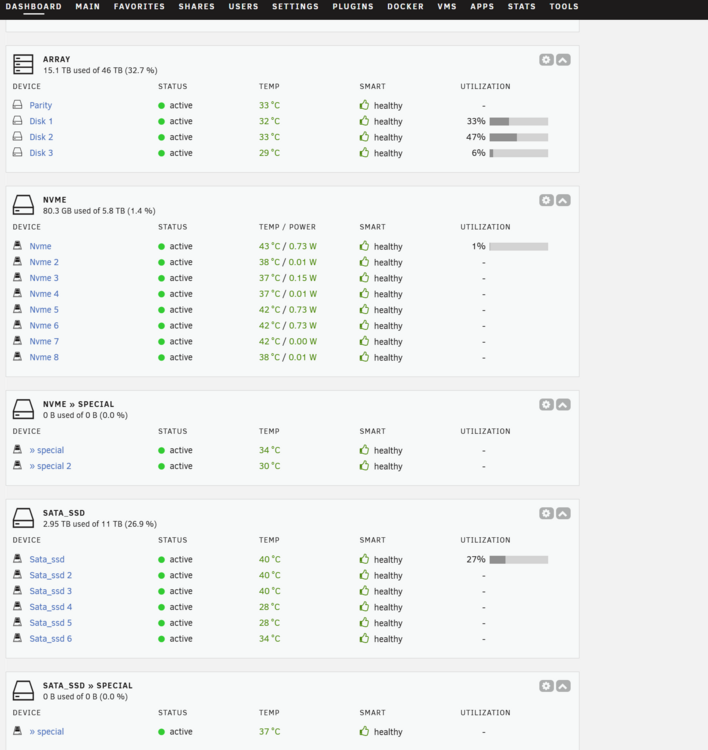
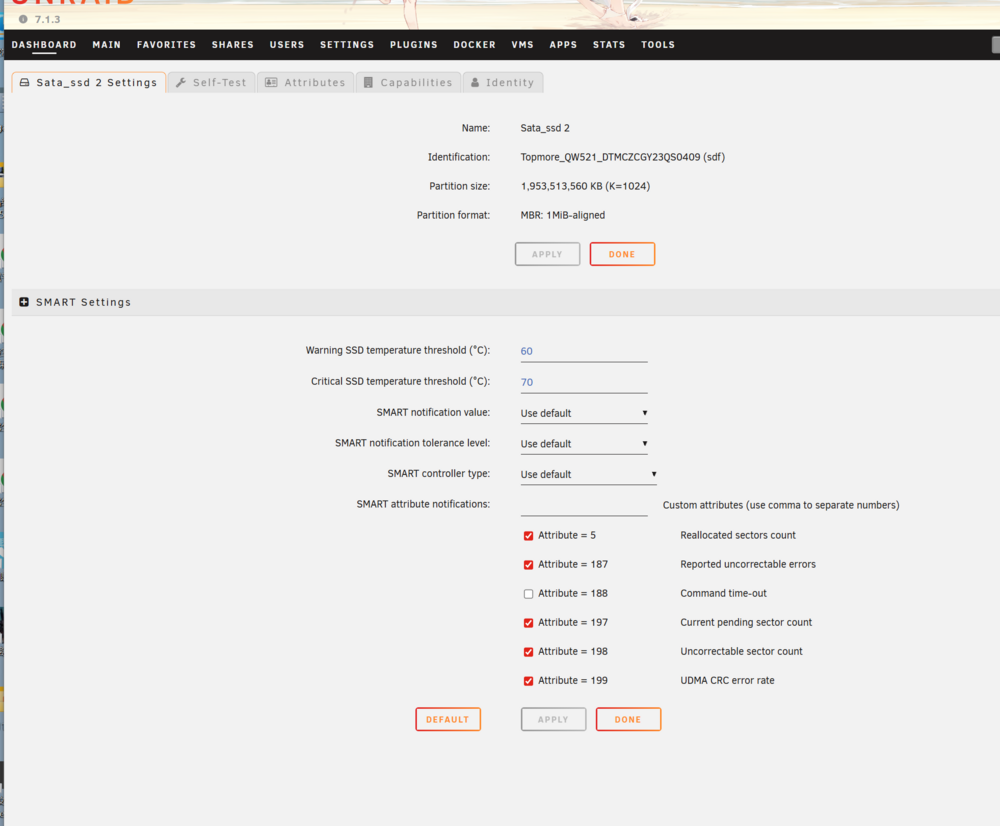
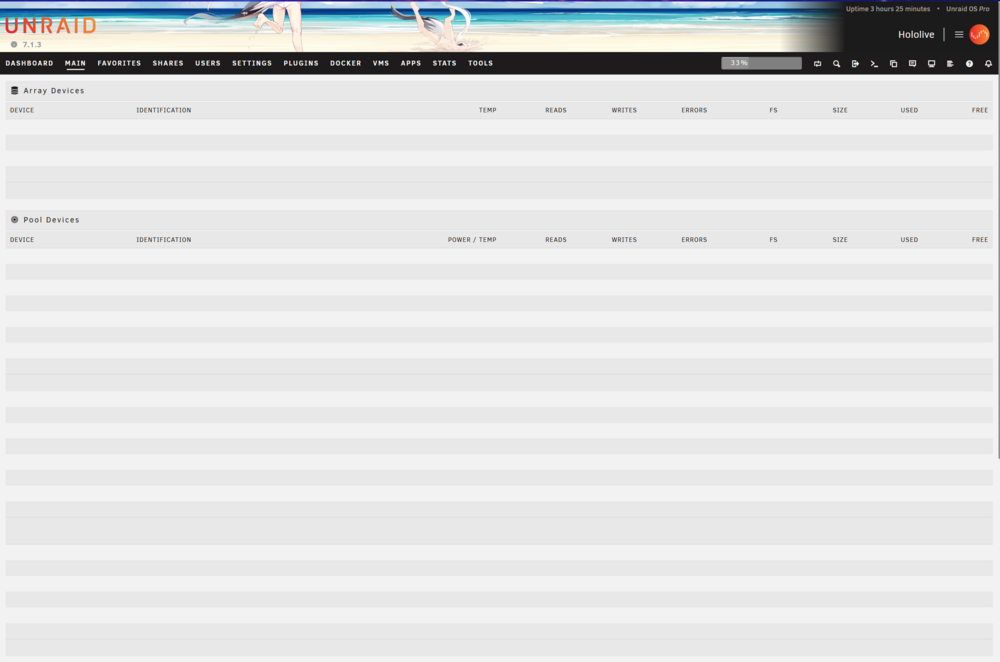
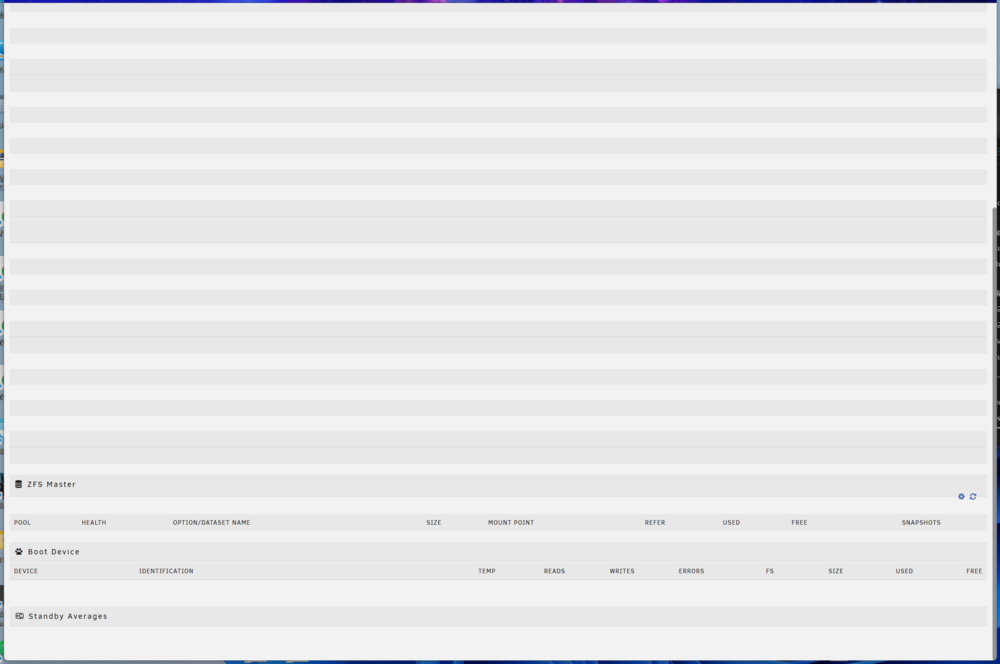
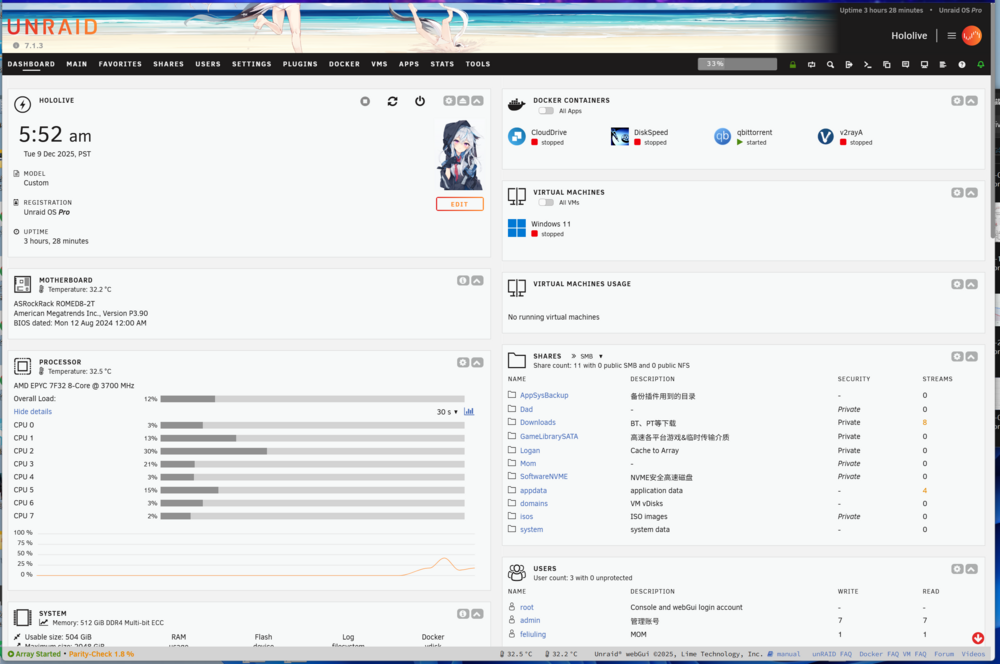
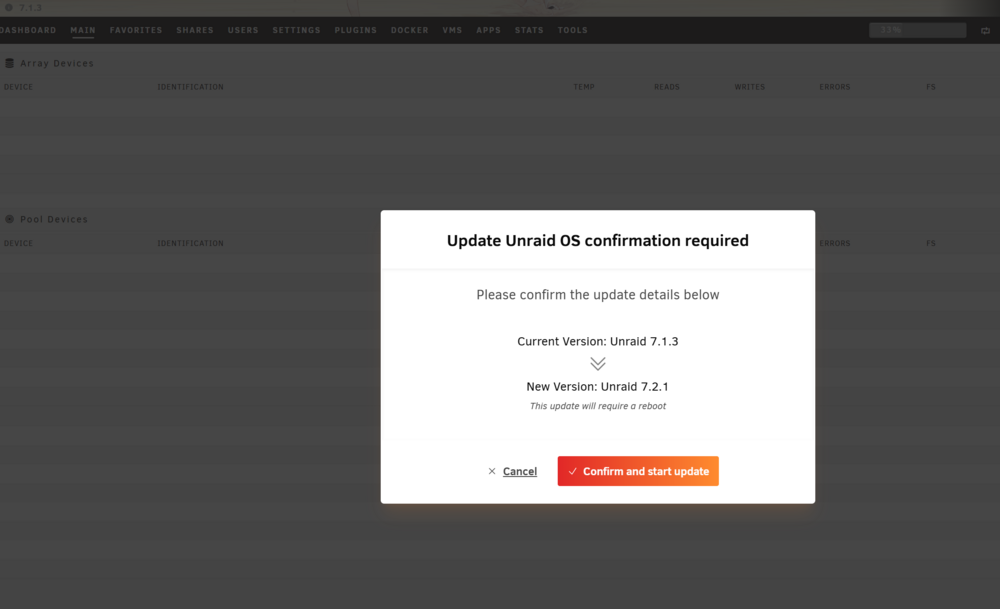
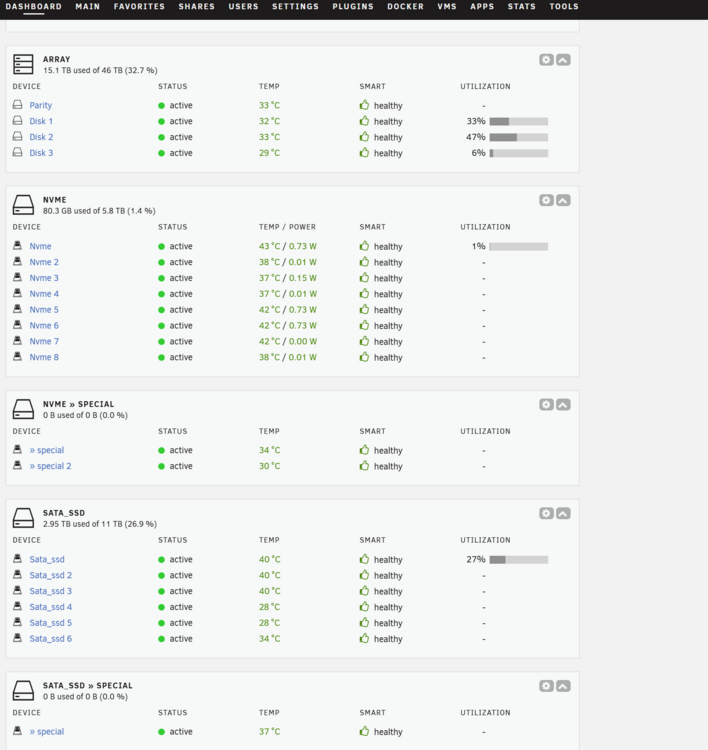
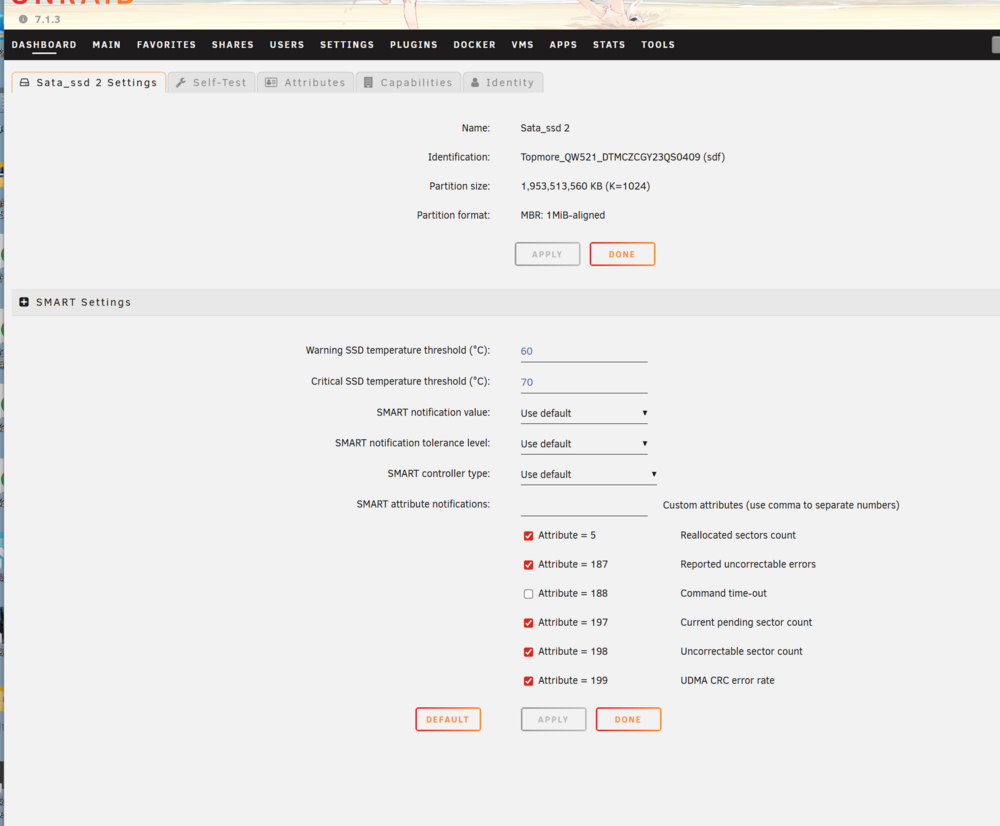
Happens after an UNCLEAN SHUTDOWN in the morning when a giant tree hits the local power transplant and the UPS wents out of battery. Currently the array is still START-able through DASHBOARD buttons, however not available to STOP ARRAY. Reboot and Shutdown button also works. At the same time I can access disk info and start SMART self-tests from the Dashboard. Anything that can access ONLY through The "Main" Interface seems to be unreachable. I've tried to update to 7.2.1 through "Tools-Update OS", however it's not showing or changing anything after clicking on "Confirm and start update" ... Im currently waiting for possible background OS update to take effect, if there's no changes in an hour I would try to Reboot using GUI safe mode Update later hololive-diagnostics-20251210_0547.zip
-
HyperV works like s**t for AMD CPUs in Unraid OS, makes VM wa.(can be seen on Unraid Web GUI, console, using "top" command), causing multiple System-Broke and takes much of guest CPU usage.
-
1.[Performance] Migratable: Off [Performance] 2. {Fatal} Hyper-V: NO 3.(For GPU Passthrough) Graphics Card: --- Multifunction: On [This tells Unraid that this GPU, a.k.a. PCIE device, also runs HDMI/DP Audio] 4.[Performance] Timer Source: Set All to NO 5.[Performance] Initial Memory = Max Memory < Minimal MemStick [In XML View] from 6. add under <os> <smbios mode='host'/> 7.add under <features> <kvm> <hidden state='on'/> </kvm> 8.add/change under <cpu mode ='host-passthrough' <feature policy='disable' name='hypervisor'/>
-
Thanks, AMD EPYC 7F32 running Win11 24h2 VM, solved EAC problem when running StarshipTroopers:Extermination
-
Seem like recent virtio driver iso doesn't include winfsp (https://winfsp.dev/rel/) Install Core service of winfsp, then enable VirtIO-Fs Service in system services of win11, problem solved.
-
My VM here is set for WORKLOADS and GAMING, so I chose to bypass GPU(B580) and LAN(X710), along with a USB controller for remote 10G USB hub And now I have managed to accumulate all my games to bunch of SATA SSD drives mounted on the Unraid storage pool, so another method solving the problem is "How To Mount Virtiofs Unraid Shares onto WINDOWS 11"
-
erm, I managed to bind that X710 LAN card to vfio and bypassed it to the VM, and it now has a allocated IP address different from the Host Unraid however still not working through \\192.168.....\share
-
I have tried bridging and hosting then type \\192.., just like what i did on my mainbuild when accessing Unraid shares. But it seems not to be functioning. When I used an OEM version of X710 as eth3, and enabled bridging(br3) in Unraid Network Settings, and the VM virt-network set to br3, I still can't access to the Unraid host IP address.
-
Appreciate the tutorial. Im using an Intel ARC B580 trying to passthrough, along with an SP330 (Huawei OEM of X710-DA2). I could see there's a tickbox available in the SysDevs, however the tickbox of the SP330(Recognized as X710) is grey and unavailable. I'm Using an EPYC 7F32 and AsrockRack RomeD8-2T I have enabled IOMMU, Resizebar, Above4GDecoding,SR-IOV, the BOOT CSM is set to custom with the SP330's pcie slot ENABLED with UEFI. (in BIOS)


-
2 Dockers Activated, no VMs, Move not activated, not in Parity mode Not affecting usage, kinda glitch. Diagnostic Logs in the attached files. kuraudolake-diagnostics-20240110-0934.zip





