





vonzercroft
Members
-
Joined
-
Last visited
Everything posted by vonzercroft
-
I did the install and after a reboot my dashboard 404s now can't hit any of the unraidip/main /dashboard etc
-
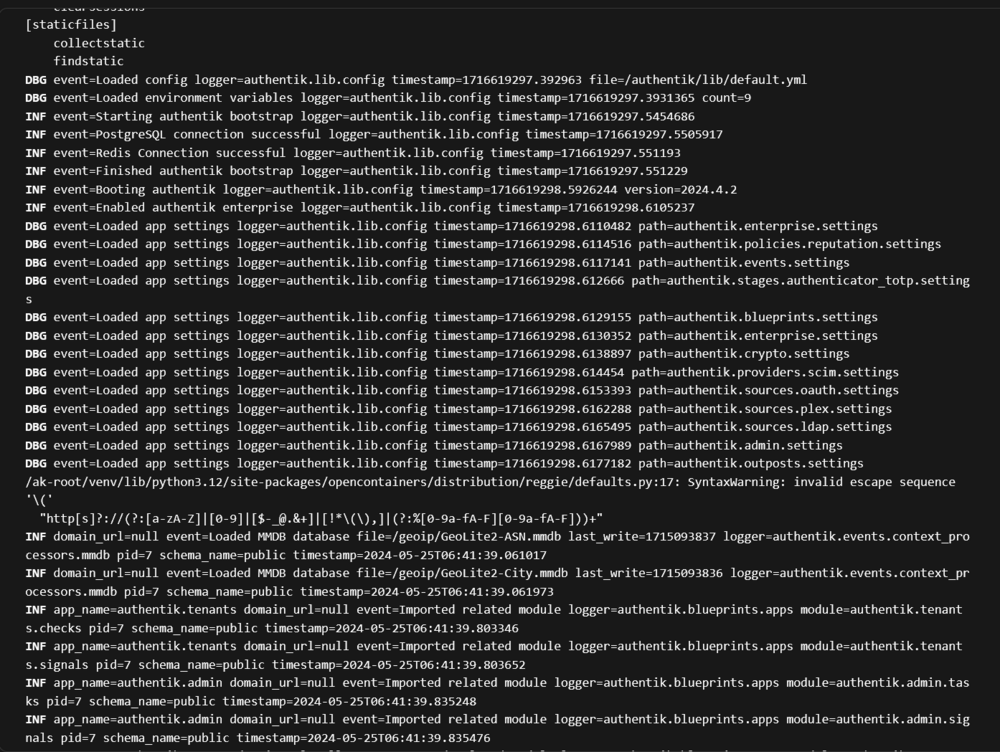
Getting this error in my authentik worker and im being told it's a redis issue? I can't get past this invalid escape sequence nor can I find any answers from authentik. EDIT: if anyone comes across this the issue is that I replaced server in authentik main and worker in the authentik-worker's post arguments when trying to add them on to another network I used for the docker socket proxy. I'm coming over from docker compose so wasn't sure what these post arguments do. Example: Correct: server && docker network connect <network_name> <container_name> What I had: && docker network connect <network_name> <container_name> Not sure how this got pointed at towards redis when I was reaching out for support.
-
Thanks yall ill give the repo a reading.
-
How do I get my folder to show a warning icon if all containers marked with autostart aren't running? I have a folder marked with 5 containers set to auto start and it has a green arrow showing 5/5 started. If I go to stop a container it still shows a green arrow but of 4/5. Is there a way to get this to be anything but a green indicator?
