





moyin_rain
Members
-
Joined
-
Last visited
-
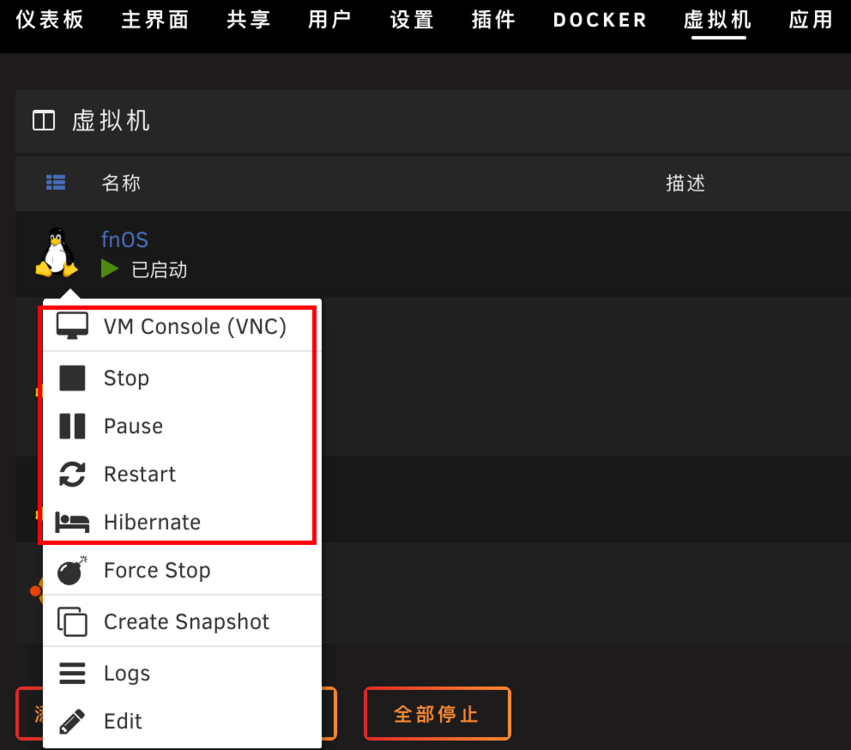
No problem with safari. Addtional, in docker and vm page, language translation is not correct(i use simplified chinese). This has something to do with the search failure moyin-unraid-diagnostics-20250318-1054.zip
-
unraid 7.0.1 Community app can not search. i use chrome latest version. F12 can see error. dynamix.js?v=1739900733:30 Uncaught TypeError: r.substring is not a function at dynamix.js?v=1739900733:30:3166 at y (dynamix.js?v=1739900733:30:3203) at doSearch (Apps:2577:25) at HTMLInputElement.<anonymous> (Apps:1895:9) at HTMLInputElement.dispatch (dynamix.js?v=1739900733:5:39997) at v.handle (dynamix.js?v=1739900733:5:37968) but when i refresh page by Ctrl+F5, it is good. This does not fully fix the problem and it will come back next time
-
ipv6更新后无法访问是 nginx的问题,nginx不会更新新的ipv6地址监听。并且nginx不会监听临时ipv6地址,有人写了一个脚本,定时刷新 https://blog.csdn.net/crossni/article/details/136146948
