Breezeman
Members
-
Joined
-
Last visited
-
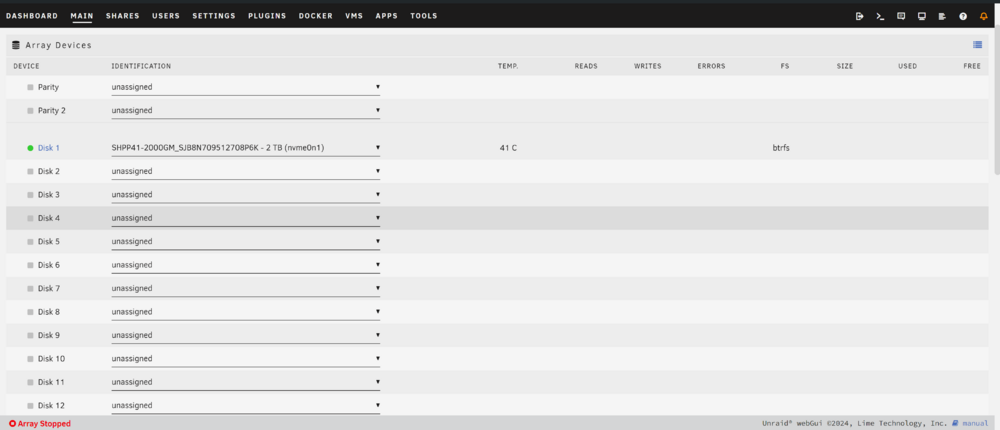
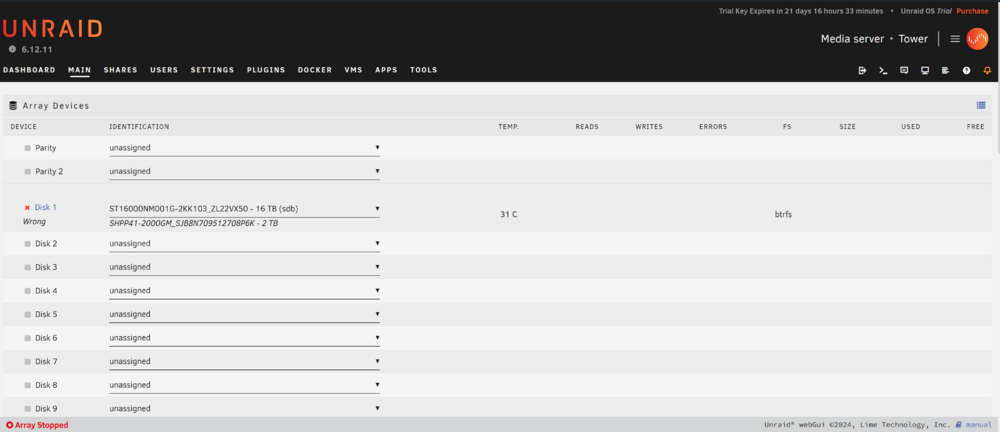
Check the screen shots. Everytime i try to change the disk to anything except my 2tb NVME (Which i want to use as my cache) Below "Disk" says "Wrong" and im unable to change it. Any help would be appreciated. Utterly new to this, everything helps.
-
For some reason my HDDs arent showing up in the main section. I have no option to add them to my array. The only drive that shows up is my ssd m.2 that i had planned on using for a cache drive. Any ideas why the 4x HDDs wouldnt show up? Is there a way to format them via unraid? There might be some data already on them and im wondering if that may be the problem? New to this, please help.
-
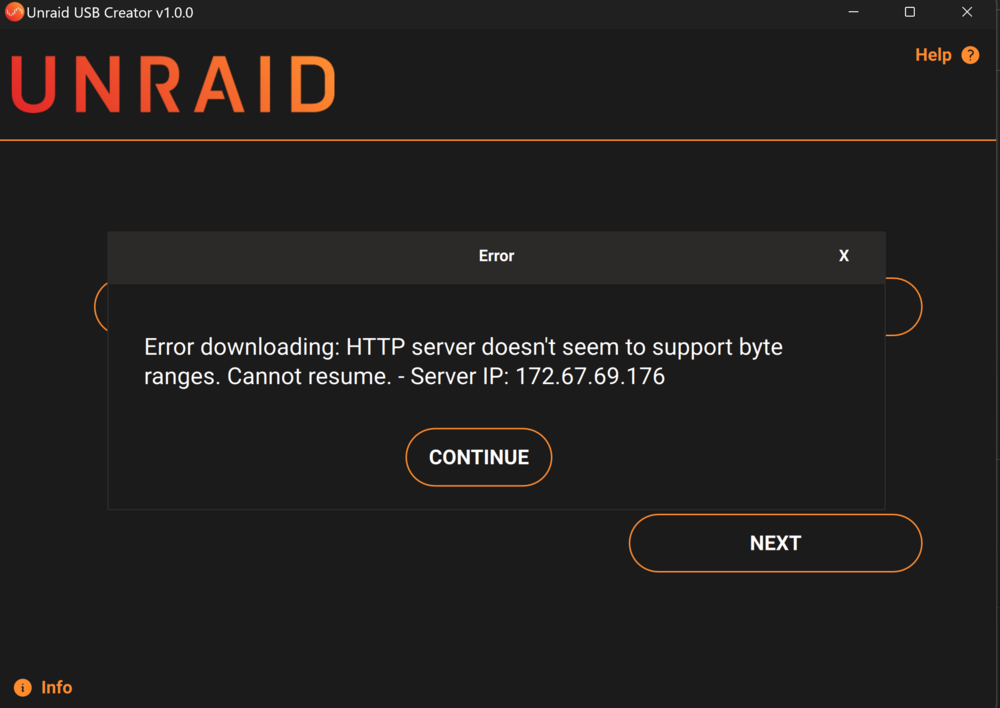
When i try to use the Unraid usb creator tool i get this error code at around ~40%: Error Downloading: HTTP Server doesn't seem to support byte ranges. Cannot Resume. - Server IP: 172.67.69.176 If anyone can help me out id really appreciate it. I've formatted the USB multiple times to no avail. I'm sure there is a solution to this, I'm just having a hard time finding it.