avasilev
Members
-
Joined
-
Last visited
-
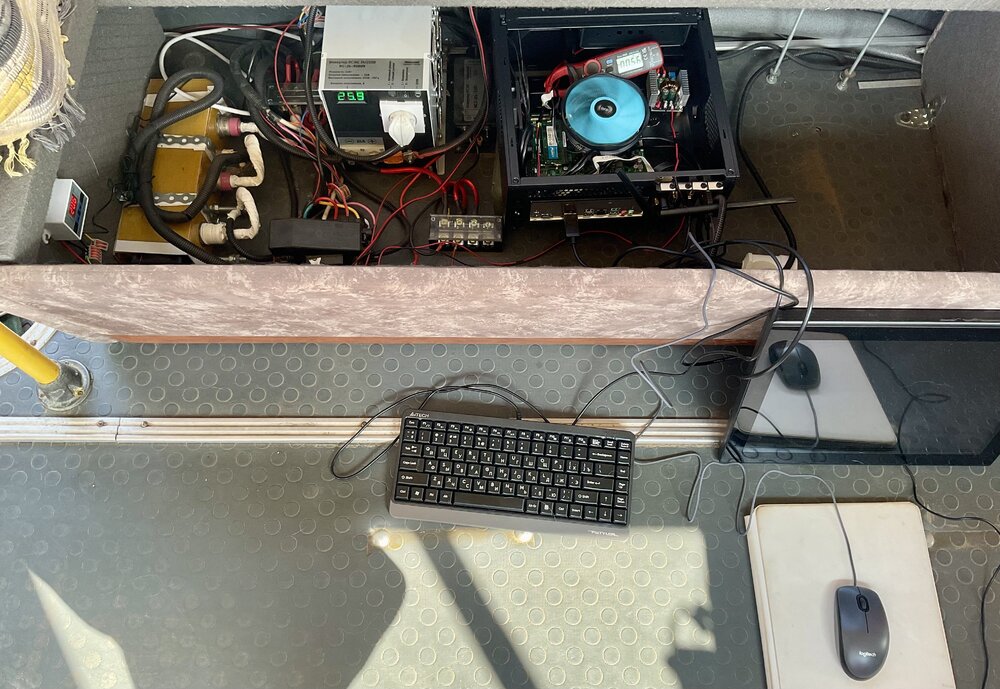
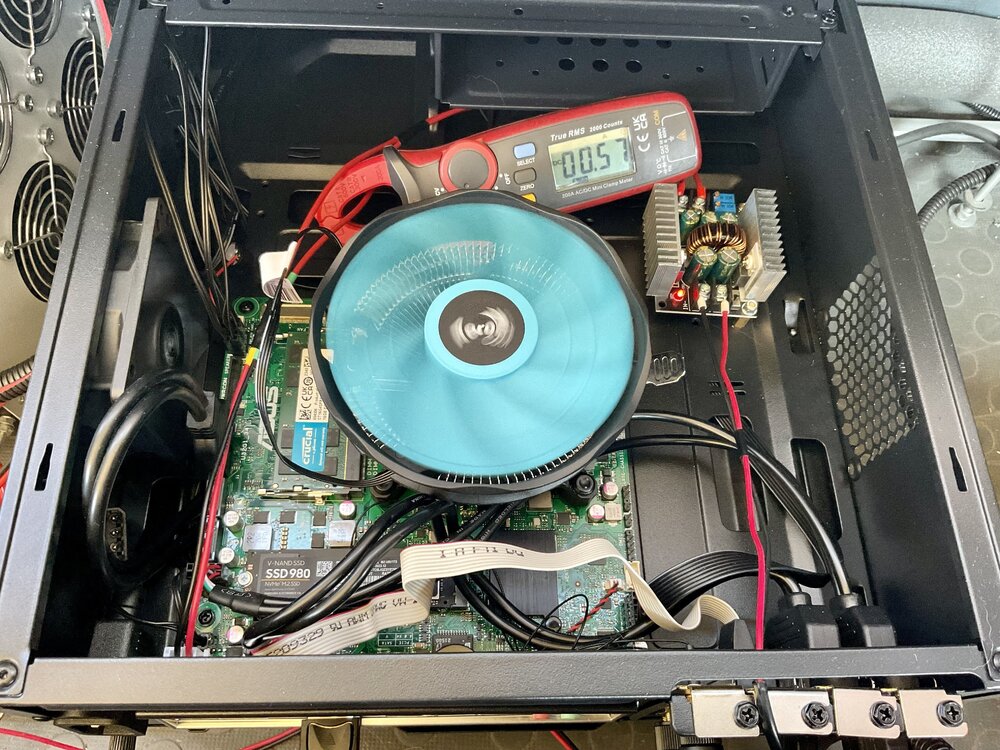
Evening! I found your positive experience, and bought that board+CPU for my motorhome smart home prototype. I looked for x86_64 system with lowest energy consumption. Motherboard: ASUS H610T-D4 CSM BIOS updated to 3404 CPU: Intel I3-12100 RAM: single Crucial DDR4 SODIMM 16GB CT16G4SFRA32A PC4-25600, 3200MHz Wifi: M.2 Intel WiFi 6 AX200 (from compatibility list on Asus website) SSD: Samsung 980 Pro 1Tb Use case: home server in motorhome. The problem is -- I cannot achieve that power efficiency. My best result was 15% in C2, and 80% in C10 without M2.WiFi and M2.SSD, ran from Ubuntu Live Usb. When DP->VGA display is ON -- cannot get more than C8 in any setup. And even that result was unstable -- contantly "winding up" for no reason. System is powered with 18V (cannot launch with 12V). Lowest wattage ever: 6W. Below I describe my many attempts, if you are curious. In short, I want your history of success -- how could you achieve this lowest consumption? What am I missing? What is your 2watt-setup -- distro/kernel/settings? What I tried BIOS settings. Started with default, and ASPM settings to "Enabled/L*". Then tried many other settings. Reset to default, and back. Distros: Ubuntu Server LTS 22.04 Ubuntu Server 22.10 Debian 13 Diet Pi R13 Tried kernel 6.1.0 (default) Tried kernel 6.4.3. Made thing worse -- 100%C2. powertop It's the only thing that could lower wattage with "# powertop --auto-tune". At the expence of USB responsivness -- USB keyboard/mouse hangs for couple seconds all the time. r8169 -> r8168-dkms Downgraded Realtek driver for LAN. Couldn't see the great difference. tlp Makes things worse. Before: 20%C2 and 80%C8, wattage ~6W. After tlp: 100%C2, wattage 12W. cpufrequtils Useless. tackling with /sys/* manually To no avail. It is enough to force ASPM in BIOS and in /etc/default/grub. GRUB options GRUB_CMDLINE_LINUX_DEFAULT="modprobe.blacklist=r8169 pcie_aspm=force cpufreq.default_governor=powersave iwlwifi.power_save=true i915.enable_rc6=7 i915.enable_dc=4 i915.enable_fbc=1 i915.lvds_downclock=-1 i915.enable_psr=1 i915.disable_power_well=1 i915.enable_guc=2 i915.semaphores=1 pcie_aspm.policy=powersupersave cpufreq.default_governor=powersave" No that much of a difference. --- I am getting desperate, and want to smash all that with a brick out of frustration.