





manilx
Members
-
Joined
-
Last visited
Everything posted by manilx
-
I just forced a flash backup (with imediate copy to remote, setting is blank), backup concluded but when I switch to offsite view nothing is shown. Also checking all other backups, nothing is shown in the offsite view. But offsite was done as i can see the data on the remote repo.
-
One thing: I know that offsite copy is running but I don't know which one (container/flash/vm), there's no indication anywhere (which I'm aware off). You could put a copy progress on the individual items (as on local) and/or dashboard.
-
Awesome. My offsite copy is currently running, did run at 5:00 with local copy as separare run is new 😉 Will take a few hours.... Will have to check new stuff later. I have set offsite copy now to "weekly Sun 10:00"
-
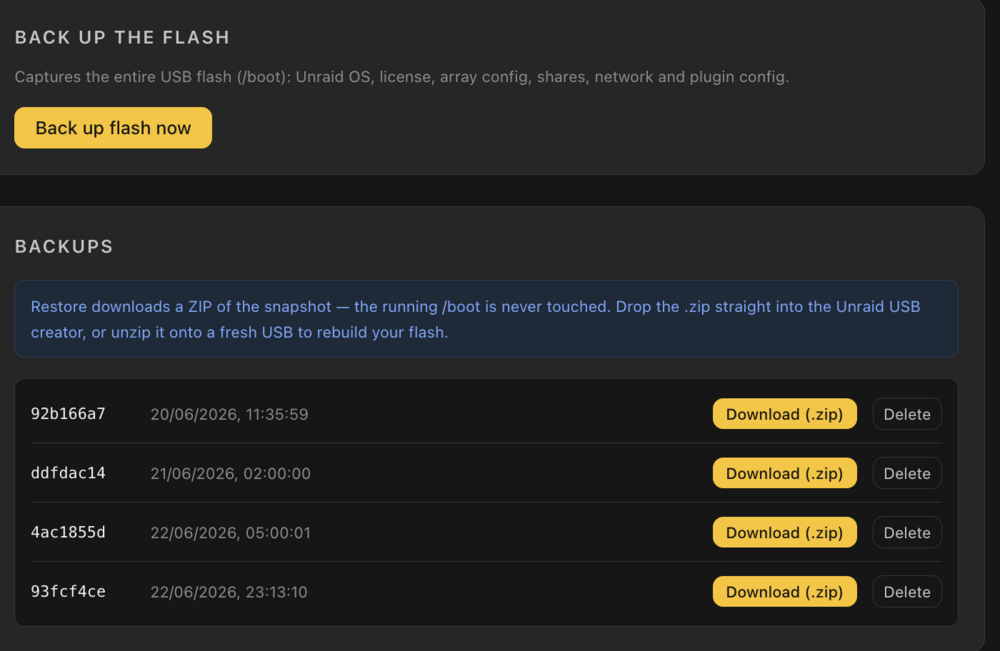
What happens if I delete a backup? Deletes local AND remote copy? This is not clear. I do think local and remote backups should be both shown here, so that I can choose from where to restore. The local may be corrupt/deleted and I need to restore from remote.
-
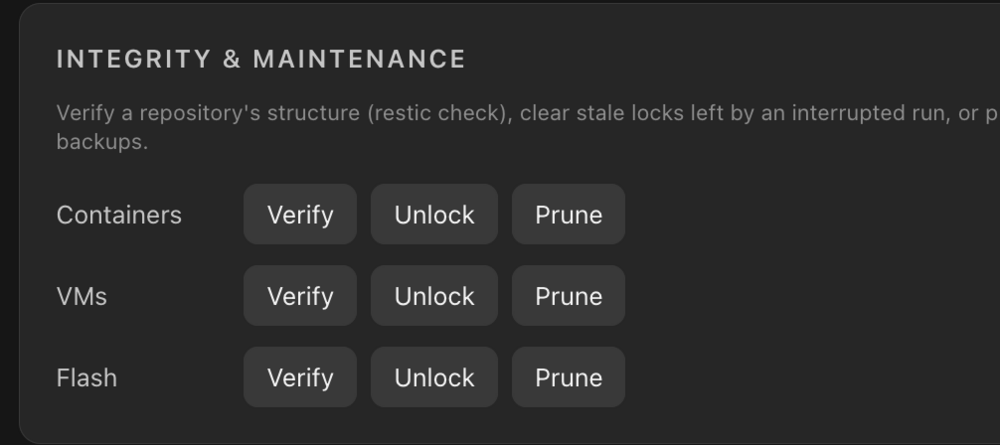
Does this also apply to the remote repo?
-
How do we restore from the remote location? Only the local are shown...?
-
Flash restore, just tried. Actually I thought nothing happening and clicked the "download" multiple times, got them respectively. Make a progressbar in the GUI as on the backups..... Will try the remote backups tomorrow and report. EDIT: just tried it, only password works fine. Tried with a flash backup. Went just fine. One change: the user not necessarily wants to replicate the backup each time (bandwidth, speed etc). With backrest i backed up locally on a daily basis but remotely just on sunday.... Would be better to separate remotes from the normal schedule (easy, 99% is done 😉 )
-
P.S. I would prefer for the restore to be a zip file, which can used by the Unraid usb flash creator software as is, no manual copy. And just make it a downloadable link directly from the restore, no need to look up in the target.
-
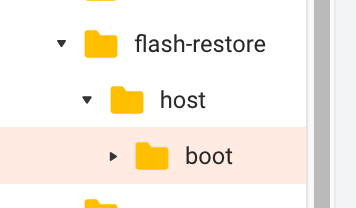
Tried a flash restore for the 1st time, got this: Looked the target and this was created: With respective content in it, so I don't know the state of this. And no way to know because error message has no details,

-
Regarding remote paths: My rest server only needs password not user, so I leave user blank? Also, where do I add the backup paths for remote? I want to keep the local ones, which are set. Remote is for additional offsite. From what I see now it's either local or....
-
🙏 👏 Wow. I must say that the speed you implement the improvements is awesome. I'm running this now in parallel with Backrest/Scripts for this week and then switch over. This might be the missing link for many as backups on Unraid is a PITA with nothing build-in from the start, never understood that. I havd/had QNAP/Synology and it's perfect there. It's been a pleasure to help.
-
Regarding notifications: Forget implementing pushover etc. We have the standard Unraid notifications, which can be pushed to those services. Just add an option to have the notifications received in Unraid:
-
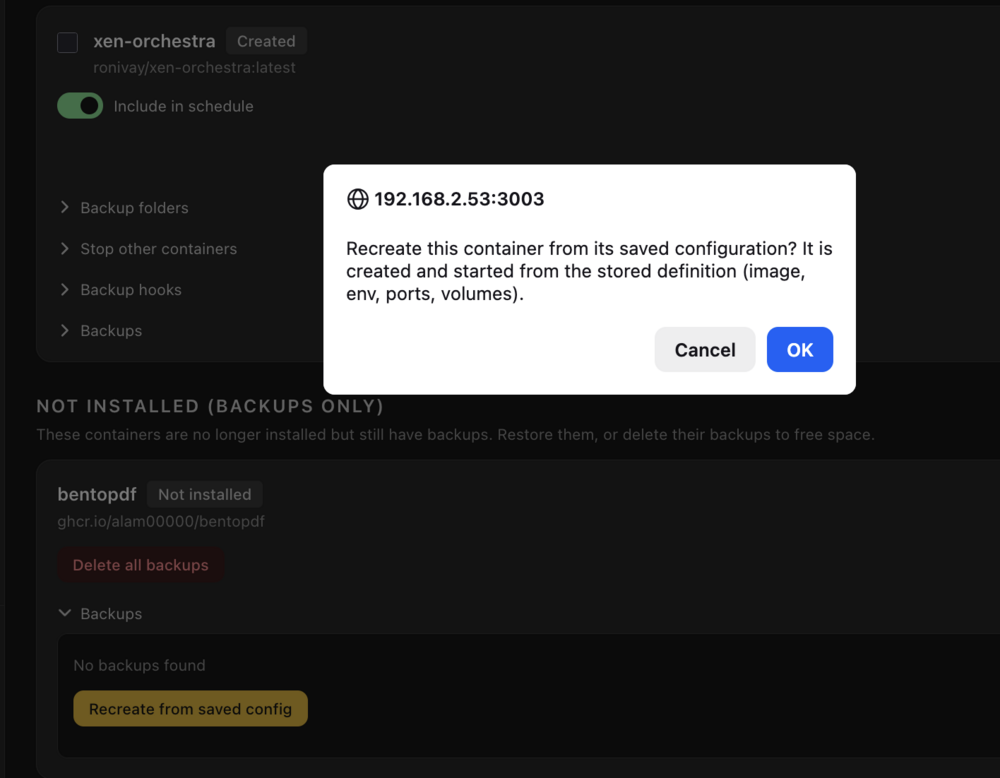
Trying restores now: Container without data folders. restored just fine! Nice one. Before trying to restore some with data folders I need to know the following: Do you save the folder permissions (appdata and other folders)? As some need specific permissions as you know. So a full restore must set the correct/old permissions.
-
fixed also 😉

-
Just tried latest update. Live update is fixed. Leftover files are deleted
-
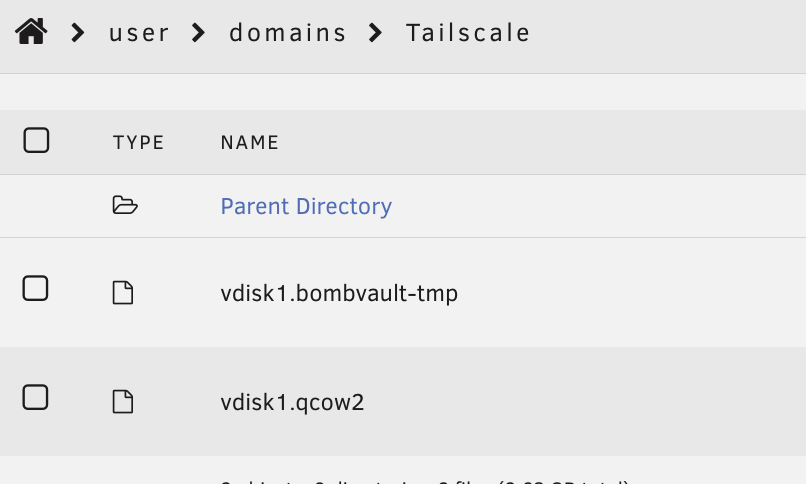
BUG: I did run a live update on all VM's: went fine Subsequent runs have the error again vm live backup: snapshot: virshcli: snapshot-create-as: error: unsupported configuration: external snapshot file for disk hdc already exists and is not a block device: [path] Reason: Again there is a leftover in the domains folders: This should auto-delete
-
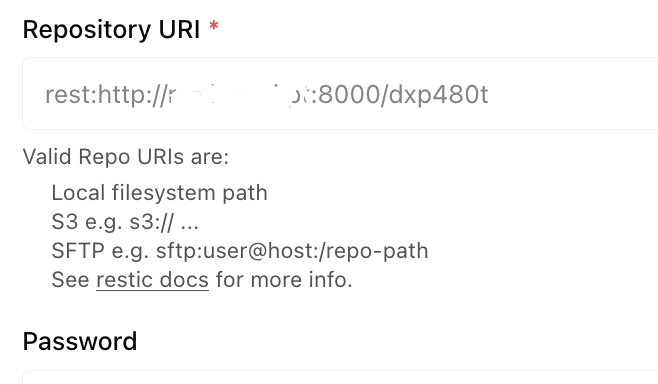
ToDo: Remote targets, not only rclone (don't use it). I have a restic server remotely and attach it to backrest via rest:http://server:port/folder Also S3 as target would be nice. (no rclone) ToDo: Pushover notifications (and others). Don't use webhooks or matrix....
-
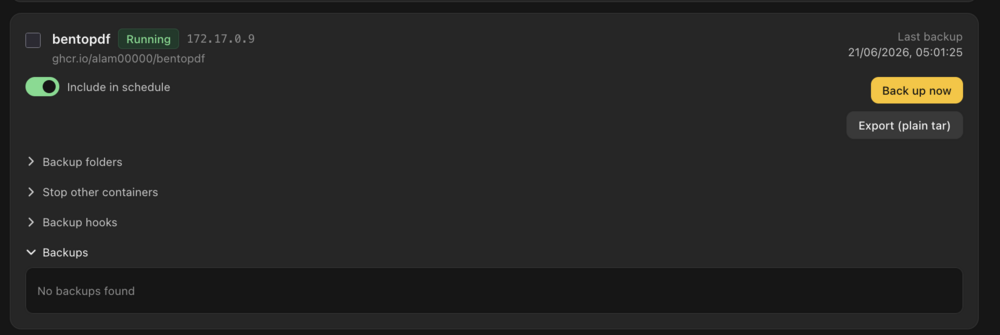
One thing which I still don't get: You mentioned "- Containers with no data folder: they now show "Config only" instead of a plain "done", so it's clear no data snapshot was made (the container definition is still saved, so it can be recreated)." I get this on a container, which backs up: There is no backup, how do I restore the container when it is deleted? (Apart from the UR appstore but If I deleted the yaml I can't here) What if I want to restore a previous config? I might have altered stuff wrongly.
-
All VM's backuing up live now ✌
-
Hi on all points you've implemented. Thx! I'm just giving my user feedback once I encounter it, so excuse the "many" messages. I've just updated and put it as it's test.
-
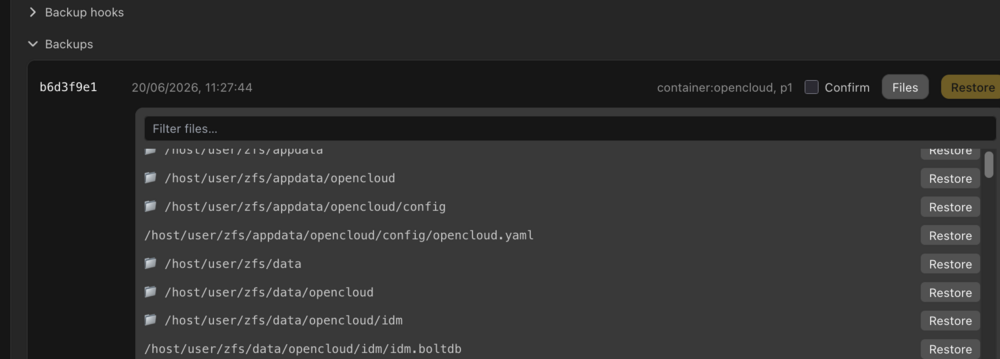
When trying to restore files from a backup, the shown folders should expandable/collapsible as in a normal file browser, it is not easy as it is to find a file to restore:
-
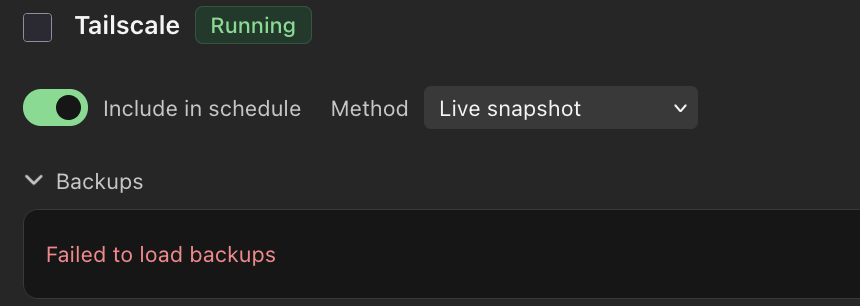
VM backup is weird. I have one VM which backups live fine, another one, which is a clone of it (with some additional stuff installed) shuts down. Just run a test on each. After this test I now also get this: EDIT: looked at the target and found another lock file in there. Deleted it and backups display. Something is buggy with log files also
-
Answering myself: deleting all files in the locks folder in the repo/containers. Should be an option to do this from Bombvault
-
Nothing is using the repo. I get this, how to fix?

-
Do you run restic prune jobs, to reduce the backup size?



