djl1010
Members
-
Joined
-
Last visited
Everything posted by djl1010
-
I had a feeling it would come to that so I will give it a go if I continue to experience issues with the docker service but it seems like it is starting and stopping the service pretty reliably now after changing the file system to zfs, I can live fine without a gui.
-
My bad, I completely forgot to mention I had tried that as well and it does still happen when logging in through a web browser, but since I have an nvidia gpu and no igpu, I have no way to access the gui in safe mode from the host machine. I am not significantly worried since I can edit through the config file, however I do get a little worried about docker having issues starting back up on the reboot because I haven't been able to determine for sure whether or not the presence of this symptom is an indicator of docker not operating correctly (since it has not started reliably in past reboots, but each time it was the first reboot after deleting the image file) or the unraid OS not operating properly.
-
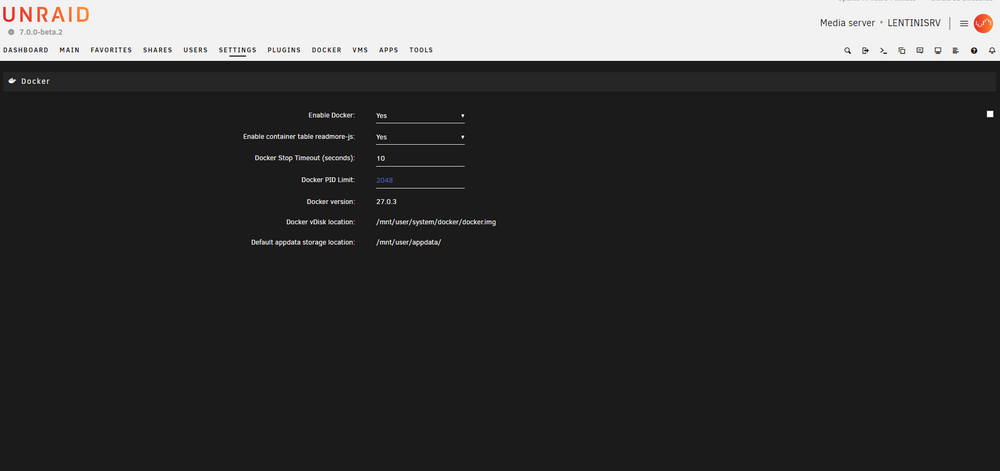
Here is the whole page for clarity. The delete image checkbox also appears in the top right corner but without any text accompanying it.
-
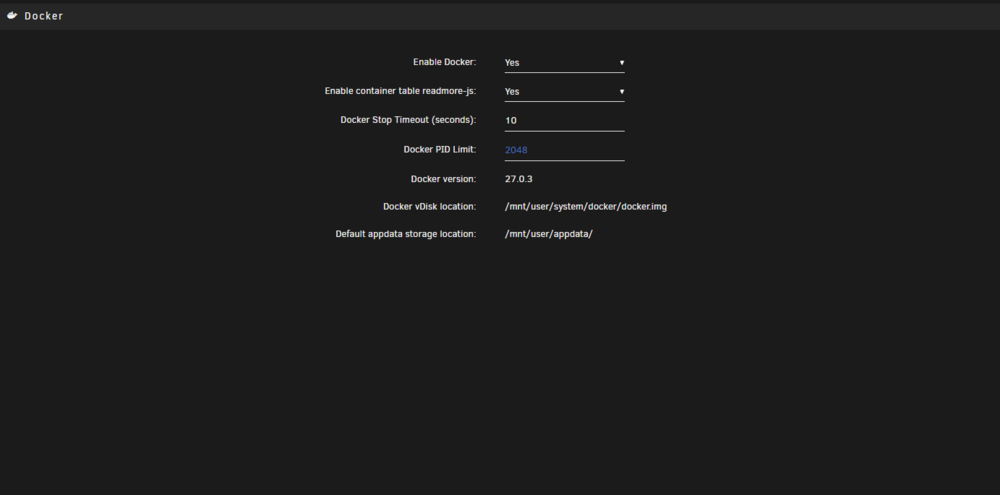
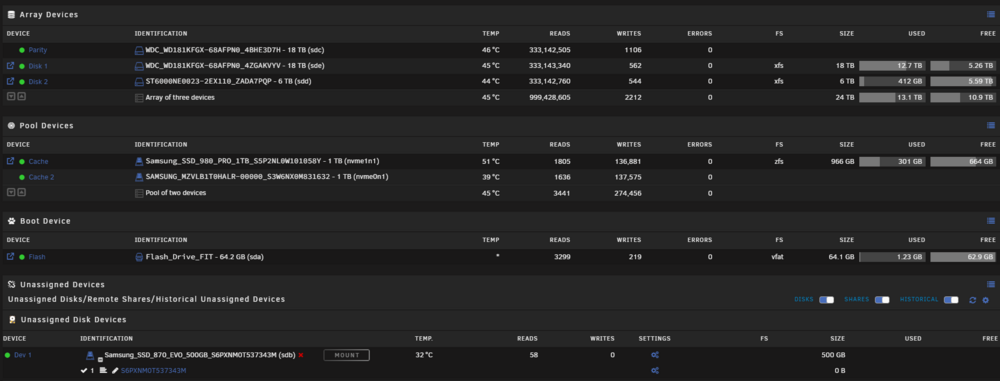
New to docker and only mildly familiar with linux so I may be missing something obvious, but I feel like I have tried almost everything except rebuilding the flash drive. Docker image ran out of space because I stored some information incorrectly and it made the image file a little too big. At this point, the webGUI settings page was also displaying without the "delete" checkbox, or the done and apply buttons. I have since been manually editing and saving the docker.cfg in the boot folder to troubleshoot and adjust settings. I manually erased the image file and changed the image size to 40GB. Rebooting unraid and re-enabling docker and then rebooting the system again to rebuild the image did work to restore docker and get my apps reinstalled, this time correcting my container paths so the image file doesn't get too large. On the next reboot, the same thing happened again and I went through the whole process again, this time also reinstalling community apps entirely and starting with a fresh docker install. After the same thing happened a third time, I finally found the issue was likely related to a common issue with the cache drives, so I changed the file system to zfs and rebuilt the docker image. Everything seems to be okay with the docker service now, but the webgui in the settings/dockersettings page specifically is still not displaying properly. It persists on multiple machines, browsers, cleared cache and browsing data, and persisted between updating from 6.12 to 7.0 beta. I had assumed once I had fixed the docker service and gotten that working properly, the gui but start working again but that doesn't seem to be the case. I couldn't find any issues that matched mine quite exactly so wanted to see if anyone knew how to go about fixing this? Attached diagnostics is from current state, docker is running on zfs file system and unraid is on 7.0 lentinisrv-diagnostics-20241003-2055.zip