





Apocaliss92
Members
-
Joined
-
Last visited
-
The unraid network will be ok

-
If I can go with the default one, I would use vlan 1 with an IP range from 192.168.1.2 to 192.168.1.14 If you suggest to use a different network then I have already prepared a new network with vlan I'd 3 Not sure about the unraid interface... The I've it's using now? I am ok with defaults Sorry if I didn't answer your question properly
-
Sorry for the late reply, here is a diagnostics right after a restart with docker/vm off and an ip -a command with docker and vm off VLAn should not be involved in this I think, unraid is using IPs from the default network (1.1), please let me know which part of the vlans part you need info from thanks again fo the support here tower-diagnostics-20250601-1729.zip.crdownload ip a docker vm stop.txt

-
https://forums.unraid.net/applications/core/interface/file/attachment.php?id=357084&key=2d2fa7ededb4609e296c0482c8a2d22a This is linked a few post backs to this (my first message in this topic) Yes I have multiple vlans, unraid is in the default one but has exclusive access to the NVR network
-
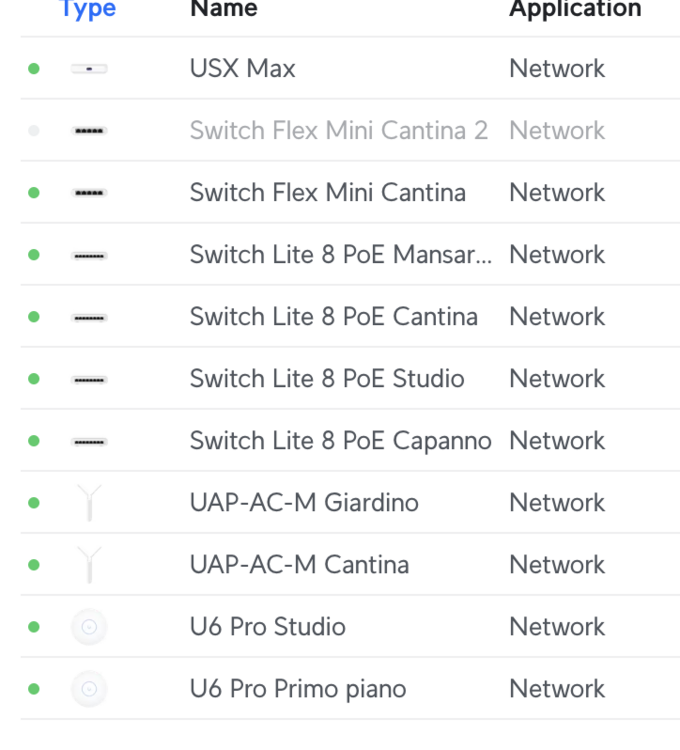
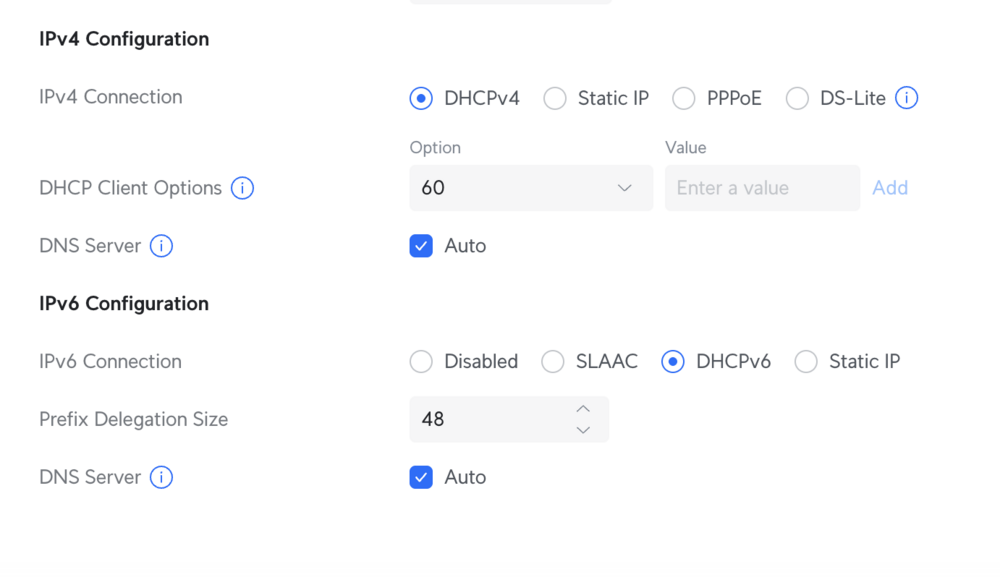
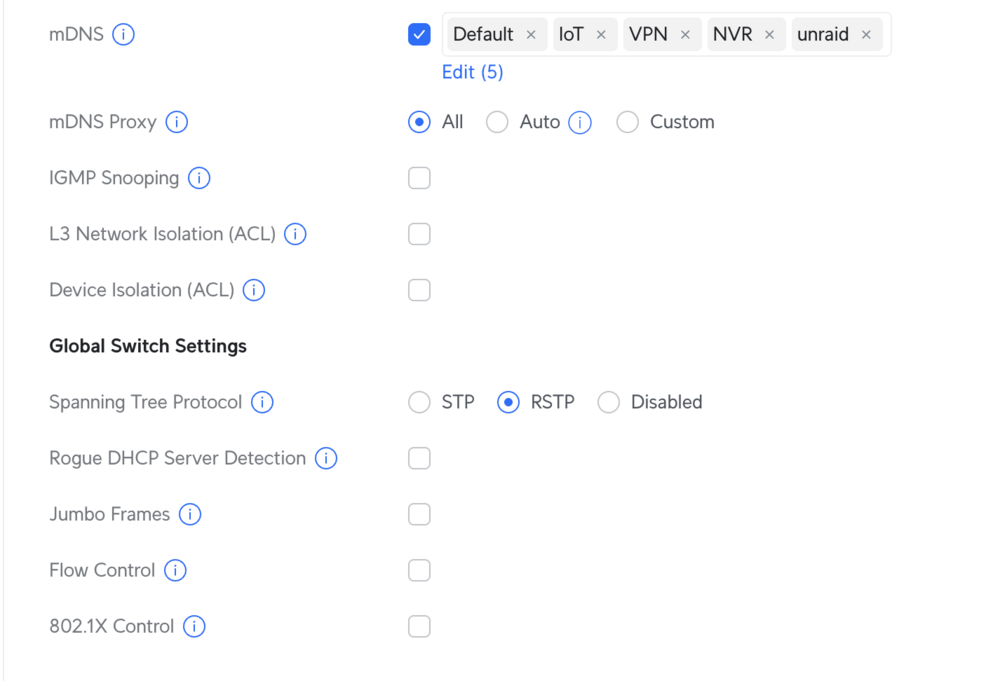
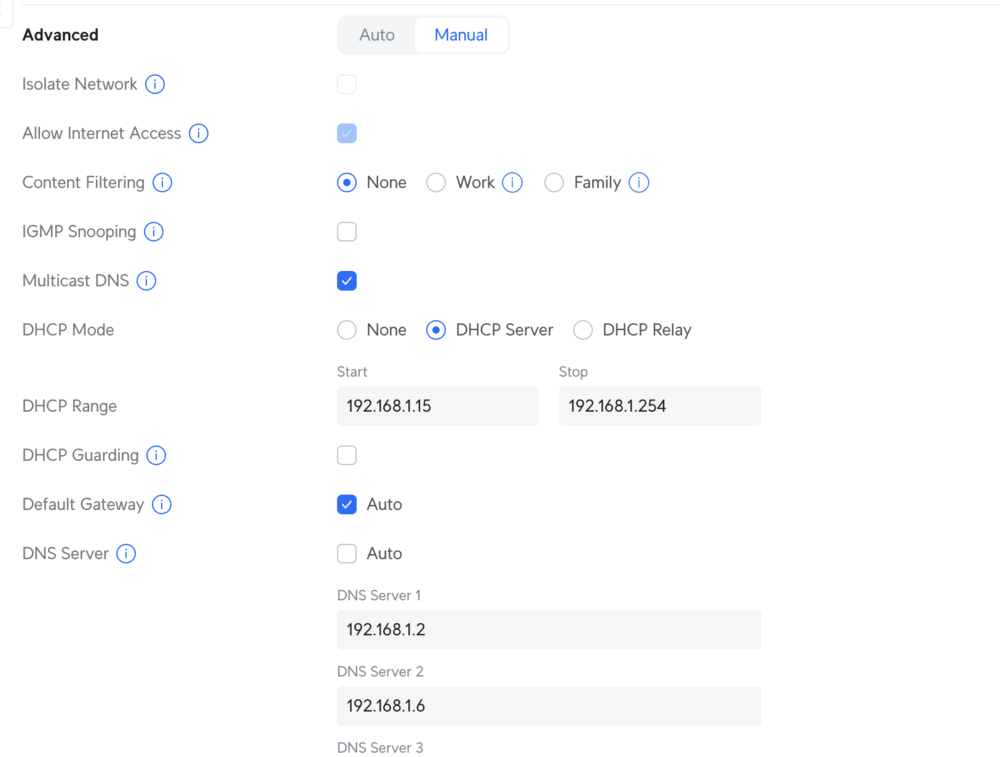
This is a very detailed answer, thanks a lot! Here some screens of my unifi configurations My provider does give Ipv6 addresses, no need to hakky that part I have the DNS servers pointing to 2 pihole-unbound instances (one on the unraid itsself, one on a second unraid server) I don't have any "special" need from unraid, I just need some containers to sit on their own IP, nothing more The very strange thing is that my second unraid instance is not affected by this problem Just to clarify, my only issue is that the first docker start (after unraid reboot) does not create the shim network, it does it only disbling/enabling some settings on the docker page and restarting it The only setting the ALWAYS gives a success afterwords is: stop docker disable ipv6 start docker (shim network is created for ipv4) stop docker enable ipv6 start docker (shim network is created for ipv6 as well) everything works If it could help, I can also provide a new network specifically for unraid, but I'm again very blind on this stuff... Default settings are super fine to me, not pretending any rocket behaviour Please let me know if I can provide more detailed information from any front Again, thank you very much for the kind help
-
What would be the best setting on my network? I'm not really an expert here... I do not have a specific network for unifi, just reduced the default network pool of unifi to 15 and statically giving addresses on unifi in that range Could really it be the problem? I do not understand why changing ipv6 to off for one run would make it work
-
Thank you @bmartino1 , here is my settings About my router not sure, I have an unifi network with pretty much everything default What should I check on that side exactly?
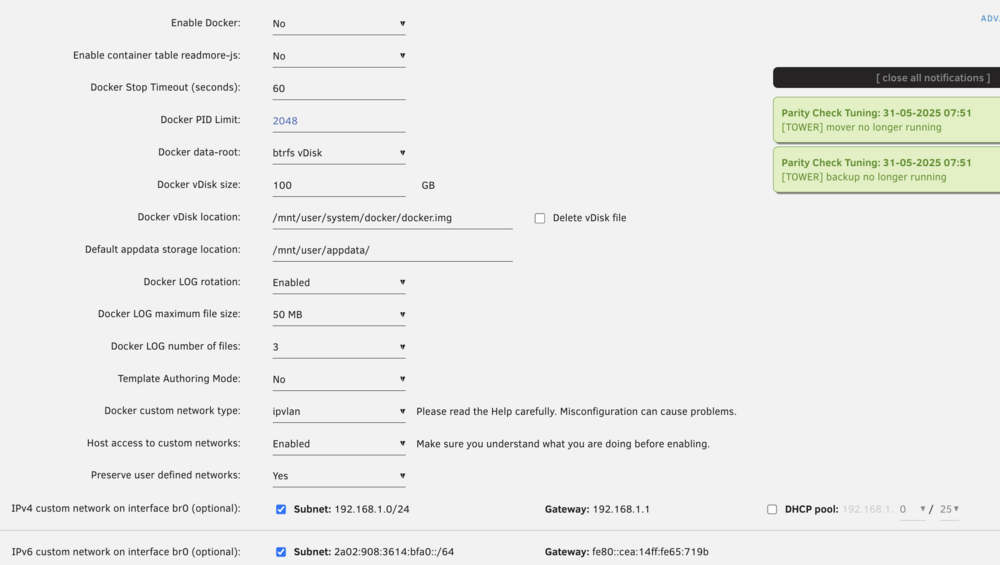
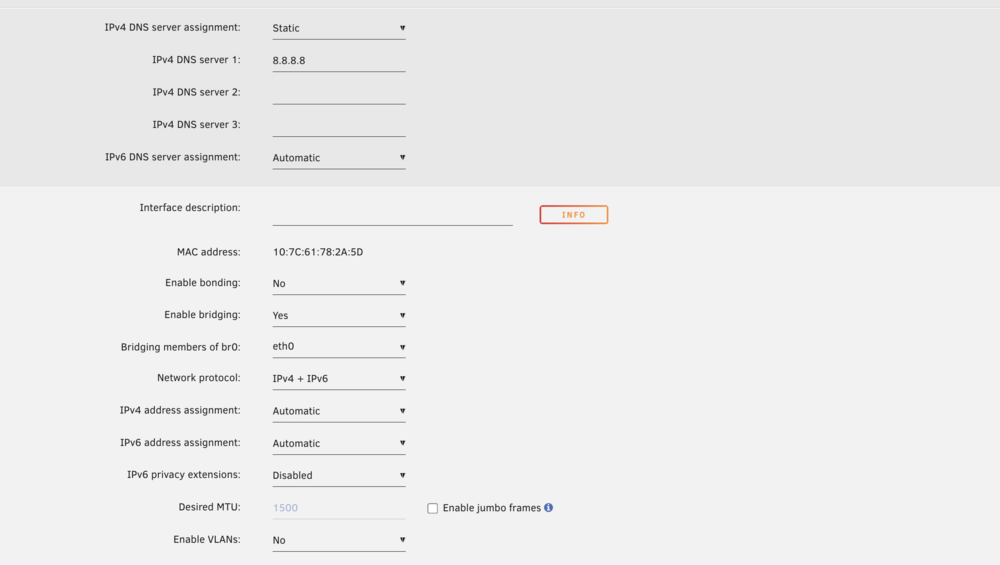
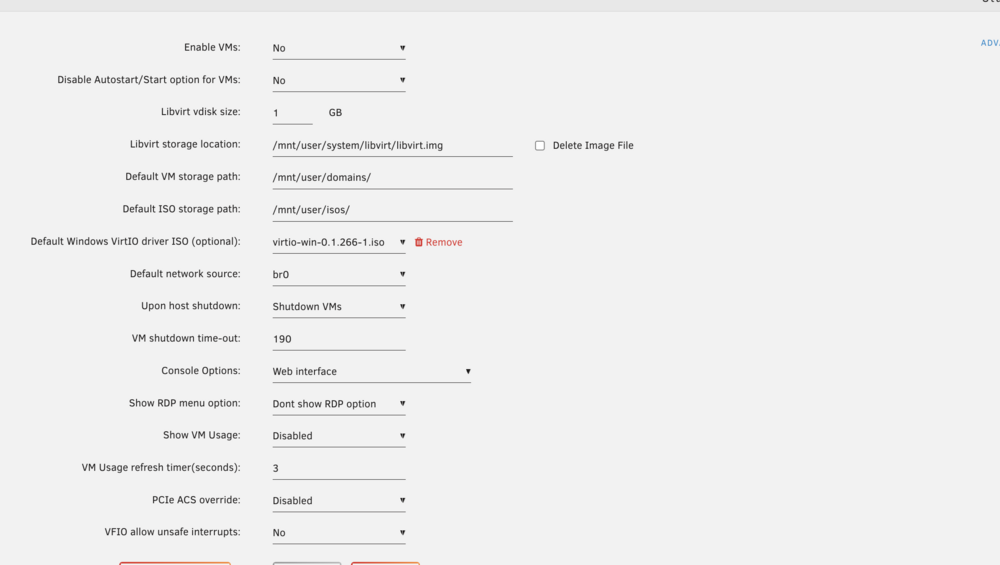
-
Hey good morning, unfortunately I'm suffering of the same issue... for me the only reliable thing to let unraid create the shim network is to disable IPv6 on docker, here is a log, any idea what could be the actual problem? The log contains the first auto start and a second one (successful) tower-syslog-20250530-0704.zip.crdownload Never mind, ipv6 has nothing to do with it, I restarted again with ip6 disabled but the network was still not created
-
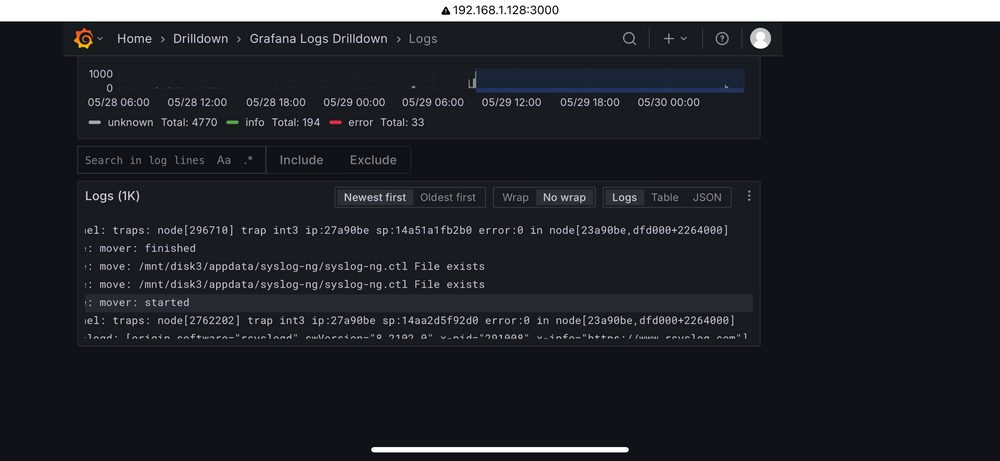
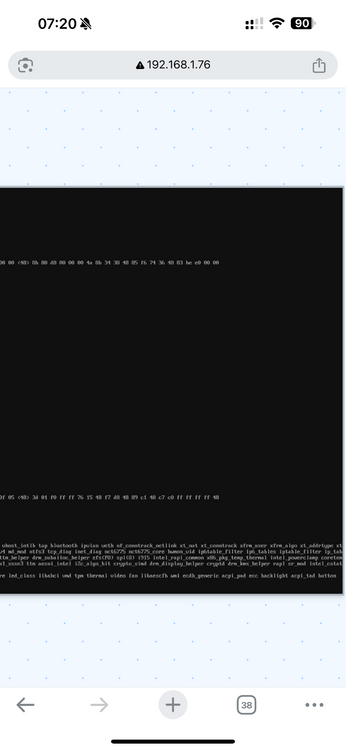
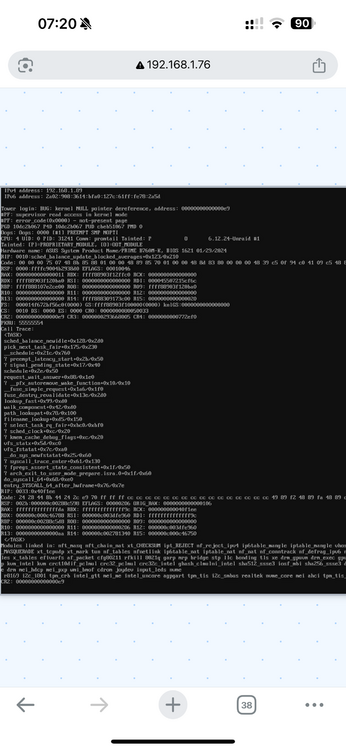
Hello everyone, since a few days I'm getting a panic kernel and system completely unresponsive during the night In the beginning I thought it was an issue with the switch connected to unraid and I changed it, but still the issue persists, attached the screen with the crash details. what could be the reason? I have already ordered new ram to try out, I'm deportated now tower-diagnostics-20250530-0814.zip
-
I am in exactly the same situation, i have an NVR pool which I really do not want to be continuously monitored, and these commands overwhelm the CPU, is there any possibility to mark some pools/disks as ignored?
-
I'm having also a small issue, trying to open the ipv4 of the single service I get automatically redirected to https and getting SSL errors, is there any setting I need to disable to prevent this?
-
Im diving into this world currently and this plugin is helping a lot! Any suggestion on how I would setup a npm (nginx) container to proxy to other machines? I tried many plugins but always failing because of the ports used conflicting with Tailscale
-
Hello, a few minutes ago I tried to change the format of the current time shown on the dashboard from 12h to 24h, nothing spectacular really, right after the UI got unresponsive. Everything seems working though, all my docker services are up and running, it's really just the UI. Here is the latest diagnostics tower-diagnostics-20250306-1543.zip Thanks for the help for whoever will be able to! I was in the middle of a disk swap
-
Good evening, I have recently purchased a Geekom GT1 mega with an Intel u9 185h, which is supposed to have both a GPU and npu onboard. I have installed unraid right away and configured immich. Spinning immich up I figured unfortunately that the GPU was not available on the host, I tried to look around for some info but I could not really find anything. Anyone could deal with it already? I'm afraid to go pick a older gen CPU..





