Skip to content
View in the app

A better way to browse. Learn more.

Unraid

A full-screen app on your home screen with push notifications, badges and more.

To install this app on iOS and iPadOS
  1. Tap the Share icon in Safari
  2. Scroll the menu and tap Add to Home Screen.
  3. Tap Add in the top-right corner.
To install this app on Android
  1. Tap the 3-dot menu (⋮) in the top-right corner of the browser.
  2. Tap Add to Home screen or Install app.
  3. Confirm by tapping Install.

Laxdal

Members
  • Joined

  • Last visited

Everything posted by Laxdal

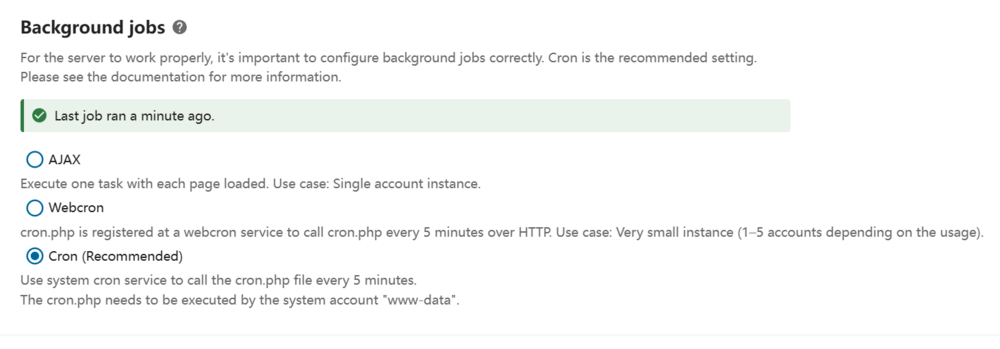
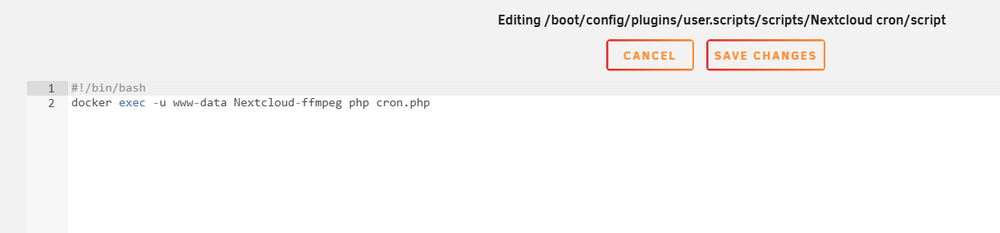
  1. @not-a-teletubby this is how my cron job is set up: And it seems like its working with cron. Not too sure how it worked out, but this is my set up
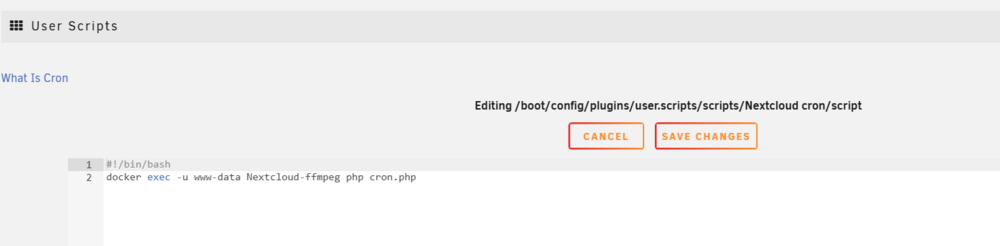
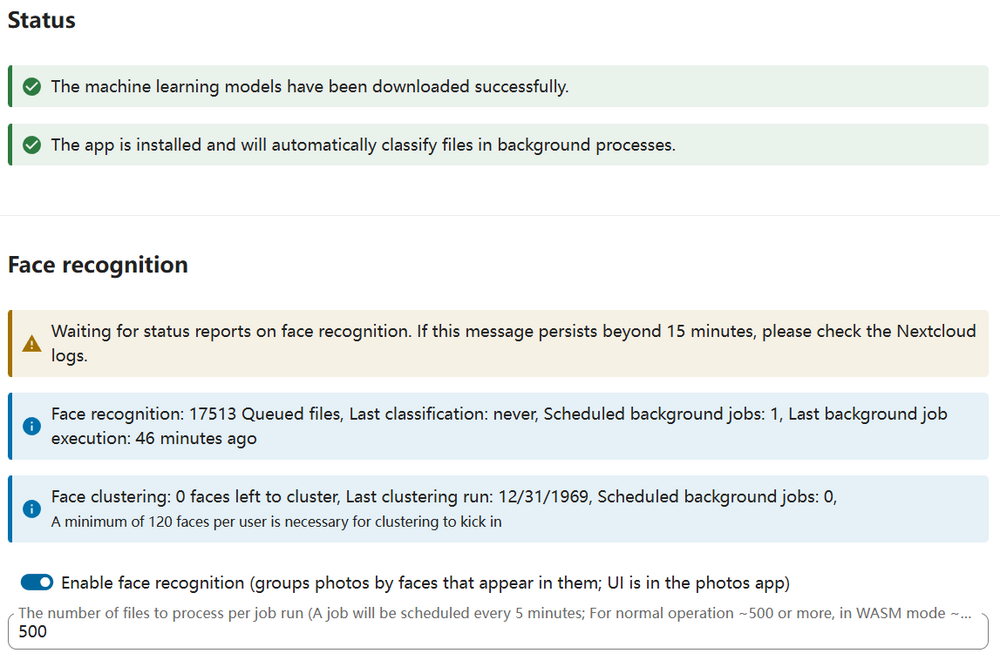
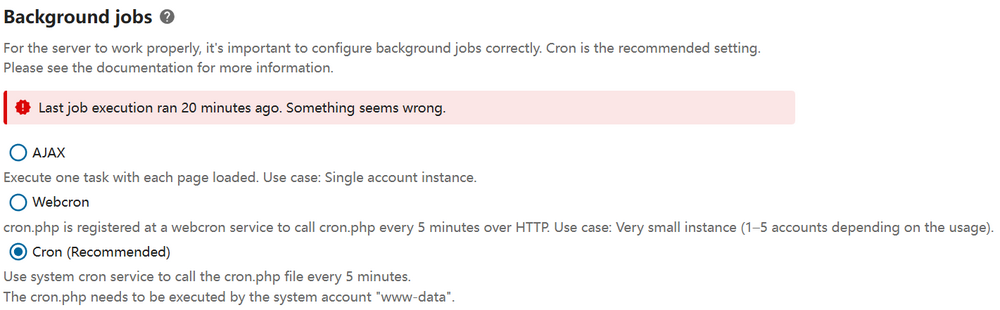
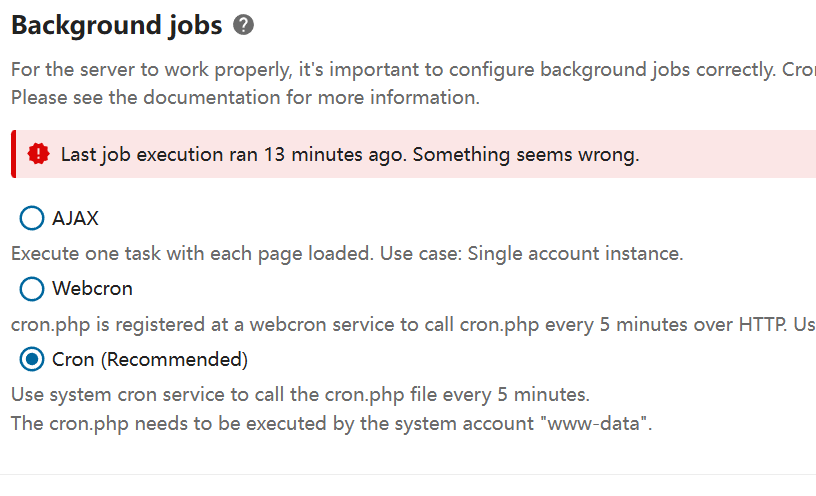
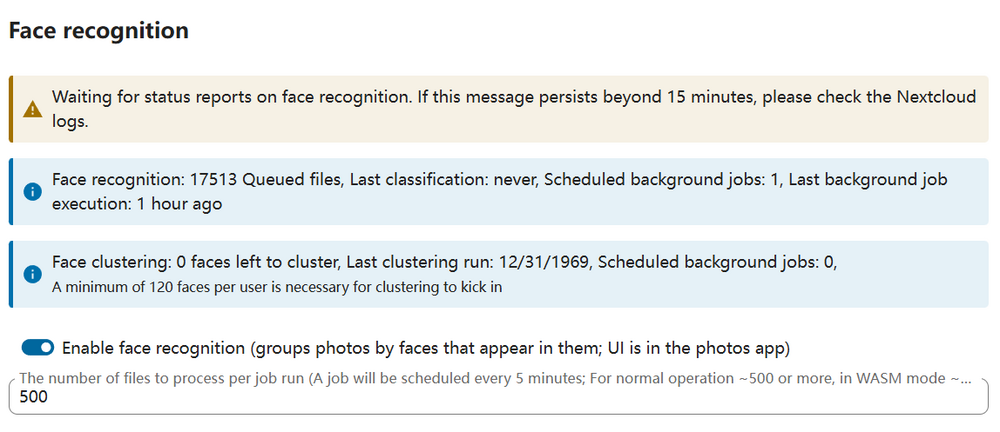
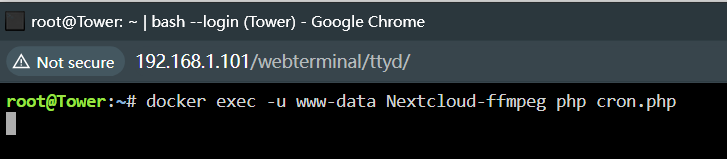
  2. I’m having trouble with the cron job execution on an Unraid server for Nextcloud. I used the "User Script" plugin, and put in the follow cron job: somehow there was one successful run of the cron job, yet I am not sure through which method. If I click on the "run script" button on the cron job tab, it doesn't give any response and doesn't exit/finish either. I also tried to type out the comman in consle, and no response: ##### Update: I waited a while before check back on the server, it seems like it had another successful run, yet the status of the other jobs stayed unchanged.
Account

Navigation

Search

Search

Configure browser push notifications

Chrome (Android)
  1. Tap the lock icon next to the address bar.
  2. Tap Permissions → Notifications.
  3. Adjust your preference.
Chrome (Desktop)
  1. Click the padlock icon in the address bar.
  2. Select Site settings.
  3. Find Notifications and adjust your preference.