eventorism
Members
-
Joined
-
Last visited
-
Would love a docker template for CrowdSec Unifi Bouncer: cs-unifi-bouncer There's one availble for mikrotik already, but would be awesome with one for unifi/ubiquiti also.
-
Still no idea what caused this, but copying over the appdata and simply switching to linuxserver-emby fixed the error/worked on first boot, so if anyone else runs into this same issue, maybe try that.
-
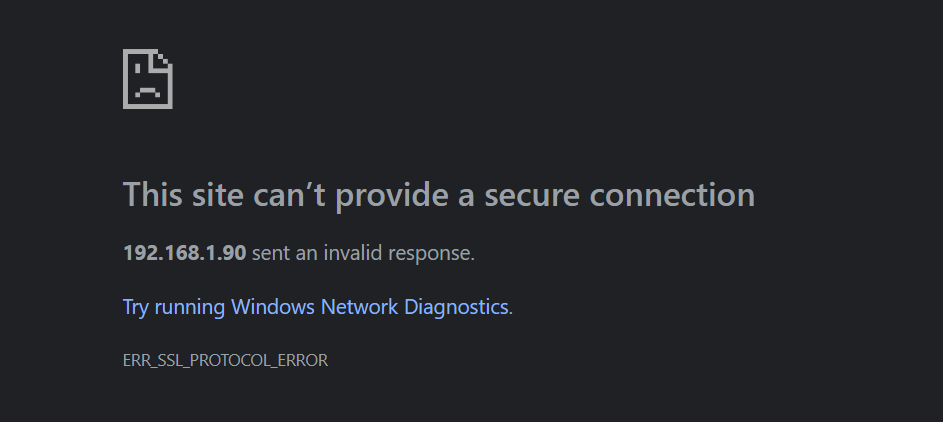
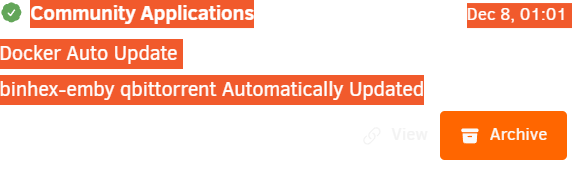
After the latest update, it seems that I can't access emby through HTTPS/TLS any longer (neither locally nor externally). Anyone else with the same issue? HTTP working fine still/no isuess there. Getting this in Chrome/Edge (can't seem to find a certificate at all when checking the TLS info box in the browser): Started checking everything, even generated a new certificate, but all checks out as far as I can tell. Certificate is valid/ handshake works through terminal etc, but refuses to load in browser when connecting to Emby. All I can see that changed is that Emby got updated 2025-12-08. I also can't find anything in the Emby logs, it loads the certificate and is listening on the correct ports and so on. Didn't change my network config or Unraid in any way prior to having this error showing up and watched a movie before bedtime, so the error happened over night. Very curious if it's just me as I'm at a a loss as to what might be causing this 🫠 Emby version reads: 4.9.1.90
-
Would be super happy to see DDEV among the Unraid apps for quickly spinning up different web projects. https://github.com/ddev/ddev
-
There's some concerning reports on Reddit about Qbittorrent (not the usual stuff with people leaving WebUI pubilcly exposed). Probably nothing to do with the container and more with Qbittorrent itself, but just a FYI for anyone else running it. I switched it off for now, better safe than sorry 😥
-
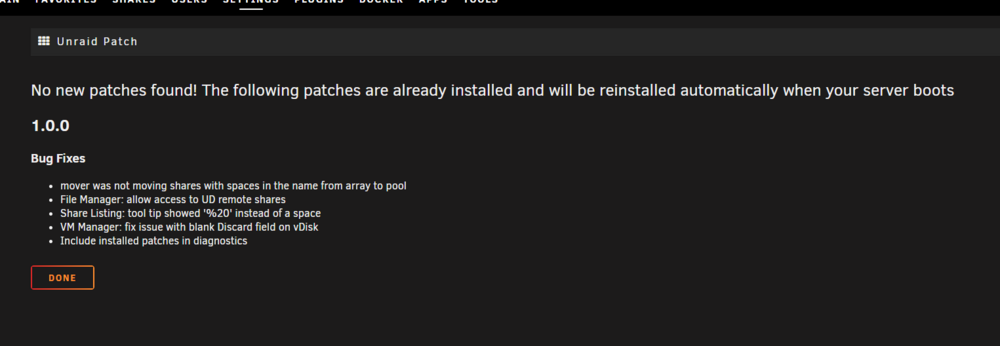
Odd. It worked for me on the first try. I didn't uninstall/disable the tuning plugin prior to or after installing the patch. Hope there's a quick fix ASAP.
-
Just restart afterwards, and it should be all good. As far as I can tell, the tuner plugin is still working fine after the patch.
-
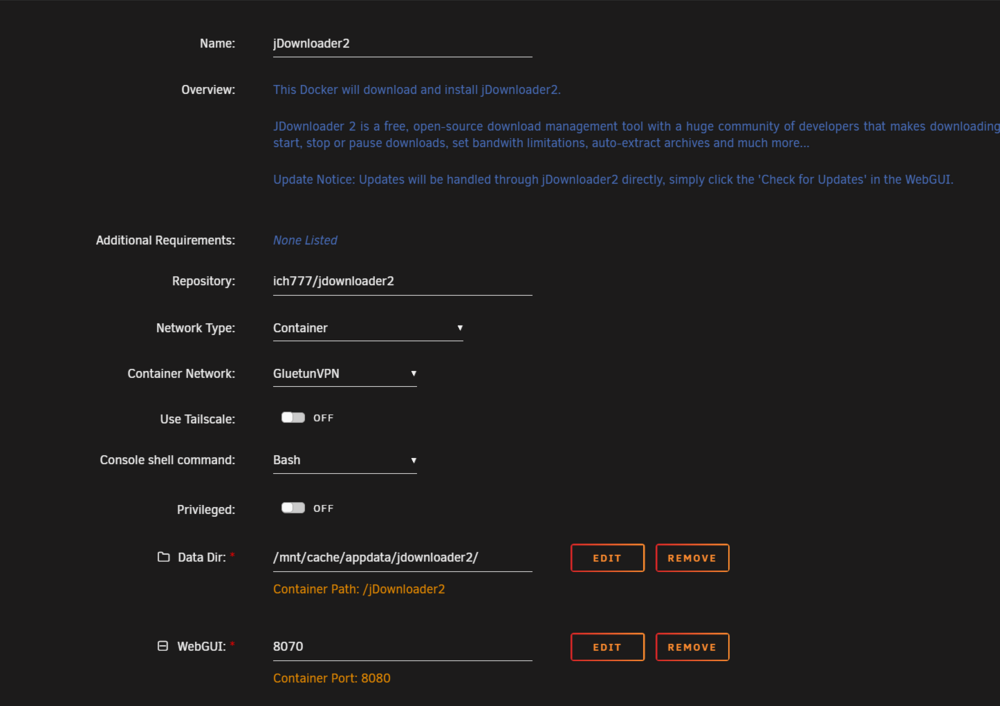
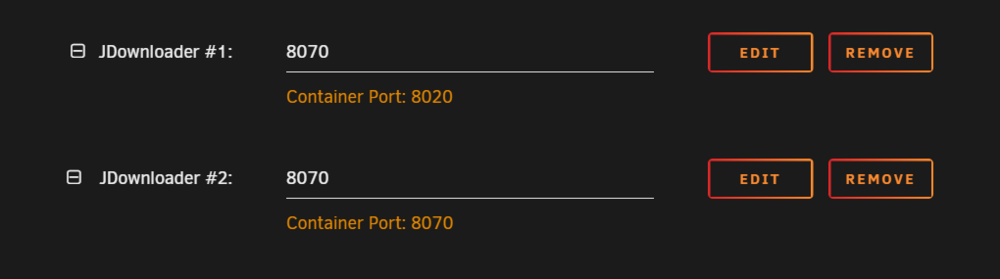
I have the JDownloader 2 container setup like this: I've added the port (both TCP and UDP 8070) to my GluetunVPN container config as such: But I can't get the WebUI to load, it will load fine when I switch back to bridge. Since all the other services that I've setup like this are working (Qbittorent, Firefox, SABnzb etc) it makes me think there might be an issue with the Jdownloader container (?). Anyone successful in setting it up like this? Am I missing something?
-
Also running it here on 7.0 without issues so far. Also running the default settings/never changed anything.
-
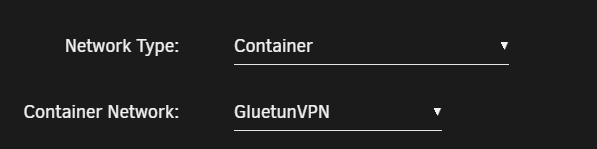
I'm trying to run this via my GluetunVPN container network without success/can't access the WebUI. I've tried with a few different ports (made sure the coressponding TCP and UPD ports are added/open on GluetunVPN of course). Can't find any errors in the container log. If i switch network from "Container" to "Bridge" everything is working/I can access the WebUI, but when I switch to the GluetunVPN container network, I can't access the WebUI any longer. Currently running a few services through my GluetunVPN container network without hickups, so it shouldn't be the GluetunVPN setup. Am I missing something?
-
I'm also trying to get this up and running. If you manage to get it fully working, please post your settings
-
That was super fast - thank you! Can confirm it's working great now \o/
-
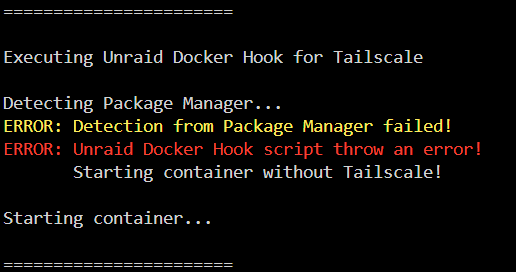
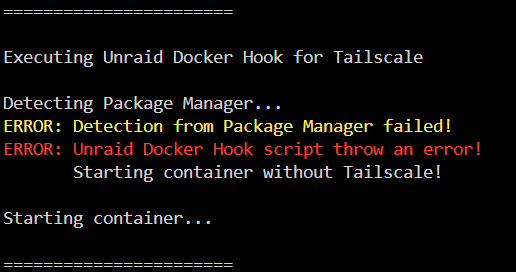
Posted this in the binhex thread also. Anyone successful in enabling Tailscale within the Docker settings on Unraid 7? It throws this error for me/is unable to install the tailscale package. Just trying to launch the docker image with default settings+tailscale enabled. Running Unraid 7.0.0-rc.2 and the latest version of emby server. It works on most of my other apps, but Emby doesn't like it.
-
If you're having problems with launching and/or generating certificates after enabling tailscale via the docker settings on Unraid 7 rc2, try and enable 'Tailscale Show Advanced Settings' and add '/config/.tailscale_state' to the 'Tailscale State Directory:' in the docker settings. That fixed it for me it seems - can now funnel Jellyseer through Tailscale.
-
Anyone successful in enabling Tailscale within the Docker for binhex - Emby? It throws this error for me/is unable to install the tailscale package. Just trying to launch it with default settings, besides enabling Tailscale, to see if it works. Running Unraid 7.0.0-rc.2 and the latest version of binhex-emby. I tried it with binhex-prowlarr first, and it works great there, no issues running tailscale with funnel or serve by enabling it via the docker settings, so it seems to be unique for the Emby build.