





Onyxdigital
Members
-
Joined
-
Last visited
Everything posted by Onyxdigital
-
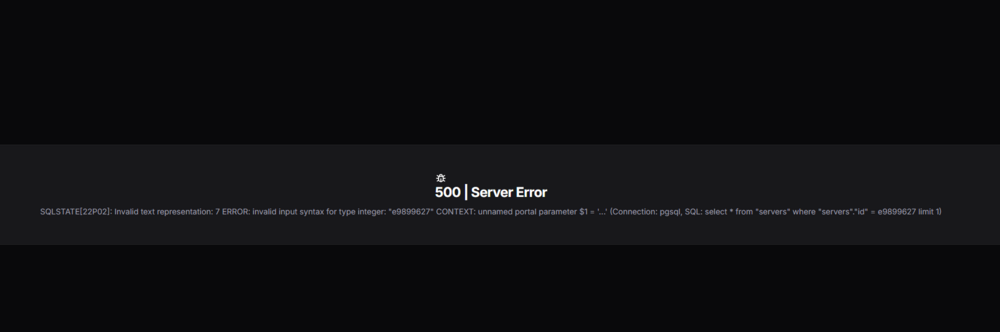
still error
-
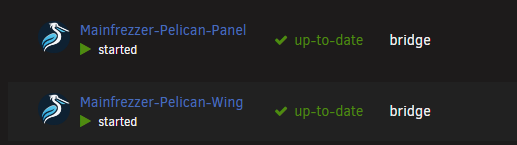
yep updated both i use yours
-
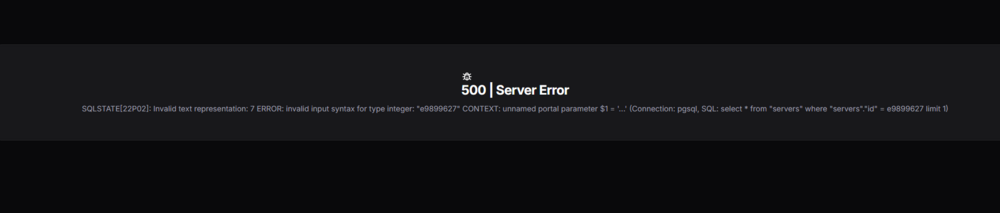
updated to the latest pelican update an now when i press on any server this error comes
-
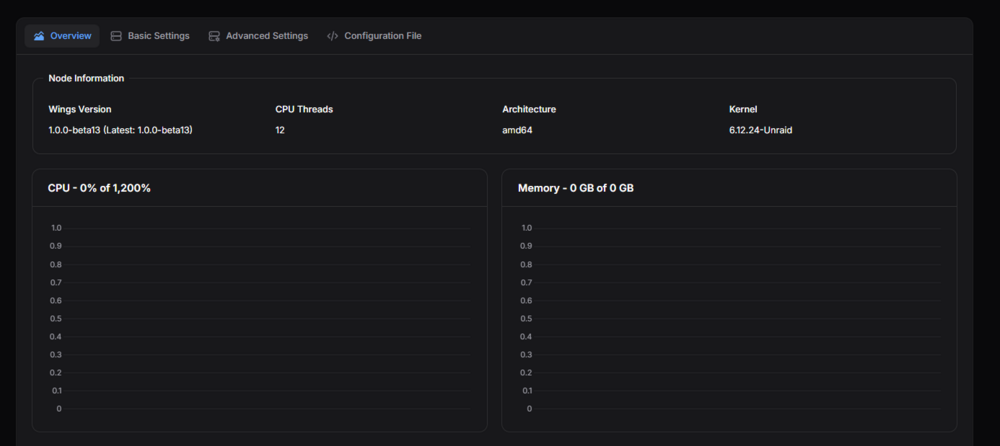
Hey I Installed new Ram and now my server says 0 GB
-
hey is it possible that you can make this docker unraid ready https://github.com/Paymenter/Paymenter its a billing panel you can connect this with this extension to pelican https://builtbybit.com/resources/pelican-paymenter.63526/?ref=discover
-
when i try to change my location from /mnt/user/appdata/pelican-wing/data to /mnt/cache/OnyxHosting/pelican-wing/data it dosent show the files anymore do you know how i can fix this because i wanna run it on my nvme
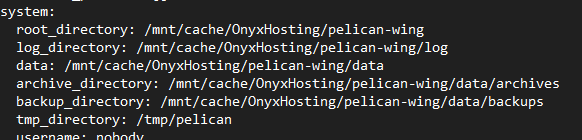
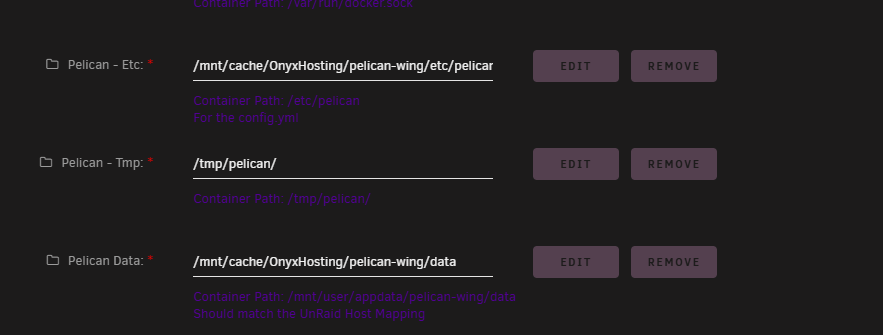

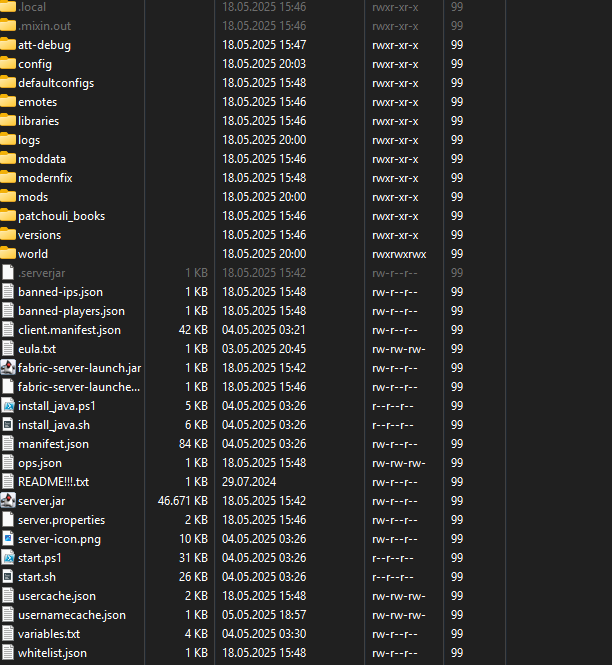
-
i cant upload files i use cloudflare tunnel
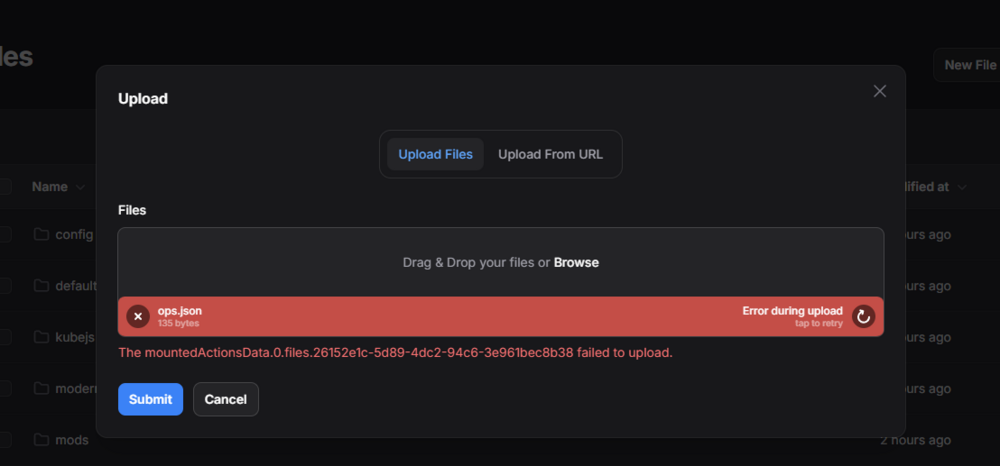
-
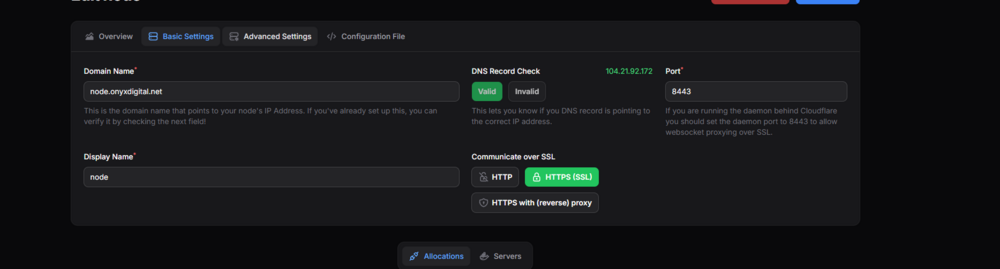
do you maybe know why its not green i use cloudflare tunnel Nevermind fixed it but Thanks anyway

-
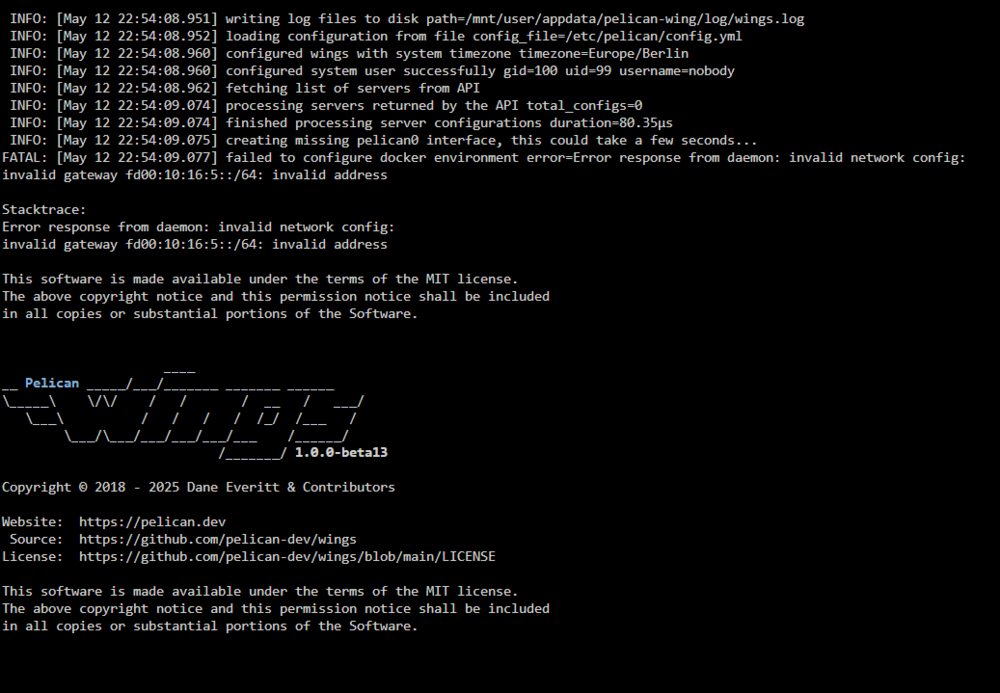
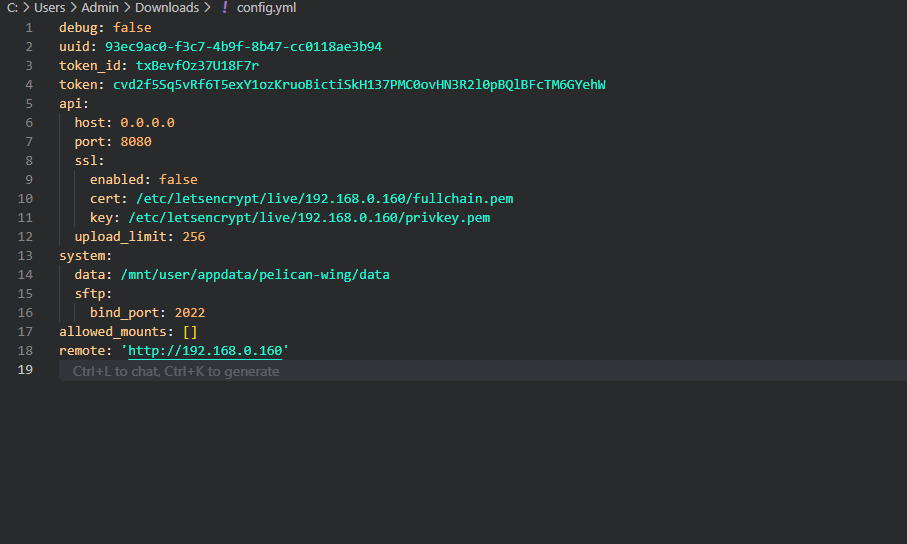
logs and config
-
When i start wing after a couple of seconds it closes do you know what it can be
-
i did that and this comes what do i need to do ?
-
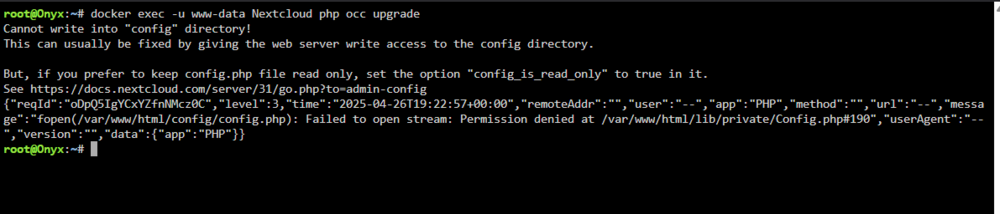
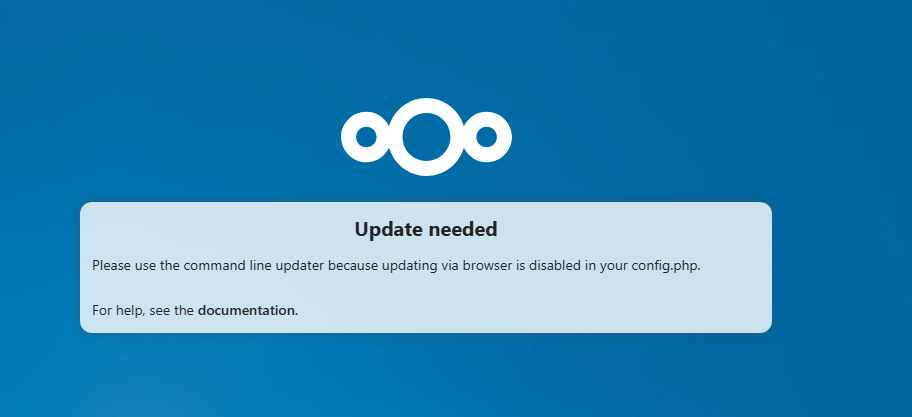
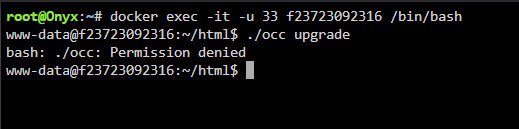
I have this problem where i need to update I use this commands to update but it says permission denied docker exec -it -u 33 f23723092316 /bin/bash ./occ upgrade Can someone help me because i dont know what to do
-
I have the same issue did you solve it ?
-
Hey can you make this assetto corsa server build because the dedicated one is a little outdated https://assettoserver.org/ urs dosent create the files by server start for extra options in cfg
-
the server reboots itself or crashes idk really know
-
Diagnose fileonyx-diagnostics-20241201-0839.zip




