





ElliottOnUR
Members
-
Joined
-
Last visited
-
Seemed to be working fine, then parity check finished and mover ran and my permissions all got screwed up again.
-
Nice though, so I have to set up the share, reboot, then it lets me get rid of the Everyone group and apply my own permissions, and the permissions do persist through reboots.
-
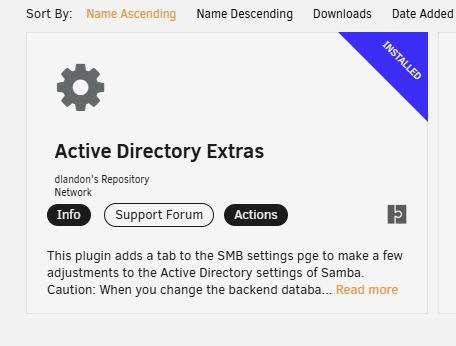
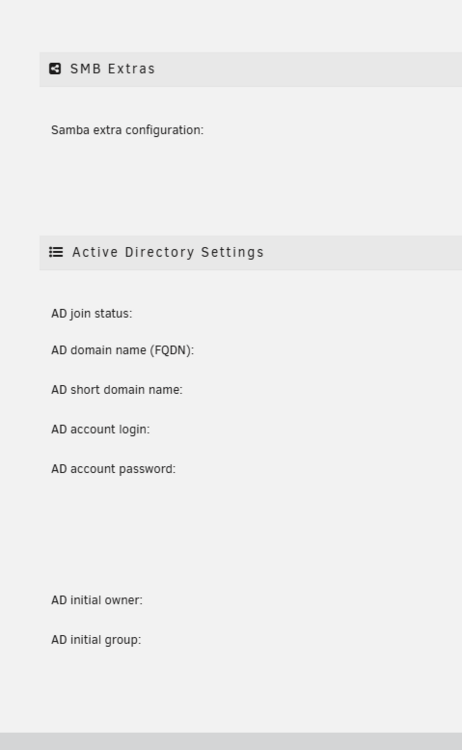
The plugin no longer shows in the SMB settings.
-
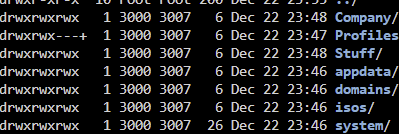
If you have any idea what I can do to get it to stop losing permissions after every reboot as well, that'd be cool too:
-
So this helps the issues I'm having, but every time a share change is made the shares lose the acl_xattr setting Going to Settings->SMB->Active Directory Extras and hitting Default applies those settings Then restarting samba without making any changes to the shares reapplies the acl_xattr to the shares: /etc/rc.d/rc.samba restart I wish there was a way to make the acl_xattr setting permanent.

