martin.schaible
Members
-
Joined
-
Last visited
-
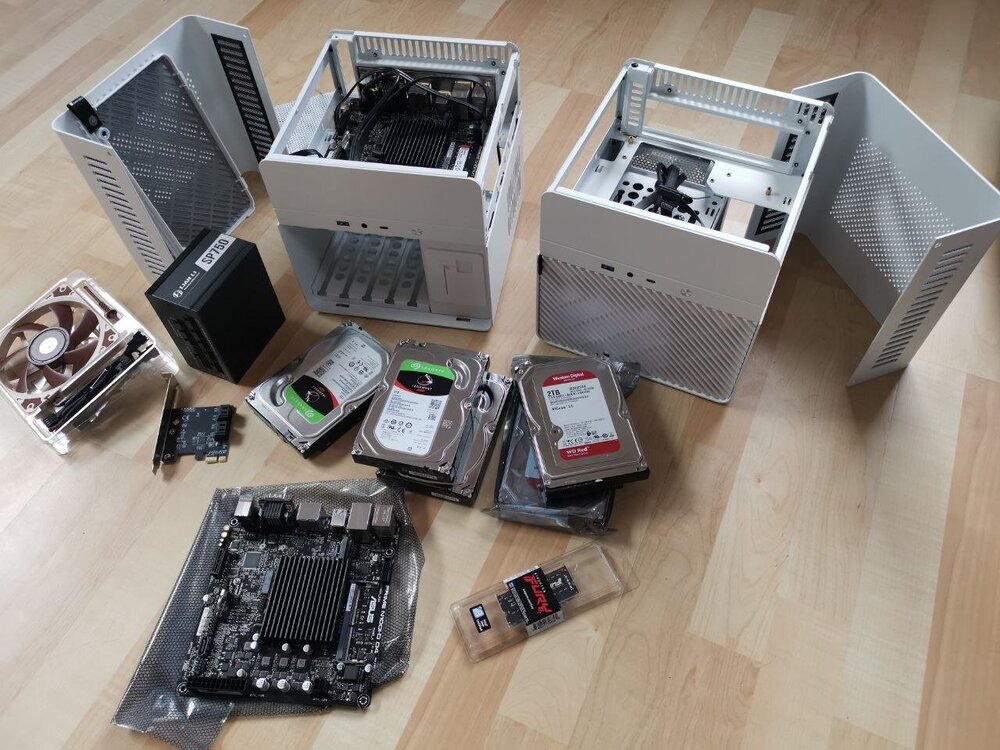
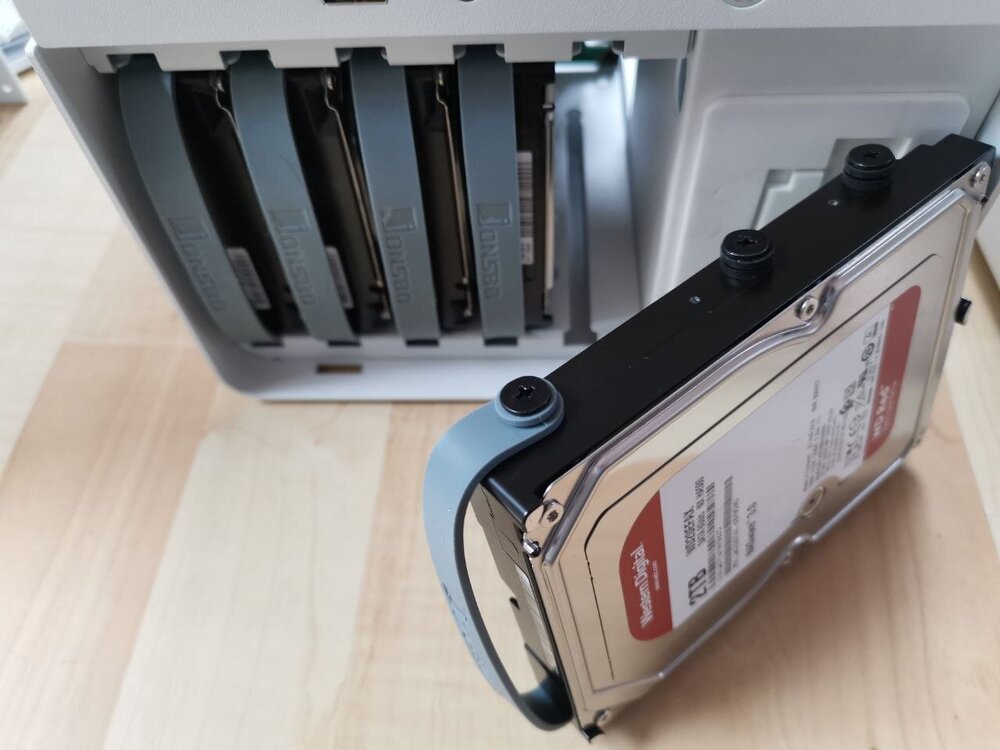
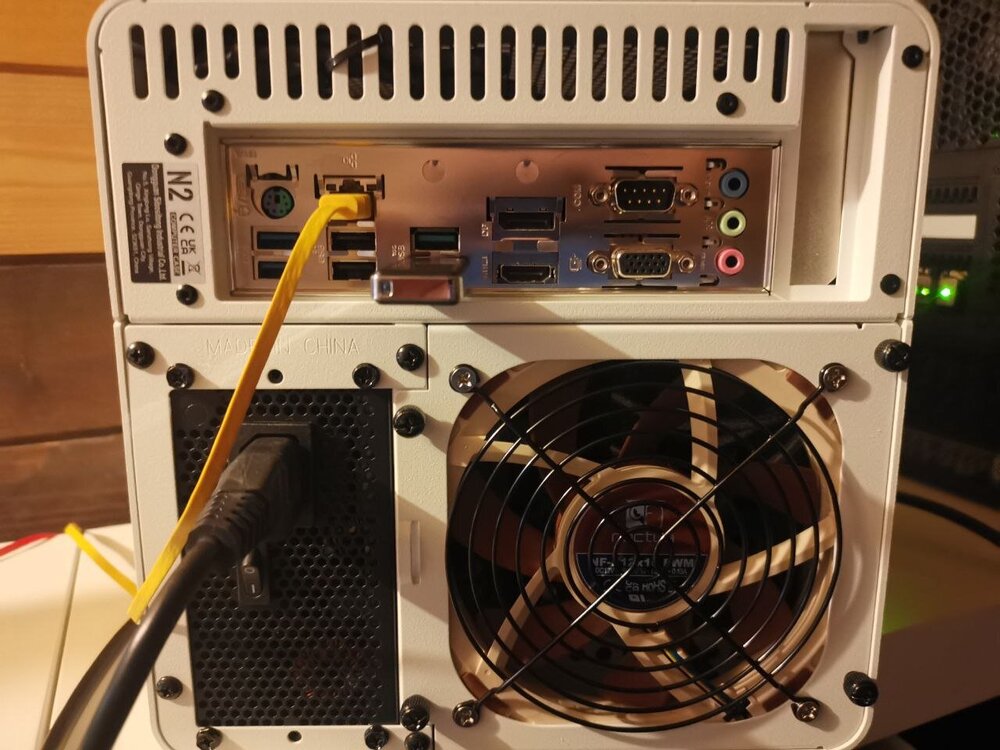
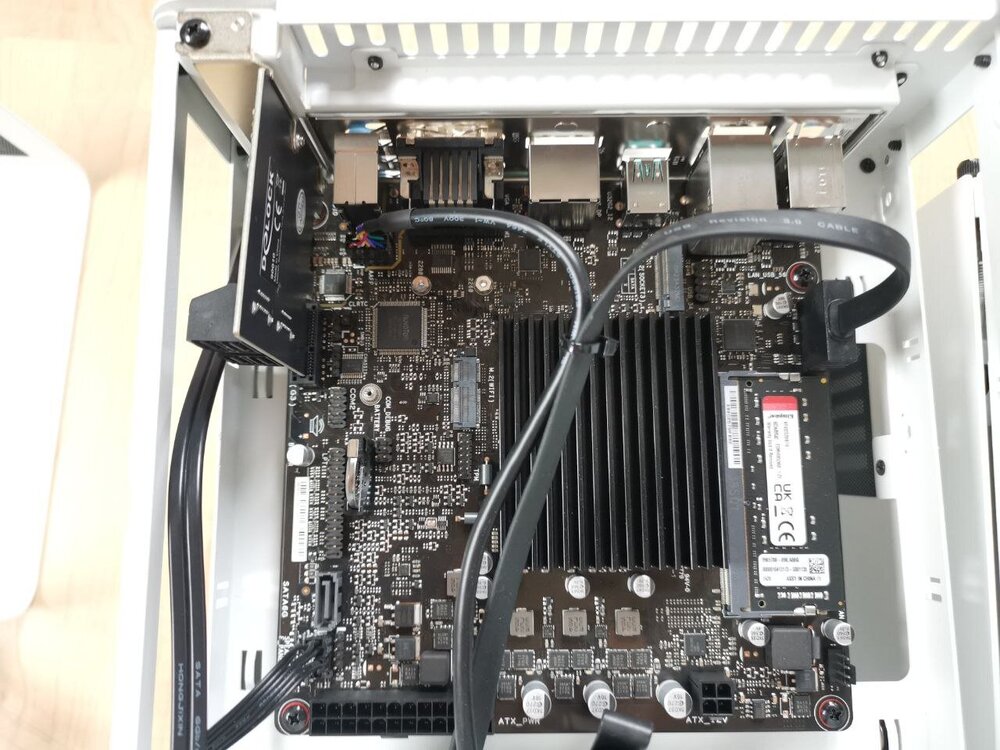
Hello, Instead of an ugly black standard NAS from a well-known manufacturer, I built myself an device based on a Jonsbo N2 case. The motherboard is an Asus Prime N100I-D D4 with 16 GB RAM. The motherboard only has one SATA connection. A 4-port SATA card from Delock expands the system for a total of 5 drives. I chose the relatively inexpensive Lian-Li SP750 as the power supply. I replaced the built-in fan with a very quiet model from Noctua. The NAS has been running reliably for a week. Due to the compact design, the disks are not cooled optimally and are about 10 degrees above the usual temperature. I expected that. The CPU is never really under load. During backup, one core briefly jumps to 70% load. The speed is better than expected: very large files are copied at 850 Mbps. A backup runs at 250 to 350 Mbps. That's fine for me. The second Case is intended for my new office server.