Farlig69
Members
-
Joined
-
Last visited
-
Thanks Jorge!!
-
Perfect thangs again trurl! My noobiness rears its head again, appreciate the prompt reply!!
-
Is this normal to have no file system etc attributes for a cache 2?? Nothing I do seems to bring it back includng doing a new config just now (still wiating for it to finish though an that will take some time...)

-
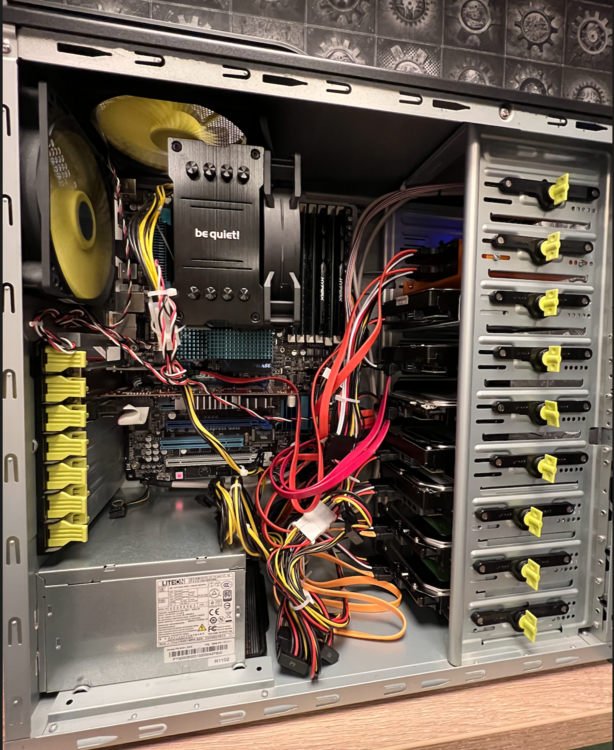
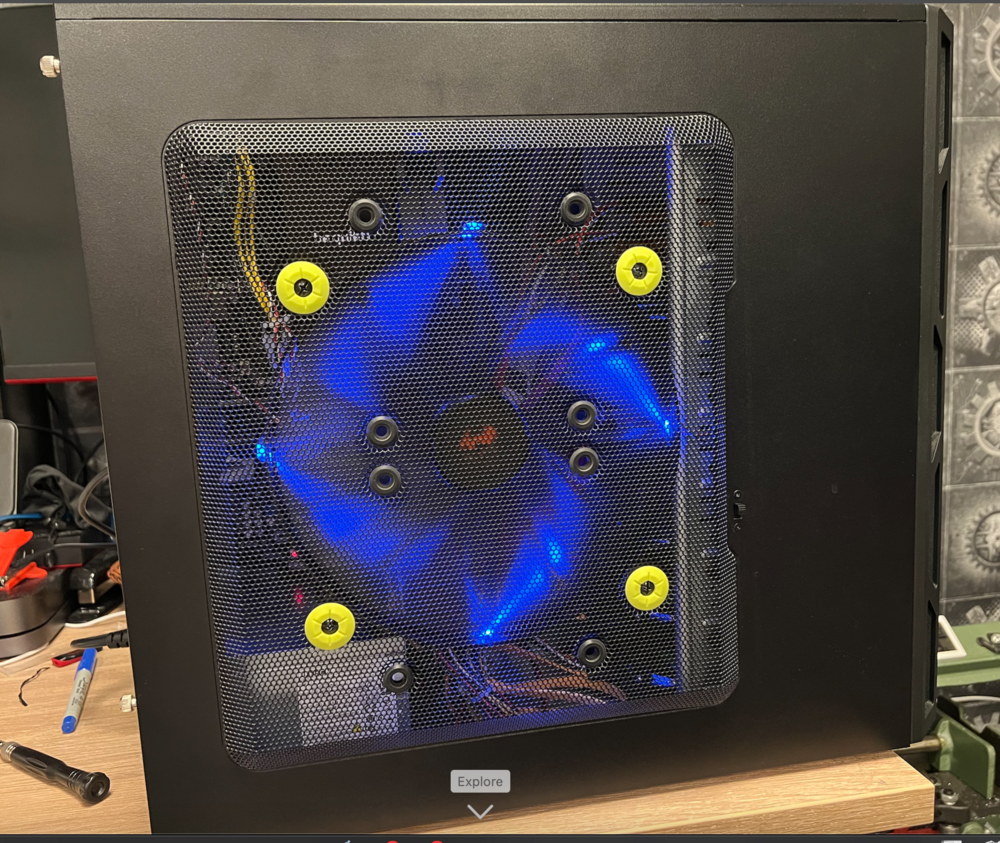
Hmmm... Thankks Hoopster, interesting info, I'll give that a read through, probly not too much of a concern for the LAN port but I did install my two cache SSDs on the Marvel controller 6.0 Gbps ports (set the controller to normal speed). Might explain a little something... Finished my build last night, allocated the array & then let Unraid do its thing overnight Woke up this morning to one of the cache discs not listing anything under file system / size / used / allocated; though the drive is checkmarked green & allegedly healthy. I'll give it another try though as when trying to label all my discs physically, I could not for the life of me find a s/n on the SSD's so the only way to ID them physically for me was to shut down, disconnect one, reboot and see which was missing in the cache pool, before shutting down and reinstalling - of course the one with the missing data labels is the one I disconnected 😳 And pics, everyone loves a pic (don't they?) 😂 Not too enamoured with the blue LEDs - guess this tower was a gaming machine before but not gonna complain as it was free including the really nicely 3D printed orange SSD bay, must confess I was blown away by the quality and accuracy of the print and made me reassess getting one to play with!! But I digress haha
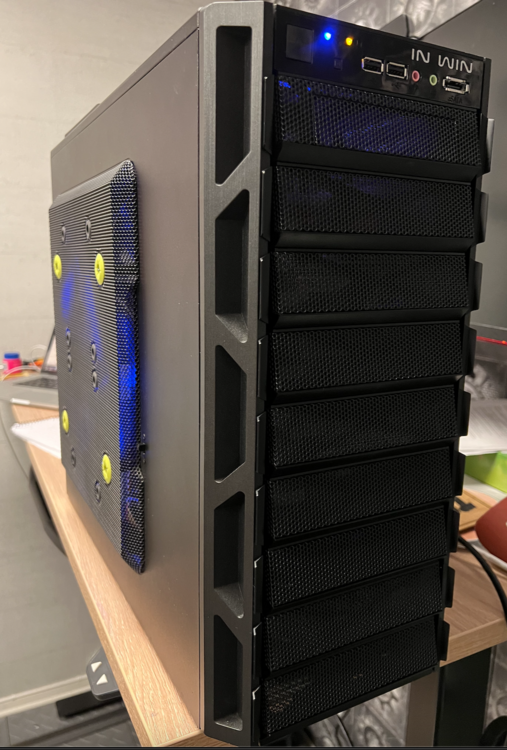
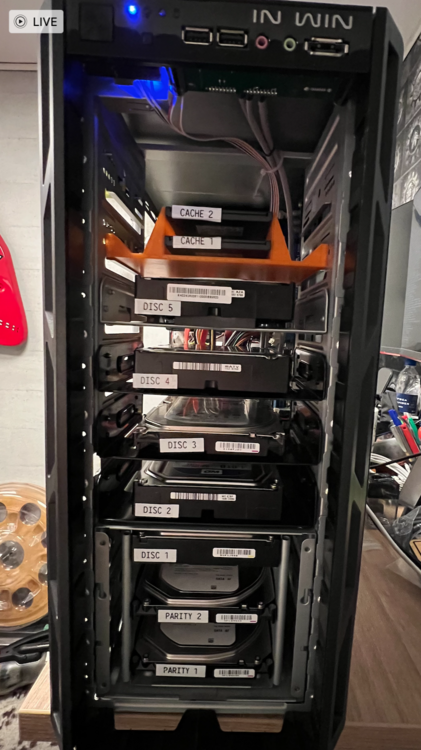
-
Thanks Hoopster, managed to get it working via some help to what I posted when I moved this over to general - here´s the thread Cheers, Neil
-
YES!! That was it thank you very much @itimpi and @JorgeB 👍🏼😎 The Marvell LAN1 was set to disabled - I must confess to going through and disabling a heap of stuff earlier in the hopes of eliminating issues, forgot what I did and didn't do 😳 SO a good cmos reset I think is needed when I finish the build But that's enough for now, my brain is mince and I need a break before getting back to the build In any case the main hurdles have been cleared methinks, so a huge thanks again to all who nudged me here and there and helped me get there, you are seriously appreciated!!!
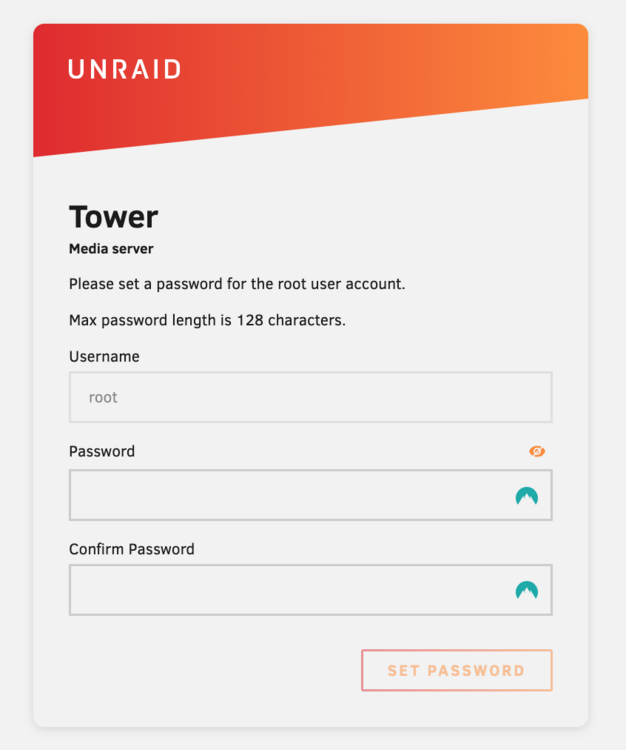
-
Here we go, I think tower-diagnostics-20250224-0735.zip
-
I'm on it, thanks!!!
-
Well we kinda have a winner - I have a boot but no networking, was suddenly very high then I came crashing down again Combination of @JorgeB and @itimpi : I said I had done it before (labelling the EFI folder as EFI-), but I had not done the JorgeB combo of formatting the flash drive with Rufus, then renaming the folder EFI- Tried that as a last resort & result got a boot!!!! Yahoo, buuuuut I have no network, end result is: One giant leap closer though!! Back to the search function, thanks for all the help so far guys!!
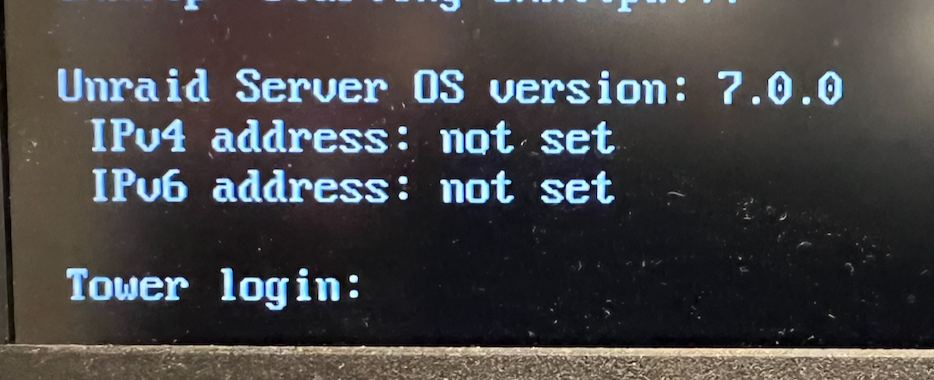
-
Thanks, tried a few different usb sticks now and nothing works. I fail to see how it's an issue with the board through when slax and unbuntu USB boots work fine on it...
-
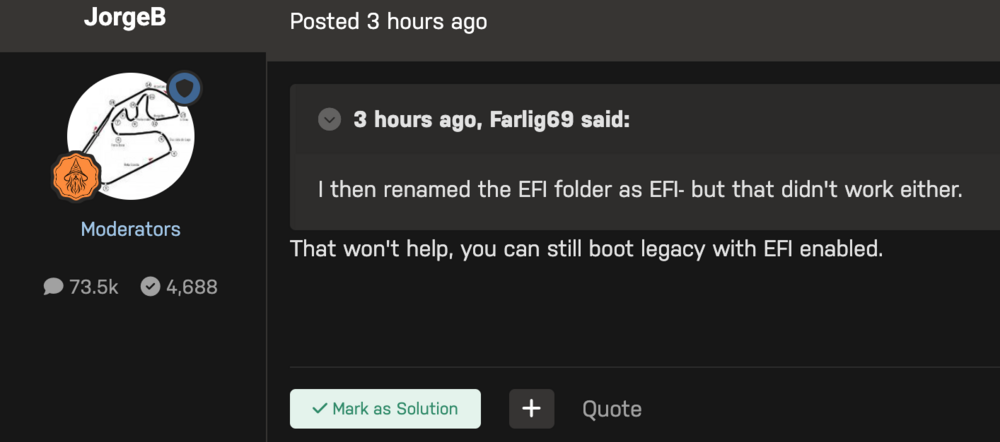
Tried that before then Jorge said this:
-
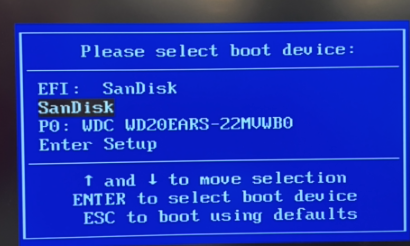
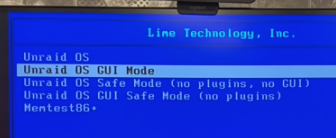
Missed the F12 boot instruction to boot menu and got this: So selected the 2nd option and yep it boots fine...
-
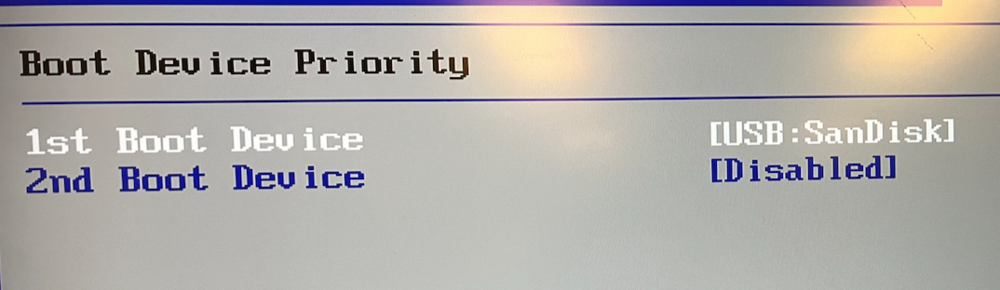
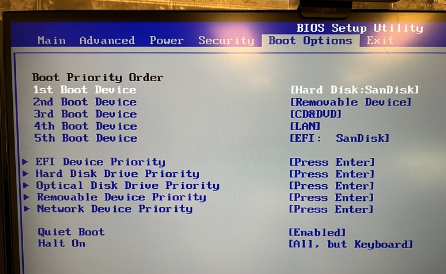
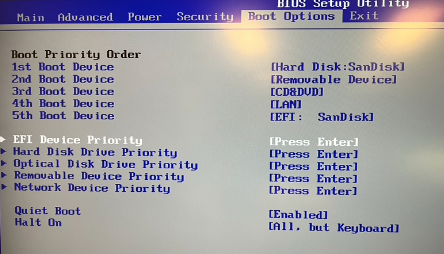
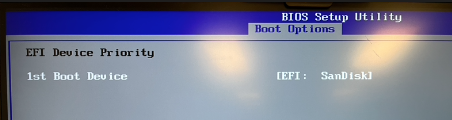
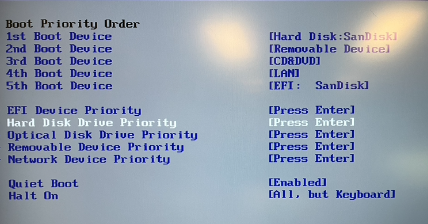
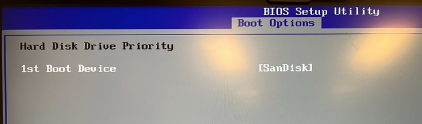
This BIOS is pretty inflexible and not giving me any option to disable boot devices, only to shuffle them around The USB drive is coming up as both an EFI device and an HDD (?) Tried making the 1st boot device the hard disk version of the Sandisk and the EFI the last version & it booted Unraid fine, don't know how effective that is as I cannot disable the EFI device... In the BIOS he devices are listed below the Boot Priority Order but I have no idea what these do as selecting them doesn't not seem to do much but I tried making the HDD priority to see if that maybe "forded" a legacy boot - dunno how to deactivate the EFI... Anyhoo - whatever I do it boots Unraid fine on this motherboard arrangement. Pics tell more than I can describe: SanDisk available as both EFI and "hard Disk" Go into this setting.. And there's nothing to choose from. So went in here: And selected this as priority in conjunction with 1st boot device (above), stabbing in the dark here I know The rest of the devices are not connected so show nothing:

-
OK I will try, I guess I need to force the BIOS in the PB machine then to boot legacy? The whole point of me not building my server on the packard bell architecture was to give me the asus' flexible bios and motherboard to control a "server" and multiple fans etc but at this rate I'm getting ready to throw the asus and xeon out the window, which would be a shame seeing as slax and unbuntu run fine... I'll dismantle & rebuild again and give it a try see what I can do in the PB bios...
-
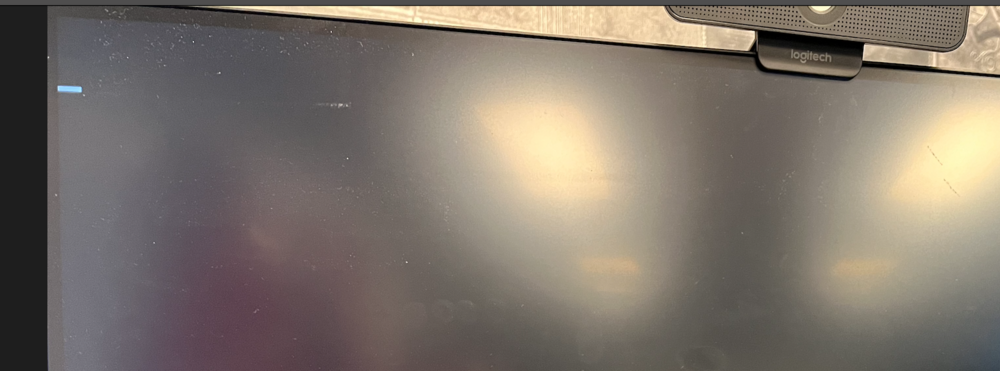
Nope, that didn't work either, BIOS correct boot device, result black screen flashing cursor top left.