






WASN
Members
-
Joined
-
Last visited
-
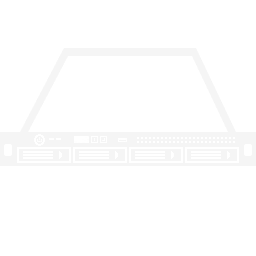
Just made it for the lenovo PX4-400R:
-
why do iget an output for "modinfo igxbe" but cant find the driver in tools->driver->all drivers?
-
the modinfo igxpe dont show the right version info. The newest intel drivers have the version 6.0.6 Intel® Network Adapter Driver for PCIe* Intel® 10 Gigabit Ethernet Network Connections under Linux* this error: should go away with a driver version from 6.0.0 i think unraid uses an older version
-
the problem accured under nearly no load. i have transfered 2 test vm disks before without a problem, did not notice slow perfomrance because the source files were on a 1G NAS. The problem accured in the night without load. but the pcie lane size is a good hint. i will try a dual 1G NIC
-
WASN changed their profile photo
-
Hello, i have a problem with my unraid server running version 7.0.1. I run it on a lenovo PX4-400R with an Atom D2701, 2GB RAM, 2 1G onboard NICs and an addon intel X520 2x 10G-BasaeT Card I have bonded both 10G ports but unraid randomly disconnects from the bond and shows the both interfaces down. On the Switch both ports are shown as up. I have one 1G interface connected to another net and i can acces unraid after that over that interface. tried to down and up the bond interface but with no success Can anybody help to make it more stable? Right now i cannot use it in production and i am a little disappointed on spending the 49$ for the starter licence. i have attached diagnostics file. Regards, Bjoern san01-diagnostics-20250322-1459.zip previous_syslog.zip

