Skip to content
View in the app

A better way to browse. Learn more.

Unraid

A full-screen app on your home screen with push notifications, badges and more.

To install this app on iOS and iPadOS
  1. Tap the Share icon in Safari
  2. Scroll the menu and tap Add to Home Screen.
  3. Tap Add in the top-right corner.
To install this app on Android
  1. Tap the 3-dot menu (โ‹ฎ) in the top-right corner of the browser.
  2. Tap Add to Home screen or Install app.
  3. Confirm by tapping Install.

Sparqx

Members
  • Joined

  • Last visited

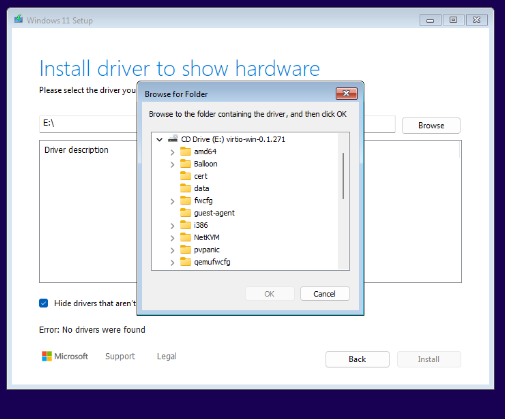
  1. I have tried that but I don't know what folder the drivers are in? I looked in the AMD folder even tried just the root of the CD Drive but nothing comes up ๐Ÿ˜ตโ€๐Ÿ’ซAny suggestions welcomed๐Ÿ™
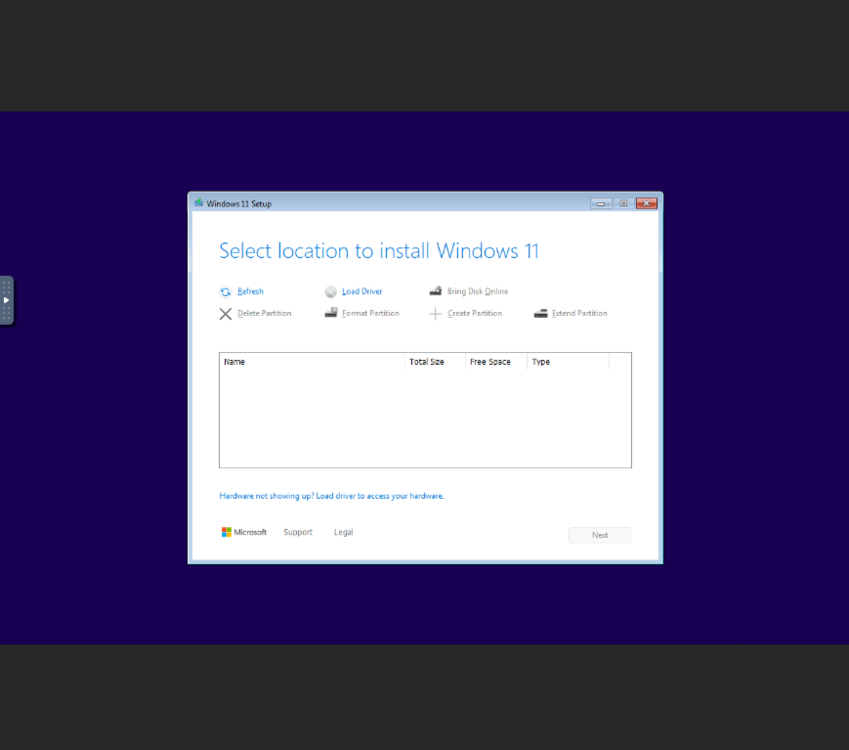
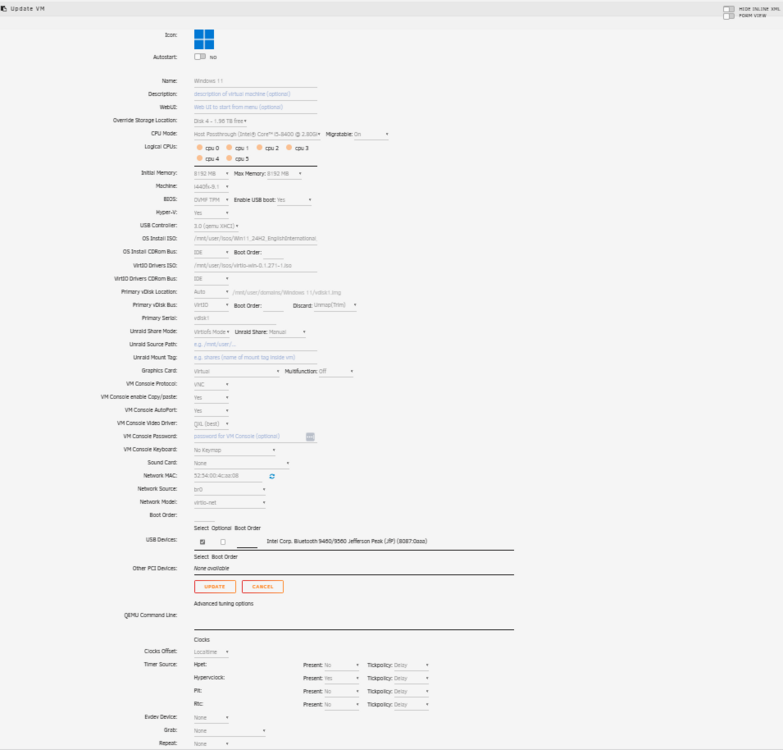
  2. Hi there ๐Ÿ˜€ I have recently joined the 'Unraid' Tribe and have been feeling my way around for the last week or so. I have started to play with VM's and have successfully deployed Debian and Ubuntu Desktop VMs. I am now trying to install a Windows 11 VM but i am having problems...I get to the stage where I would normally select a drive but nothing appears...? I have included a screenshot of my VM config and the Windows 11 Setup screen that I a get stuck on. I am hoping you wonderful people can steer me in the right direction. Please be gentle ๐Ÿ™๐Ÿ˜‰ Thanks in advance Steve

Account

Navigation

Search

Search

Configure browser push notifications

Chrome (Android)
  1. Tap the lock icon next to the address bar.
  2. Tap Permissions โ†’ Notifications.
  3. Adjust your preference.
Chrome (Desktop)
  1. Click the padlock icon in the address bar.
  2. Select Site settings.
  3. Find Notifications and adjust your preference.