





Tylan
Members
-
Joined
-
Last visited
-
[Template only, I am not the container author/maintainer] Template: https://github.com/Tylan/Unraid/blob/main/templates/Haven.xml Source container: https://github.com/ancsemi/Haven
-
Awesome, thanks! It's not a huge big deal to me, just wanted to make sure it was reported. Let me know if I can provide anything to help diagnose the issue.
-
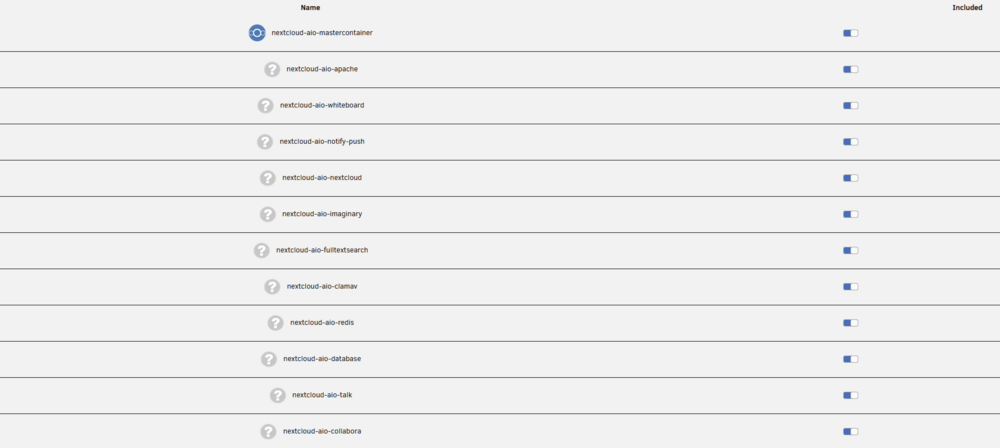
Ever since the update, my NextCloud AIO 3rd party containers are no longer showing in my NextCloud folder.

-
@Kilrah thanks, I didn't realize it was considered a dirty hack, but now I know especially with seeing how it worked in this situation. @Camilo I posed the question on Reddit as well, and it seems that SearXNG siwtched to Wolfi Linux, which is a "distroless" version of Linux which does not come with a package manager so it seems this method will not work anymore. I ended up just pumping it through SWAG and called it a day.
-
@GreenEyedMonster I just struggled with this for the last hour with those same errors and realized that BookLore does not seem to like MySQL. Use the string that @jmztaylor mentioned pointing to a MariaDB container. Not sure if you went with MySQL like I did, but I think the Template should be modified to require MariaDB and not to even mention MySQL. Just my humble opinion. I got it working now. Best of luck to you.
-
Hi, it seems since the latest update yesterday my Tailscale no longer works for this container. Is this a known issue or are other people experiencing this? I tried to remove the entire container, delete everything and reinstall but Tailscale just does not install or even try to. All of my other containers are fine with Tailscale, it's just this one since the update.


