allesrai
Members
-
Joined
-
Last visited
-
This did it. The "AMD Vendor Reset" plugin is magic. TYVM for tracking that down for me!
-
TY, that looks like something else to look at then. I did try custom bios - no change.
-
An unpaid patch, or a bios patch? Either way, any idea where to find/download it? (Edit, found a v-bios that is a year newer, will investigate how to install that and see if it works) Using my old computer as a server/couch gaming PC, wanting to reuse the hardware ideally.
-
Thanks for the reply I tried another VM (no passthrough) and it worked fine. I then disabled GPU passthrough on the Bazzite VM and I could start/stop it no problem. I then re-enabled passthrough and the issue came back (I got the passthrough working this time though! 🥳). Seems to be related to the passthrough. Its not the end of the world now I know I can work around it, but it is very annoying. Should I have posted this in the bug reports instead, or could it still be user error?
-
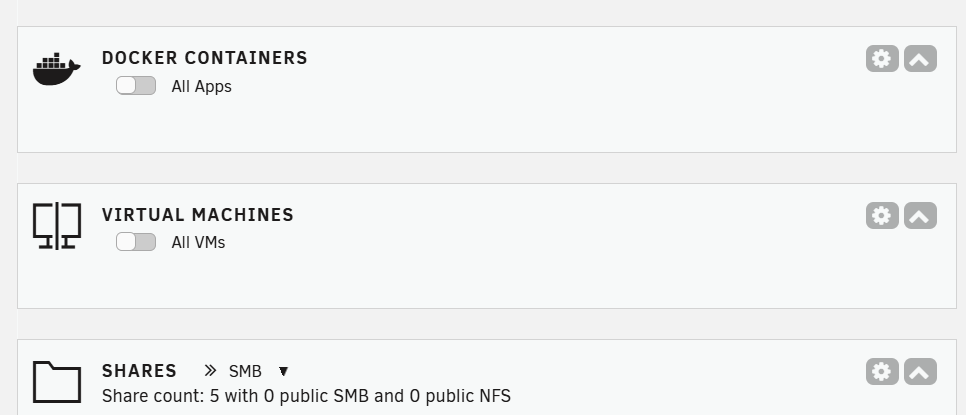
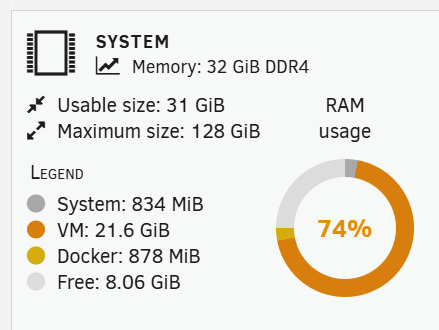
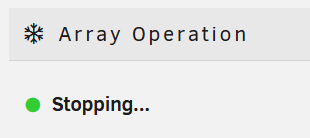
I'm on my free trial and trying to set up Bazzite with GPU passthrough. This doesn't work, but that's a secondary problem. When I try to shut dow the VM, the entire management interface stops working. If I switch to a private tab, or another browser, it works there, until I visit the VM tab, then that session breaks too! The VM isn't running any more acording to the dashboard: But its still holding lots of memory and preventing me from stopping my array for a clean reboot: Screenshots and syslog attached if anyone can help out with this one... tower-diagnostics-20250703-1932.zip