kiekar
Members
-
Joined
-
Last visited
-
I had set a 2gb memory limit on jellyfin on the extra parameters entry. I have now removed this entry and so far it is stable. I will keep monioring for a while.
-
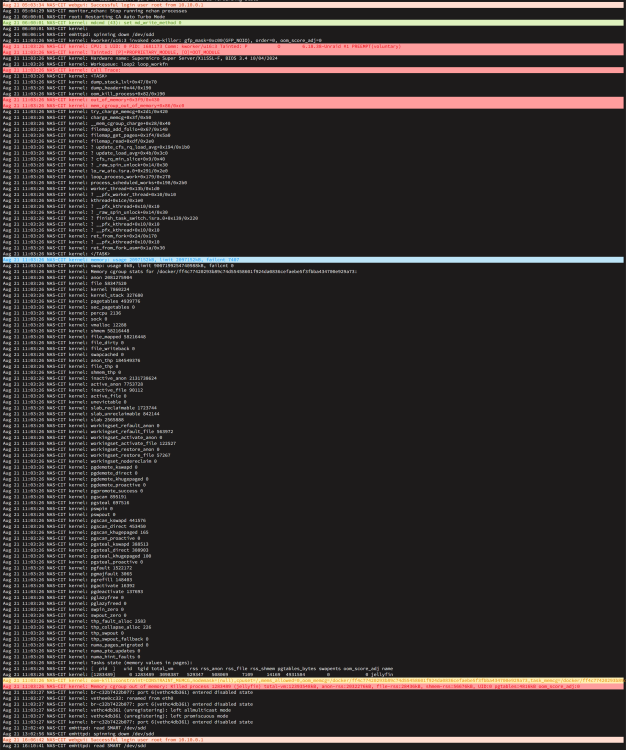
Hello, Hoping somone can help me. I've been using unraid for one year without any issues except for the last couple of days. I have been getting notified by email from an app stating that my server is running out of memory. I've attached an image showing the logs that may show the issue. If the image log file is not providing enought information please let me know so I can provide more. My motherboard is a SuperMicro X11SSL-F with 8gb unbuffered ecc memory. Unraid 7.3.2 Regards, Karl
-
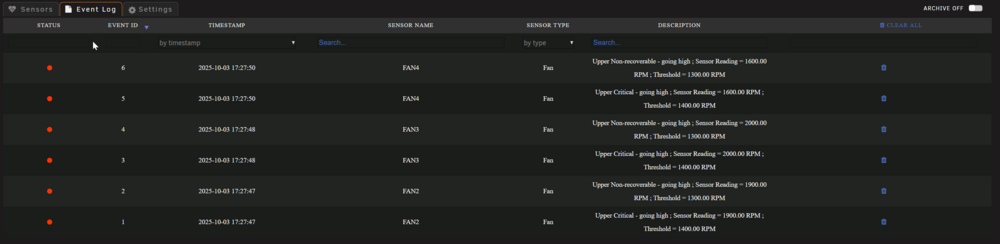
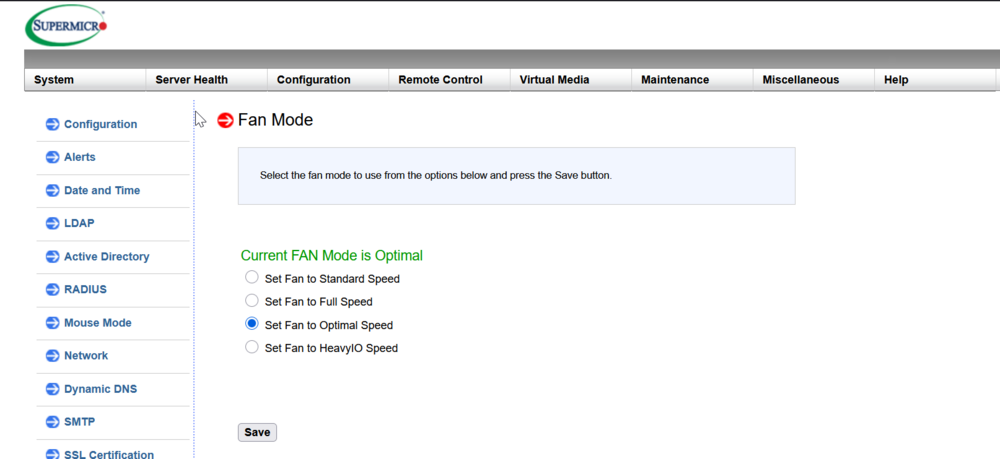
Hello, I have 4 fans, 2 noctua NF-A12x25 and 2 Artic P12 PWM PST installed on my chassis connected to a supermicro X11SSL-F MB with the FAN Mode set to optimal speed I currently have the fans running quietly instead of 100% using the simonF IPMITools plugin but when rebooting the server or starting it, the fans speed goes bacl to 100%. What I did find logging in the web gui of the ipmi, the Fan Mode reverted back to full speed instead of optimal. In order to bring down the speeds, I need to select the optimal speed mode and reset the unit. I also noticed looking in the event log the status shows red for the upper threshold. Can someone point me in the right direction to resolve my issue with the fans spinning at 100% after reboot. Your help would be much appreciated. Thanks,