Lasdem
Members
-
Joined
-
Last visited
Everything posted by Lasdem
-
perfect that did it!
-
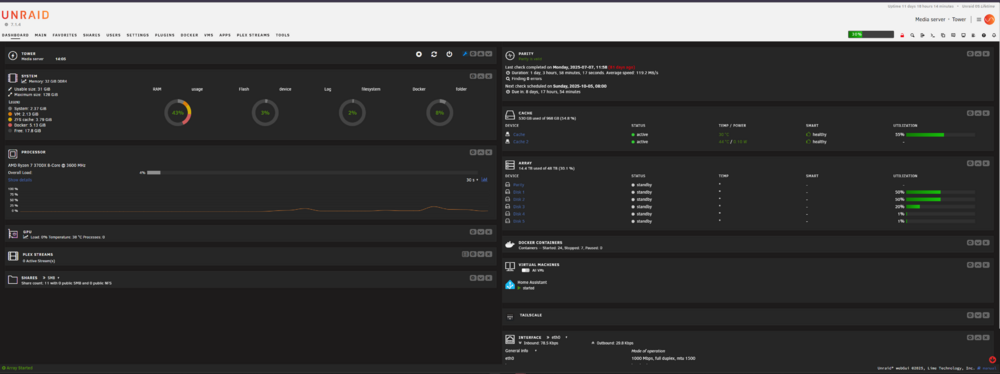
Unfortunately even with the setting on "Unlimited" there are only 2 columns:
-
I have moved widgets on my dashboard around and now I only have 2 columns of widgets, but I want the 3rd column back. If possible even a 4th column since I have an ultrawide monitor. I have tried dragging a widget to the right or left to create a new column clearing browser cookies using a different browser logging in from a different computer I can rearrange widgets in the 2 columns and it will be saved and it always stays on 2 columns. Even though everyone keeps telling me the Dashboard state is in the browser cookies, for me it stays the same across browsers and devices. My installed plugins are: Appdata Backup CA Mover Tuning Community Applications Compose Manager Fix Common Problems FolderView2 GPU Statistics plexstreams Radeon TOP Tailscale User Scripts User Scripts Enhanced ZFS Master for Unraid