nwinder
Members
-
Joined
-
Last visited
-
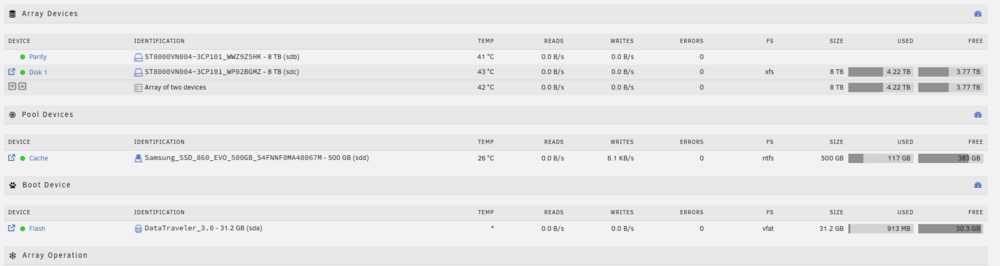
Hey folks, I had an ungraceful shutdown (Unraid froze and wouldn't respond to pings or anything). I powered down the machine and when it restarted all the files from my Plex directory are missing. When I navigate to the folder /mnt/user0/appdata/Plex-Media-Server/Library/ in File Manager, I see no folders or files. When I run a Find command in the CLI I see the files in that directory /mnt/user0/appdata/Plex-Media-Server/Library/ . When I try to navigate to the user folder via the CLI I get an root@Winder:/mnt/user/appdata/Plex-Media-Server/Library# ls -al ls: reading directory '.': Input/output error total 0 When I run a Check Filesystem Status on the disk I get no errors. I've also tried Tools > New Permissions and that didn't help. The odd thing is files appear /mnt/user/appdata/ in other directories, they are just missing from the Plex-Media_server/Library directory. winder-diagnostics-20251115-1040.zip Thanks so much for the help in advance.