





Gayanll
Members
-
Joined
-
Last visited
-
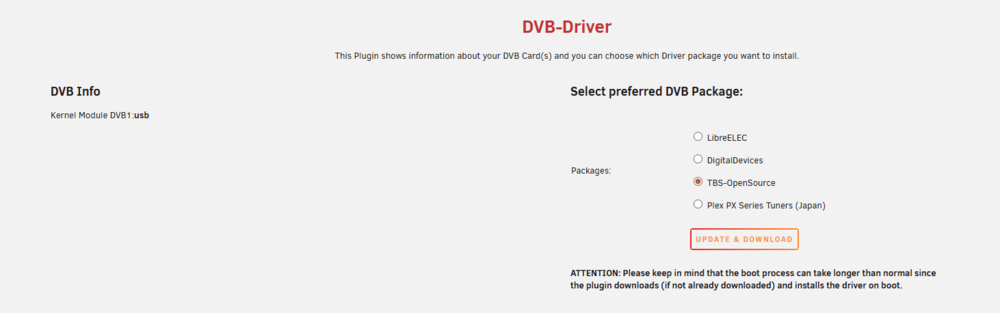
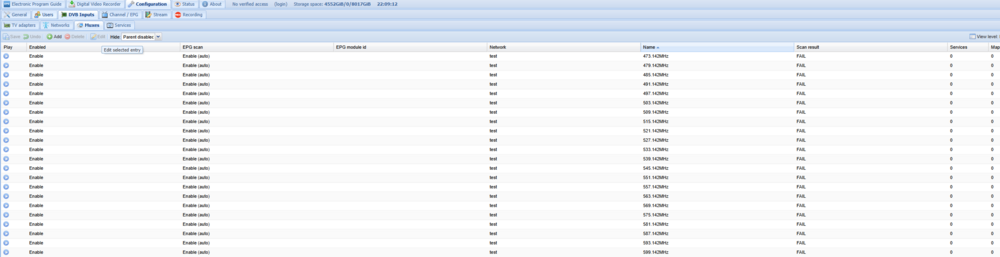
Ok i changed, and restarted. Now USB Tuner is detected. But still cannot search for channels, scan fails.
-
Yes its connected to USB port of the UNRAID PC. I dont see a reason to show over current, USB Tuner is not even powered by external power adapter, just by USB power.
-
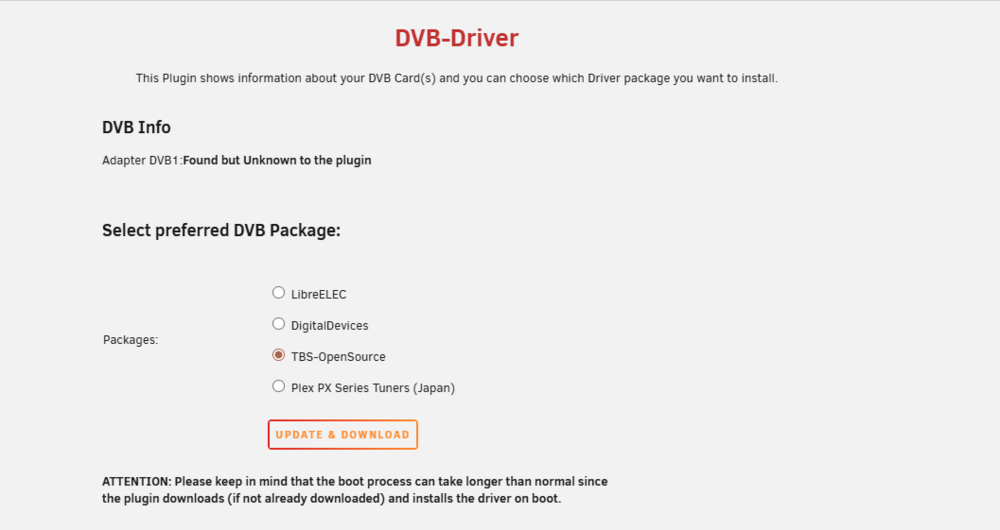
I checked with TVheadend and TBS5530 works perfectly in a separate Linux machine running TVheadend. So it must be a driver communication issue. I noticed my plugin page also shows like below. I Have attached Diagnostic Zip file you requested too. unraid-diagnostics-20260410-1420.zip
-
Did you sort it out? Mine is not mounting even after 30 minutes remote share came online.
-
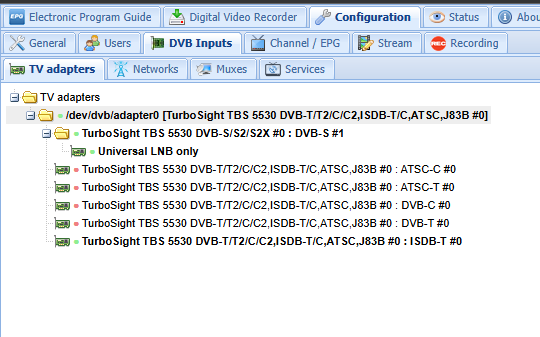
Thanks, so Card is properly installed. i will check with TVH forum then.
-
Gayanll changed their profile photo
-
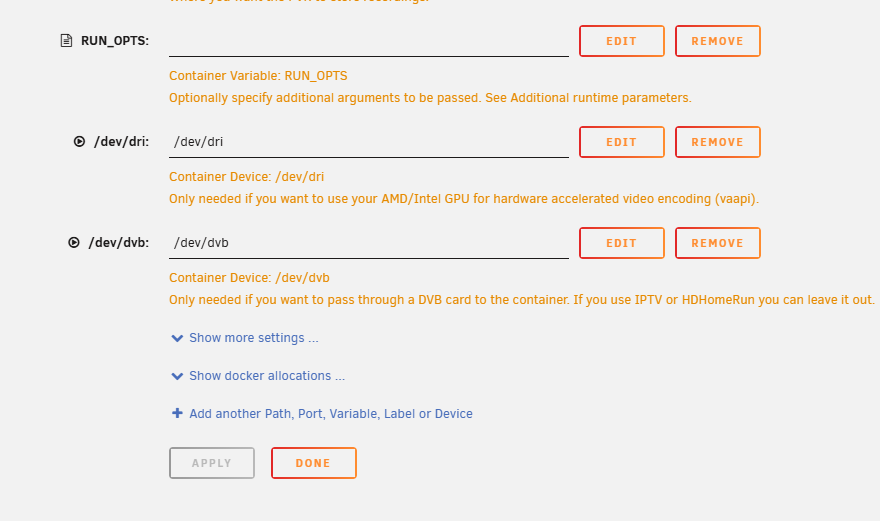
I'm trying to add TBS5530 to TVheadend in unraid, passthrough USB device as instructed, i can see the device, but no results when scanning. I then installed DVB viewer to another PC under windows and connected TBS device and it picks up channels fine. So something is wrong in Unraid, I also noticed green light in TBS device for "Locked" doesnot power on when scanning under UNRAID but does every time when scanning frequencies in windows. can someone help me please?
-
Did you fix this? I have same issue with TBS USB device



