xiaotuyun
Members
-
Joined
-
Last visited
Everything posted by xiaotuyun
-
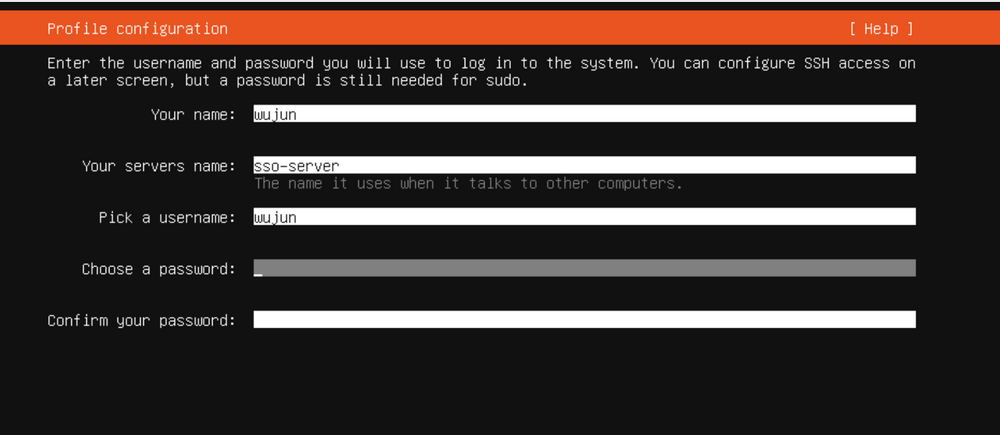
The cursor is blinking inside the input box, but nothing I type on the keyboard shows up. I also cannot switch focus to any other input fields on the page. I tried opening the page in Google Chrome, yet the exact same issue persists — no response at all; I’m unable to move focus or type any characters anywhere on the page.
-
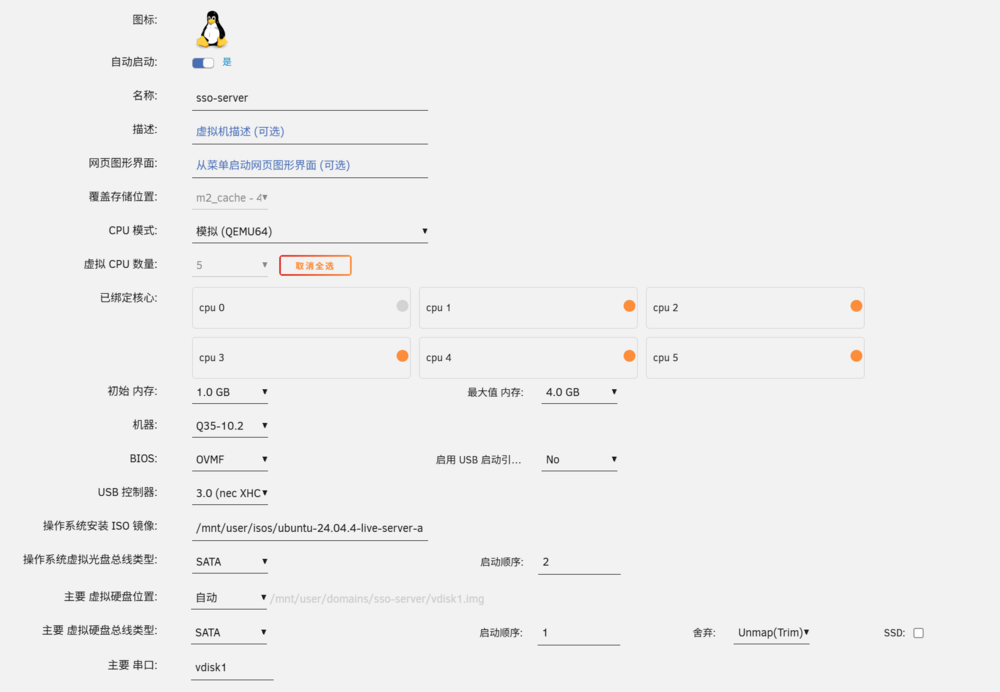
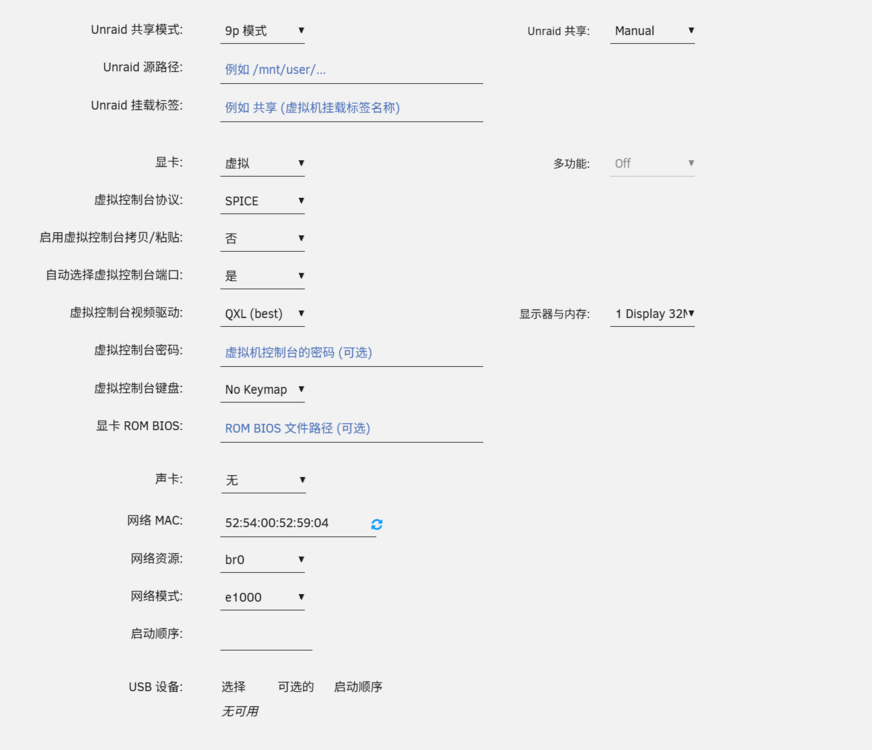
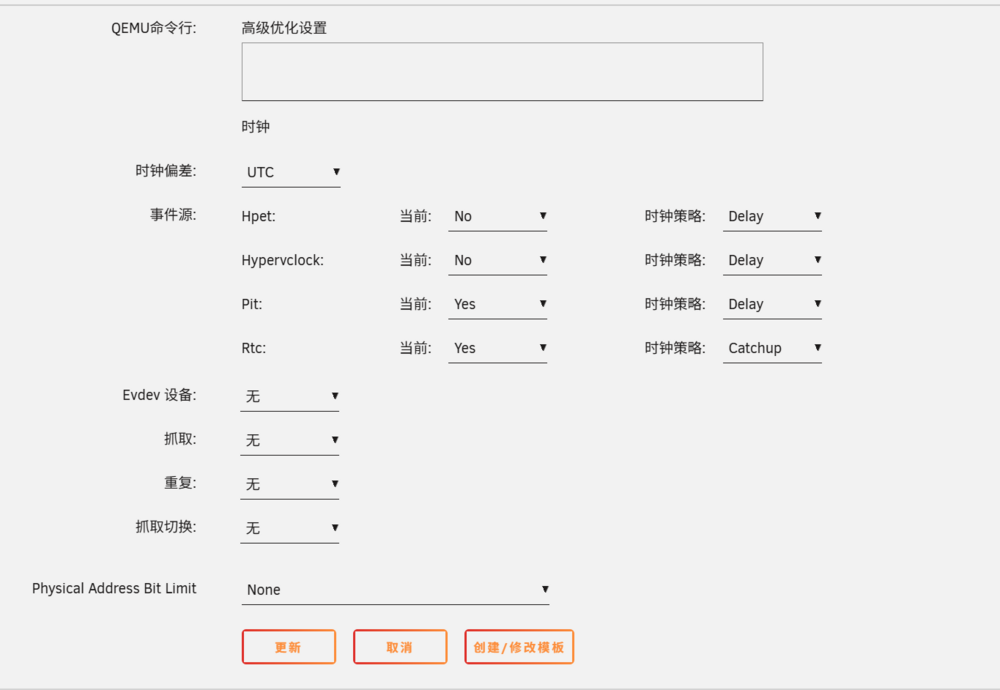
Hi everyone, I'm running Unraid 7.3.1 and creating a new KVM VM with Ubuntu 24.04 LTS Server. The installer boots normally to the "Profile configuration" screen, but I can't type anything into any input fields here—keyboard input is completely unresponsive. I've tested both SPICE and VNC console protocols, and the keyboard works fine in the Unraid webUI and other VMs, so the issue only happens during this Ubuntu installation step. Screenshot attached for reference. Thanks for any help!