





peterpeter
Members
-
Joined
-
Last visited
-
I can absolutely see how it happened - I interrupted the rebuild to the larger 1.5TB disk and that probably left xfs in a confused state. I'll use UFS Explorer to transfer the data to another disk and reformat the 250GB one.
-
I just looked at the screenshot again - it seems like the disk is 232.89GB and the partition is 232.9? If I have to rebuild into another disk, I'm ready with a replacement drive (it's an SSD and I know that's not perfect but im working with what I have)
-
4GB DDR3 🥲
-
I rebuilt disk2 to another disk, here's the diagnostics: jankserver-diagnostics-20260829-0015.zipThat means it might take another few days until I get a replacement drive. I'll update you guys again when I rebuild disk2 to another disk.Yes that is expected.Whoops, sorry! jankserver-diagnostics-20260827-1633.zipAlright I did that: jankserver-diagnostics-20260827-1503.zipjankserver-diagnostics-20260827-0036.zip Edit: I haven't done anything yet - the docs say that I can click the fix button but im not doing anything unless instructed by you guys
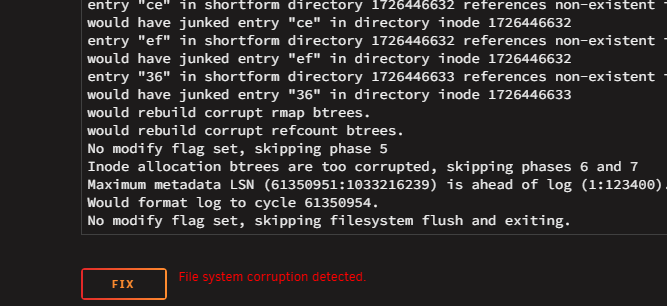 oh i completely misread the docs... thanks for correcting me, I'll run a proper filesystem check nowIt is a check, it just looks like a rebuild.
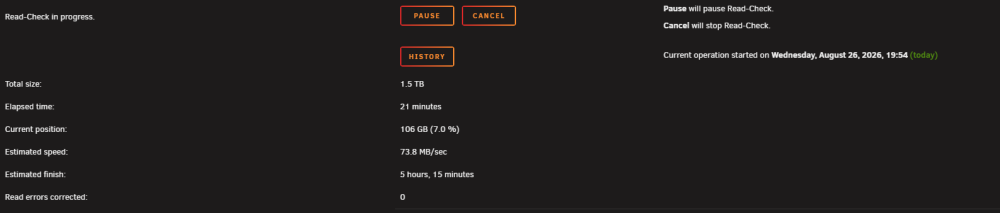 It's checking, hope to report with good news soon-ish
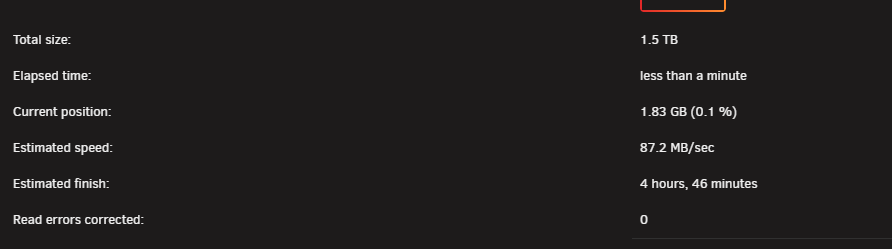 Did it, stopped the array after I did the diagnostics jankserver-diagnostics-20260826-1852.zipAlright, i'll do exactly that.


