th3rdparty
Members
-
Joined
-
Last visited
-
Yea, I'm in the same boat re; converting to XFS...going to take some time. Right now I'm going through and deleting any files created by have AFP shares in the past. I'm adding this to my SMB extra config then using this to remove any existing files... I don't know if your using a Mac but it might be related to the way Apple implements AFP. Good luck and report back if you have any success! Thanks!
-
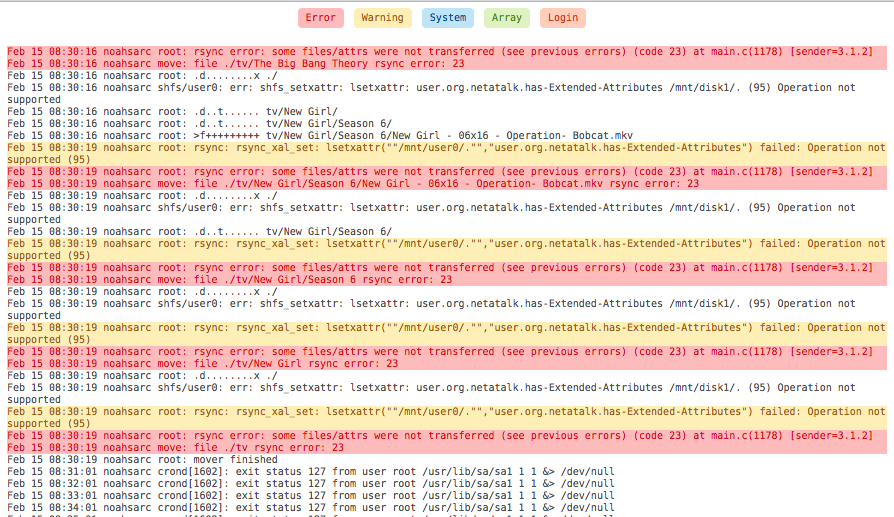
Hello, I'm also having what I believe is the same exact problem and are getting the same errors. It all started after I upgraded to 6.3.1. I have started another topic yesterday but got no responses so if you don't mind I will also post my diagnostics in the event our issues are related and additional information can shed light on the cause. I guess in the interim, I can disable the use of cache for my media directories and read up more on the threads you already found. Thanks! noahsarc-diagnostics-20170215-0829.zip