interwebtech
Members
-
Joined
-
Last visited
-
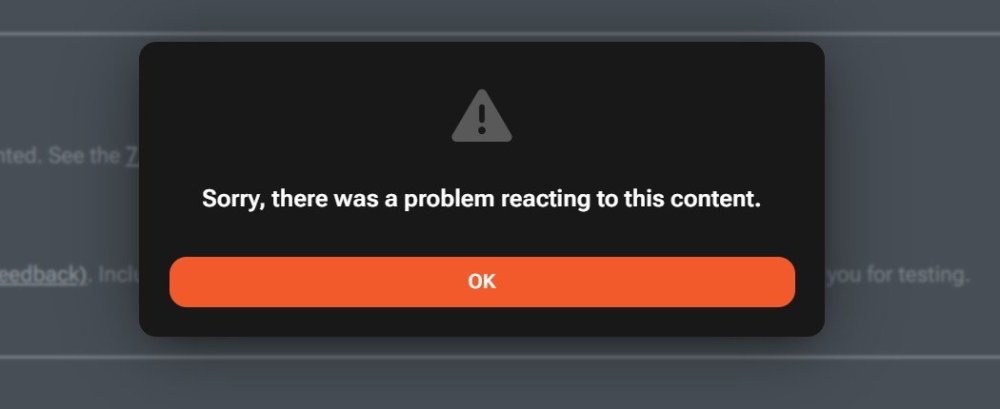
Perhaps related. If not, I can start a new thread. I am e to comment via thank you/like button. I get this popup:
-
I followed the Uncast Show how-to video: https://www.youtube.com/watch?v=nghTU1PTVl0&t=459s Uses the Apprise settings built-in to 7.4 and the Signal-API docker. The clients sending notifications are Unraid, SABnzbd, others I don't recall offhand... anything that supports notifications via Apprise. Is there a better way to use Signal with UnRAID? Perhaps I have overcomplicated this. Thanks for any help.
-
Welcome, Jake!
-
Welcome to UNRAID especially to my namesake, Scott. LOL
-
As a follow-up to my previous post above, this seems to be inconsistent as far as the solution. Perhaps the devs can dig into this and figure out why it's raising errors when in fact no error occurs, at least not as far as the message being received
-
Quick note to pass along fix found by Googling an error message I was getting about signal API errors. In my case it was SABnzbd raising the error after completing its queue: WARNING - A Connection error occured sending 1 Signal API notification(s). The actual desired message(s) were were sent correctly but then followed by report of the error in the last message. Not critical but annoying. Google found this page which tipped me off to using rto=[value] to introduce extra time for the reply to get back to Apprise that is was successful. I ended up using 10 as the examples 4 and then tried 6 were not enough to silence the errors coming though signal. I did notice that SAB still has the error but have not tried to eliminate that yet. https://github.com/bbernhard/signal-cli-rest-api/issues/870 Example solution replacing "Apprise url(s):" in unRaid notification setting. signal://192.168.0.0:8739/+15551212/+15551212?rto=10
-
FYI working now. Was able to "thank" a post.
-
Attempts to upvote/like etc result in generic error message "Sorry, there was a problem reacting to this content."
-
I followed your contributions to unRaid over the years and have probably every one of your add-ons. You will be missed But every once in a while we will still spot your name in the code there somewhere. RIP
-
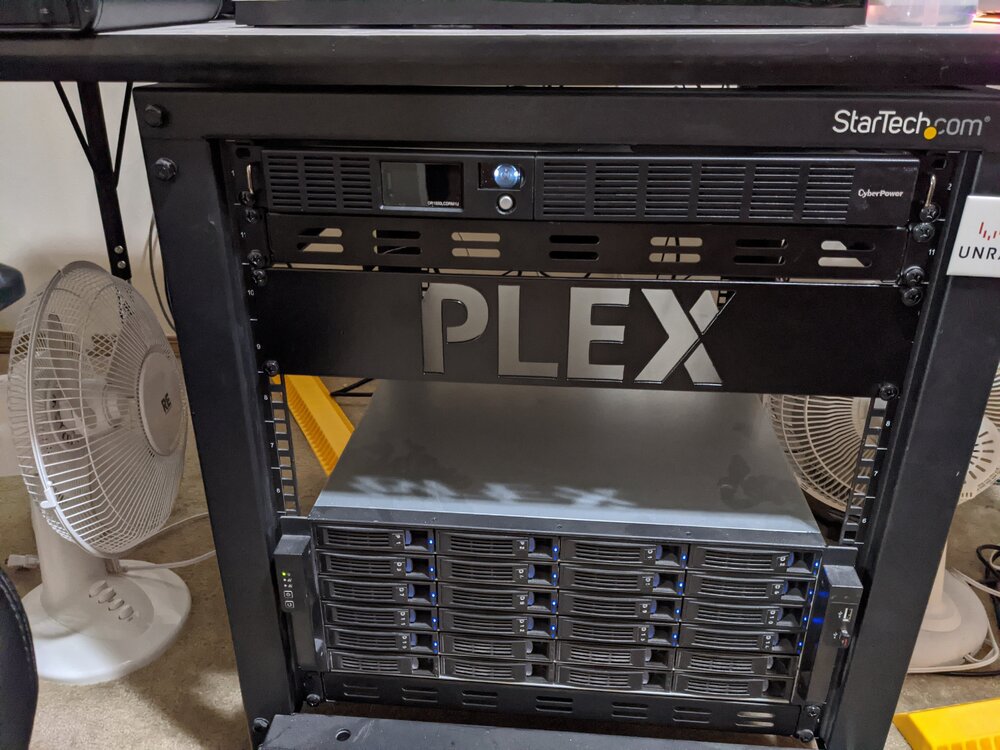
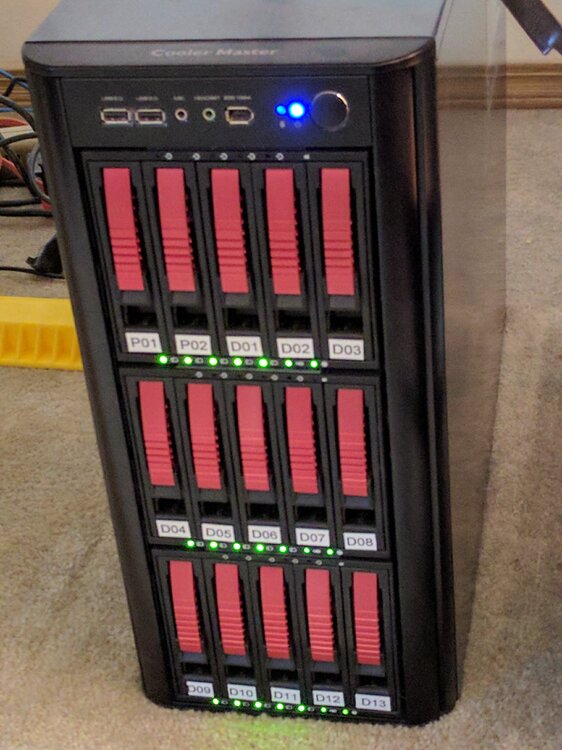
I joined when current version was 4 something. 5.X wasn't even being discussed yet. I migrated from an external RAID box running RAID5 (5 discs?) connected directly to my HTPC running MyMovies on Windows, Always on. Always spinning. Regular space heater. I did not realize at the time what it was costing me on the electric bill (more on that). I was looking at the Drobo line, mostly because it supported different disk sizes in the raid pool but passed on it as too expensive (thank deity as they've gone out of business). I stumbled across unRAID and decided to give it a try (I hadn't used Linux since college, strictly Windows). Started with a cheap tower with inexpensive AMD and a handful of 2TB & 4TB discs. It took me a week or more (I tend to block out traumatic memories lol) to transfer all the DVD & BRD rips to the new system. unRAID worked as advertised and I dove in headfirst in setting up Plex and other useful stuff. This was the time of plug-ins and avoiding incompatibilities. Almost immediately I noticed my electric bill dropping by HALF! Spinning down disks and only spinning up what was needed for playback was a revolution in cost savings! Fast forward to today and I am still loving unRAID! My server has changed drastically (see sig) but even with the fire breathing hardware I enjoy now, power costs are still reasonable. Docker changed the whole landscape for me. I don't run any VMs as my application requirements have changed now that I'm retired. No need for additional servers and such. Recently converted all my ReiserFS disks to XFS (beat the deadline - trauma lol). When I first set some of those up (before the eventual size upgrades over the years), it was the only choice for file system IIRC. Anyway it doesn't seem like its been 15+ years as this project is still fresh and exciting. New stuff coming along all the time. Its been a pleasure to be involved and to watch it grow from a one man shop to the vibrant enterprise it is now. Congratulations on 20 years! the OG system The current rig
-
Looks like you need a minimum of 850W to have a bit of headroom.
-
This might help you answer that question: https://www.newegg.com/tools/power-supply-calculator
-
Oh snap just realized there is already custom for header text. Sorry for the bother.
-
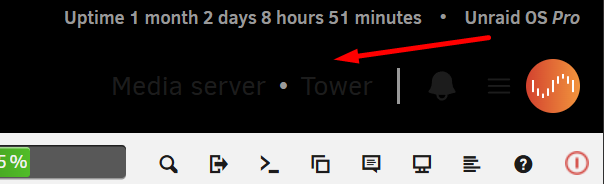
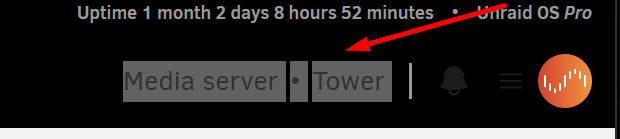
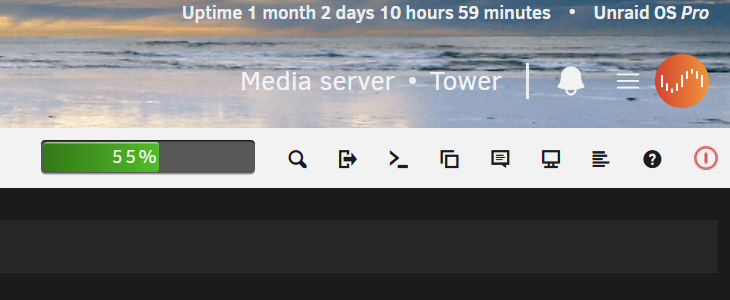
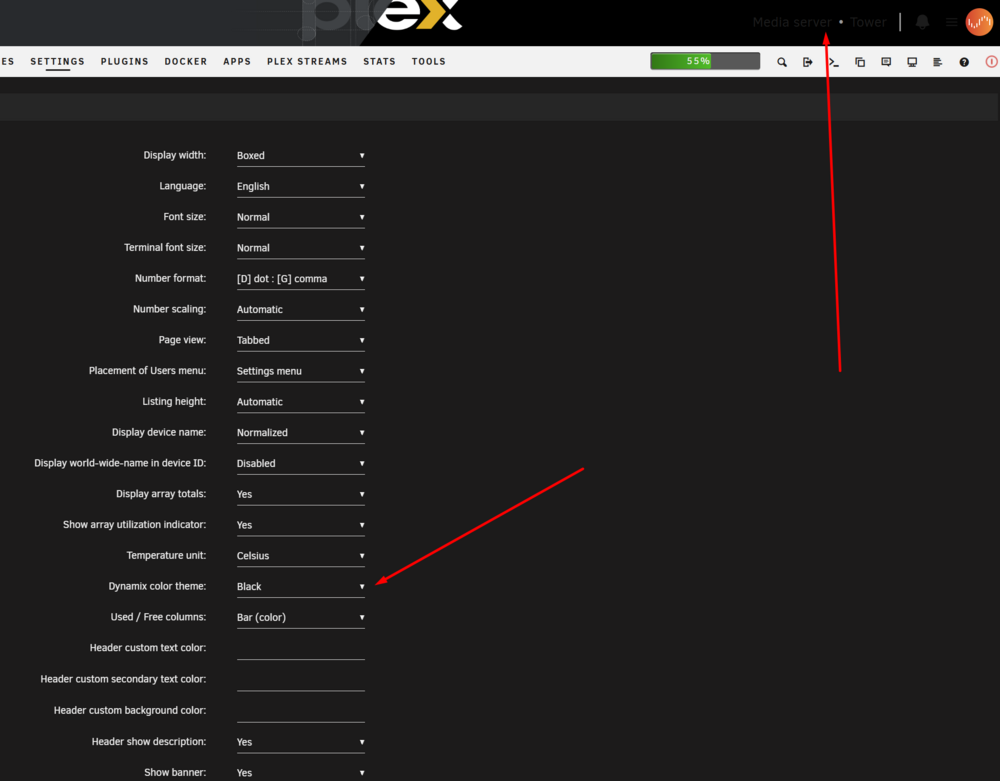
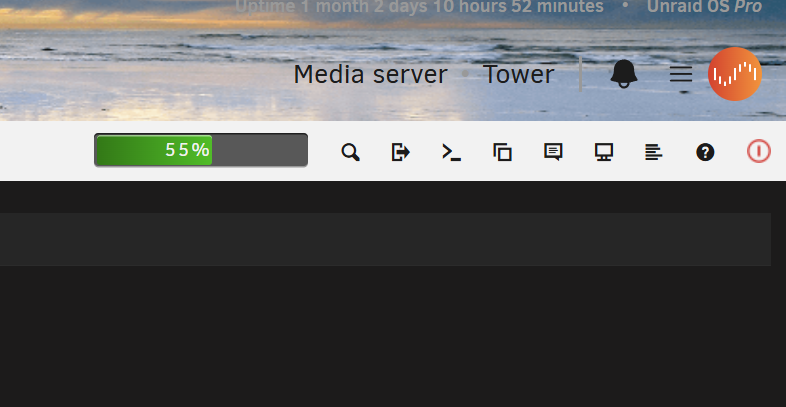
I use a custom banner which is black (See pic) and Black scheme sets that text as black. I reset banner to default and can now see that that section of text is indeed Black when set to Black scheme. Looks great for default banner. Is there a workaround (class?) to change just that section of text?
-
When color scheme is set to Black in Display Settings, the font color in the header is set to Black when it needs to be White (or at least lighter) to be visible on black background. Verified by switching to White or Azure color scheme the font colors are appropriate for the background and visible. Images attached for clarificatrion.