





digitaldoctor
Members
-
Joined
-
Last visited
Everything posted by digitaldoctor
-
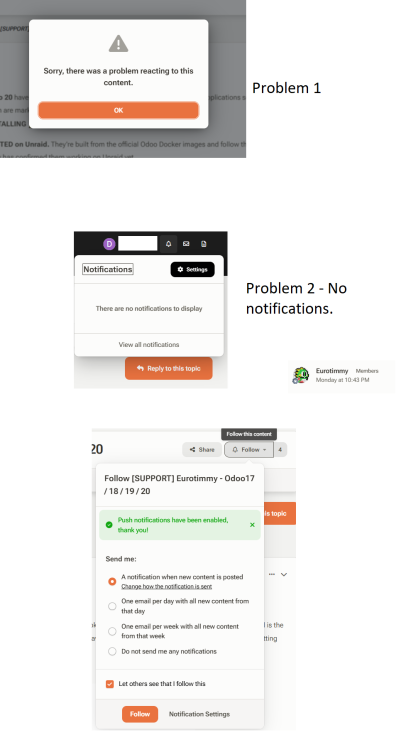
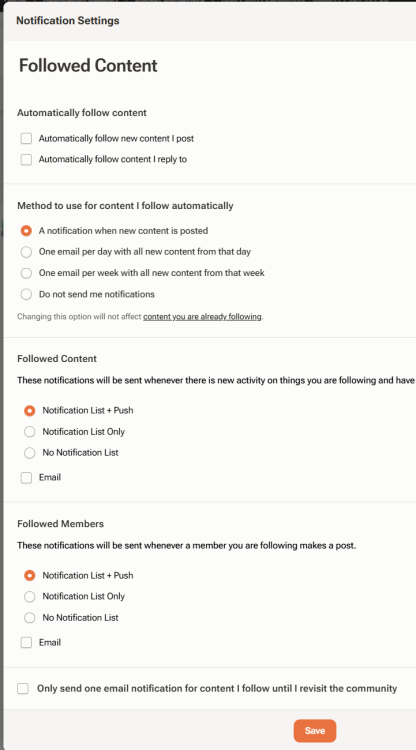
Notifications - I wasn't notified, despite following the thread, and a new post was posted. Anyone else ? I set this for this thread ... well ... to confirm

-
amazing !!!!! It's weird I didn't get a notification for this as I am following this thread.
-
For Odoo 17 and Odoo 18 there are dockers now. https://forums.unraid.net/topic/150914-support-eurotimmy-odoo17-odoo18/
-
or the 20 !
-
Cool ! Would these be accessible by an MP3 player ? Any MP3 players known to be supported ?
-
Looking for the 19 template as well.
-
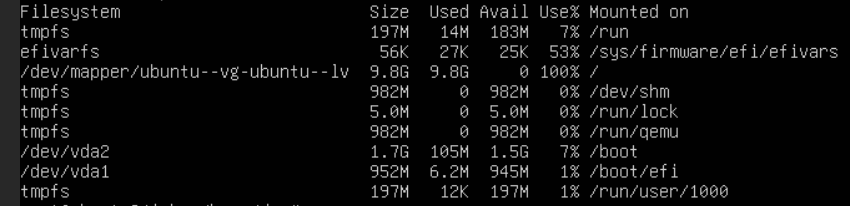
I ran out of space on this Ubuntu VM I think these are the instructions to fix things but I don't know how to follow the first two instructions

-
where do I move the .iso ? and how do i set it as the primary boot disk ? I'm trying to expand the /dev/mapper
-
Maybe Only is a better word than Include
-
which version has the fixes ?
-
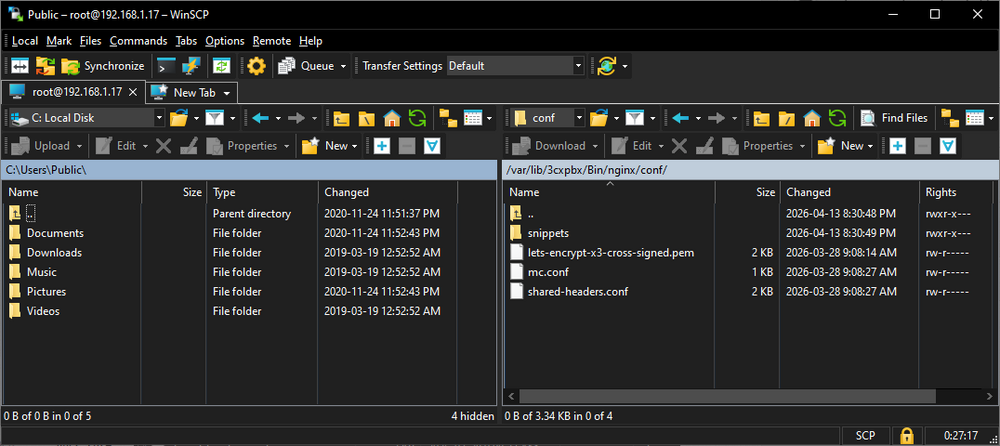
This was quite helpful: WinSCP
-
I have access to the file via PUTTY. root@3cxddns:/var/lib/3cxpbx/Bin/nginx/conf# ls lets-encrypt-x3-cross-signed.pem mc.conf shared-headers.conf snippets I need the .pem all help appreciated !
-
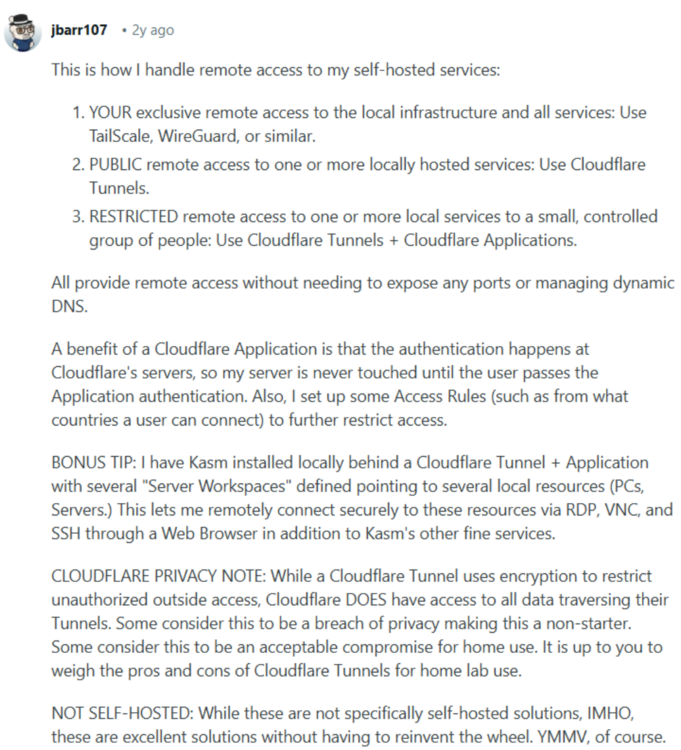
not sure. I bought a domain name (as I need a FQDN to run 3CX). I might try cloudflare Tunnels, as I'm going to be running my own website soon anyway.
-
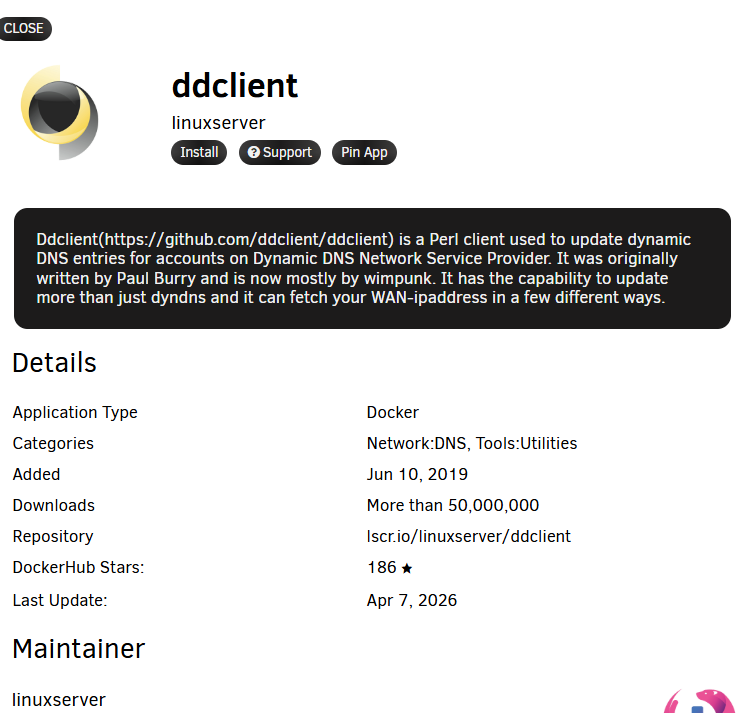
GitHubGitHub - linuxserver/docker-ddclientContribute to linuxserver/docker-ddclient development by creating an account on GitHub. setup information https://ddclient.net/ What are my options here ?
-
I'm reading this from the docs. https://docs.unraid.net/unraid-os/system-administration/secure-your-server/securing-your-connection/#https-with-self-signed-certificate
-
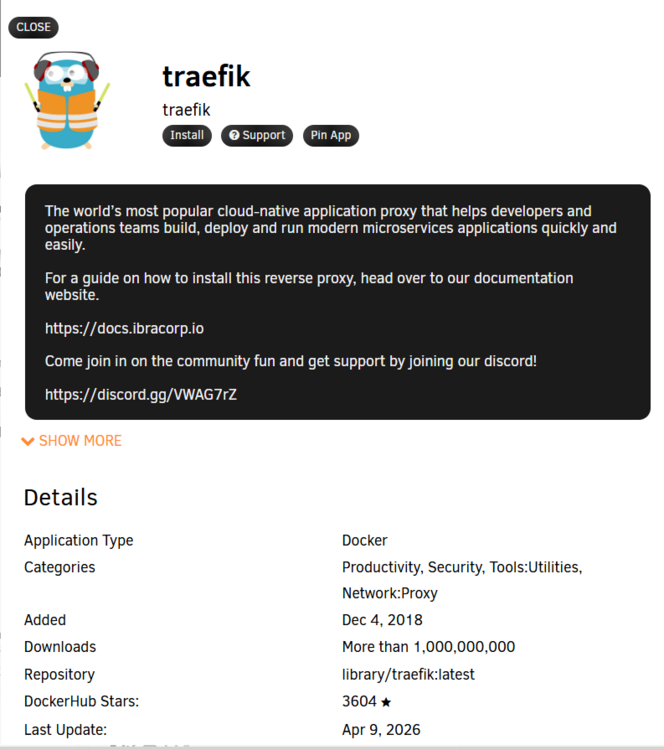
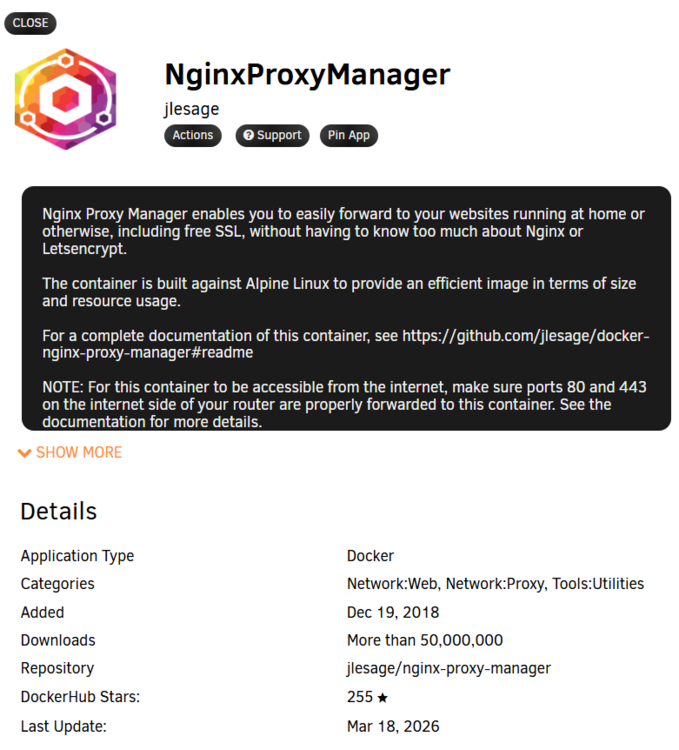
This is what I would use for a reverse proxy ? or it looks like I can you this ... (which I already have installed) support is here - https://forums.unraid.net/topic/76460-support-djoss-nginx-proxy-manager/
-
I am able to use a secure connection to my UNRAID box via the provided UNRAID certificate. https://192-168-1-70.7e8.deleted.stuff.4b6.myunraid.net/ but my VM runs on .8 and https://192-168-1-8.7e8.deleted.stuff.4b6.myunraid.net/ doesnt work ! do I need a separate certificate for each docker with a unique IP ?
-
amazing ! I was an Orgasmatron user. And PIAF thereafter. I'm likely to go back to IncrediblePBX. 3CX is a bit of a clown show. I have a year of 3CX paid for so I'll put off moving away for now. I'm saddened by iPBX's lack of UNRAID love. no mention of UNRAID at all !

-
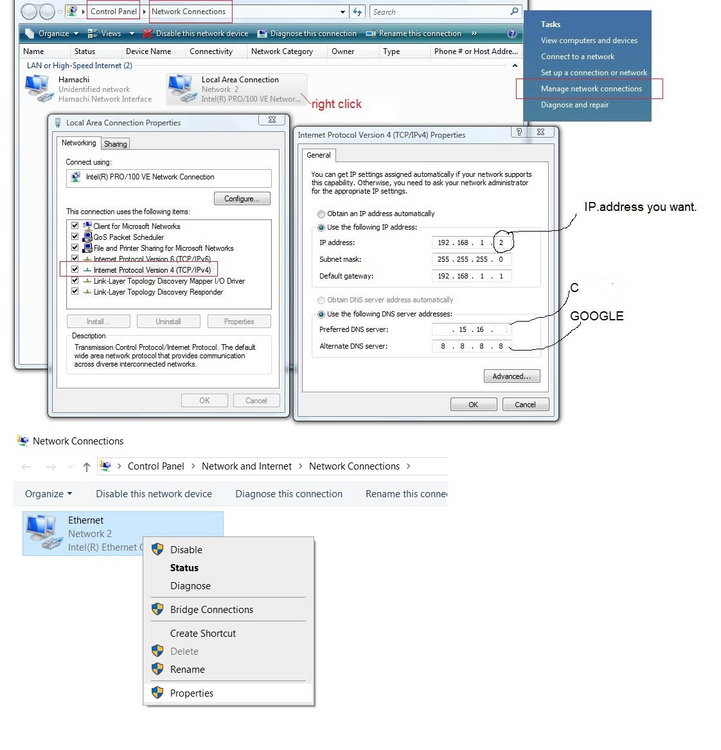
worked great. Glad I found this method. I'm used to manually doing it on each client
-
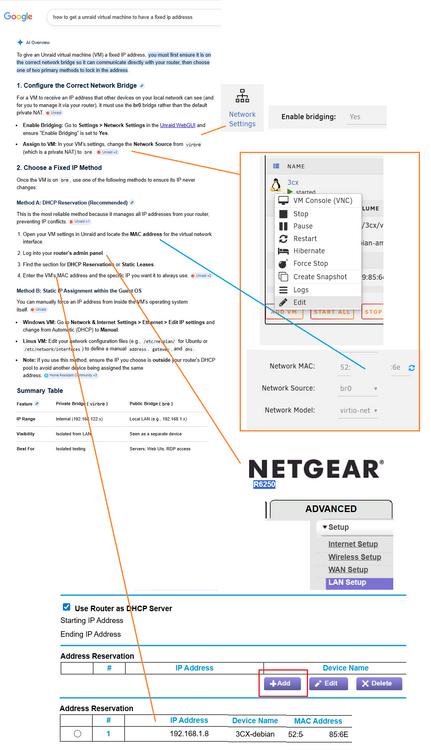
This was my solution, hopefully it works.
-
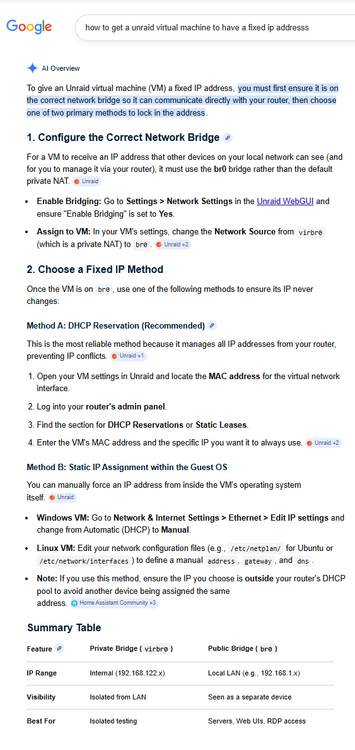
My Debian VM changed IP addresses when I edited the router ports and rebooted it. I am looking to have this VM on a fixed IP address. All tips appreciated ! Here is how I am trying to do it.
-
I was able to get 3CX (phone PBX) working on an LXC container. The problem I have is the container's IP address changes. It was 192.168.1.28 and then moved to 192.168.1.8 Is there a way I can specify what IP address is used for a LXC container ?
-
Would this work for LXC on UNRAID ? Introducing Incredible PBX 2027 for LXC Linux Containers https://nerdvittles.com/introducing-incredible-pbx-2027-for-lxc-linux-containers/
-
forever seems long :) Thanks for the update.
-
I think I'd pay for Tailscale. But I wonder how much it would cost.


