





chronicvader
Members
-
Joined
-
Last visited
-
My server had safely shut itself down due to a power outage (UPS). Once I turned it back on, I seemed to have lost my Unassigned Device share in Windows file explorer. I have the share button turned on and can see the UD SSD and all the files contained in it in Krusader. My server has been running pretty flawlessly for a couple of years so I have lost some of technical knowledge of unraid. Please help. Thank you friends tower-diagnostics-20220622-2103.zip
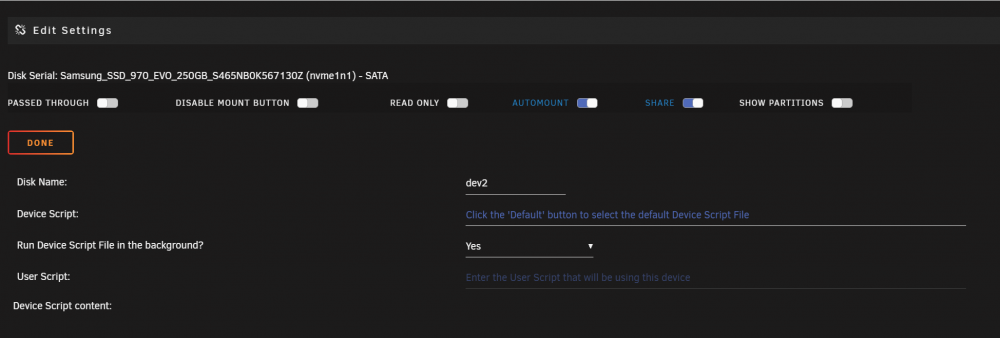
-
Thanks dlandon. I have used other HDDs with unassigned devices. tower-diagnostics-20180419-1802.zip
-
Hello All, I have just attached a new HDD using "unassigned devices" and have shared it to my network. I can access this new drive, but I am unable to make any changes to the drive. I keep getting a windows notification with "Destinstion Folder Access Denied, You need permission to perform this action". How do I go about getting permission to write?
-
I recently transferred my unraid server into another case. After doing so, I was having trouble starting the tautulli docker. after uninstalling, I couldnt edit my existing dockers,reinstall tautulli, or install any dockers at all. It seemed that the dockerman/tautulli.xml file in the usb boot drive was corrupt and deleting it seemed to fix my issues. But now, after reinstalling the tautulli docker, I am unable to get the app to communicate with my plex server. all the settings look correct, but there are errors and warnings in the logs. Looking to see if someone could help me. would a text file of the logs help out?
