max32268
Members
-
Joined
-
Last visited
-
oh duh, "Stats" page 🤦♂️. But still would be great to see the addition to the dashboard page panel for RAM
-
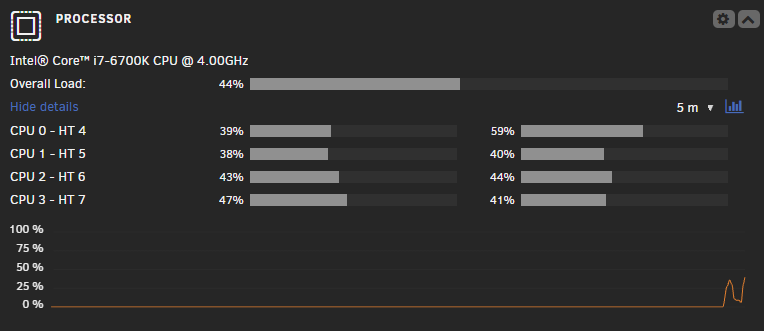
Would it be possible to add a real time/historic (ish, for the CPU it is only since the dashboard page was loaded) graphs similar to the Dynamix CPU dashboard panel for GPU stats? I would love to see how my GPU is getting hit over time with hitting it with a workload in graph representation.
-
Would it be possible to add real time/historic graph for RAM similar to CPU on the dashboard? Is there a graph view elsewhere that I might not be aware of? I've only really used the one on the dashboard.
-
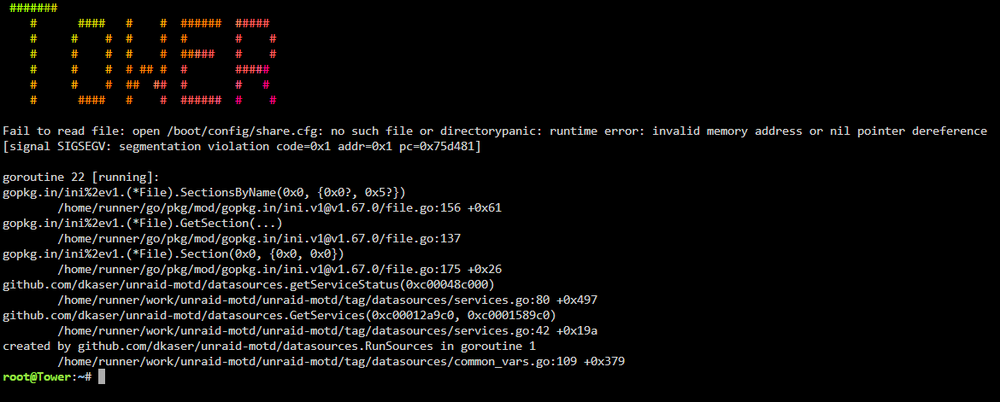
Any Idea if this error is related to MOTD? I noticed the ASCII art and this error after I installed MOTD.
-
I wonder if this can be built into the docker healthcheck so it is restarted when unhealthy?
-
smart, I'll try this
-
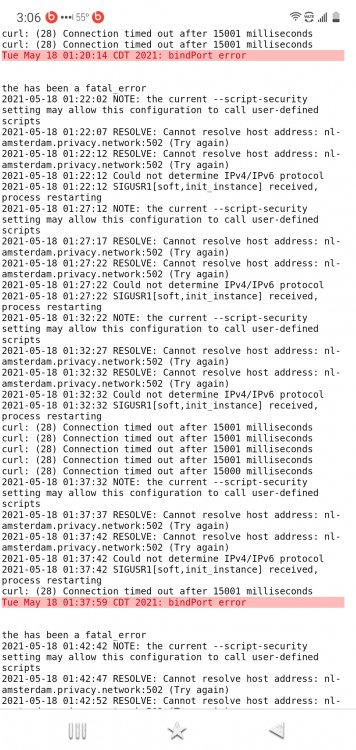
Seems there is something causing a connection issue 🤔
-
Is anyone experiencing the downloads stopping after some time (couple hours to couple days)? The container seems to work fine after restarted and then I'll notice the next few days when a new tv release gets added to transmission and they stay at 0% until I restart and they download just fine... I wonder if this is an issue with the vpn? I use Netherlands PIA currently...
-
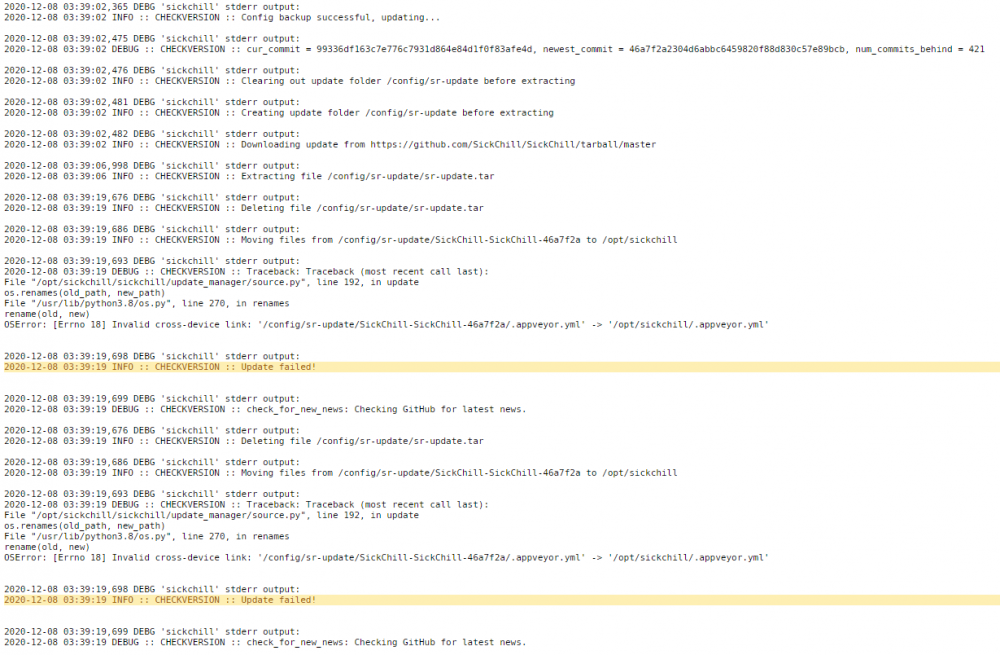
Having an update issue. Not sure what to really do here...