





byseven
Members
-
Joined
-
Last visited
Everything posted by byseven
-
1st of all THANK YOU !!!! I remove the container again , set the config to appdata , copy the settings.conf before opeing the WEBUI and it is working ! Thanks a lot ! I really appreciate it.
-
I just used the http://www.makemkv.com/forum2/viewtopic.php?f=5&t=1053 on the windows machine and it worked . so How can I wipe out out the files from the container ?
-
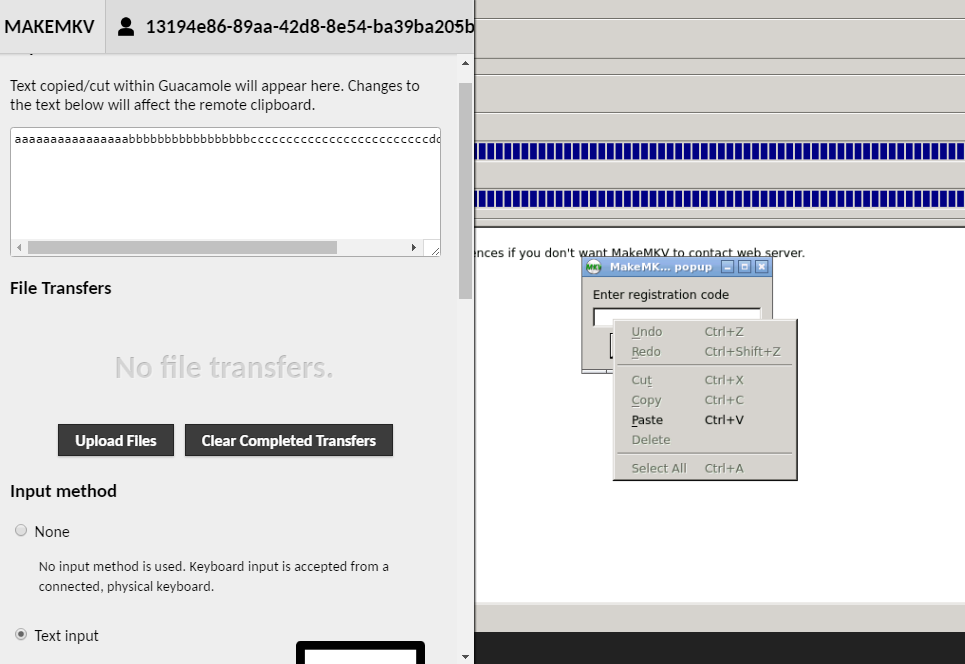
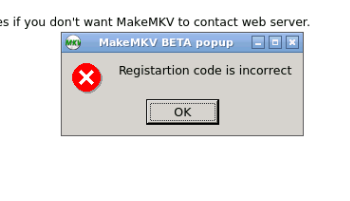
right click and fail I tried the free key and the key I paid for.
-
screen 2 and screen 3
-
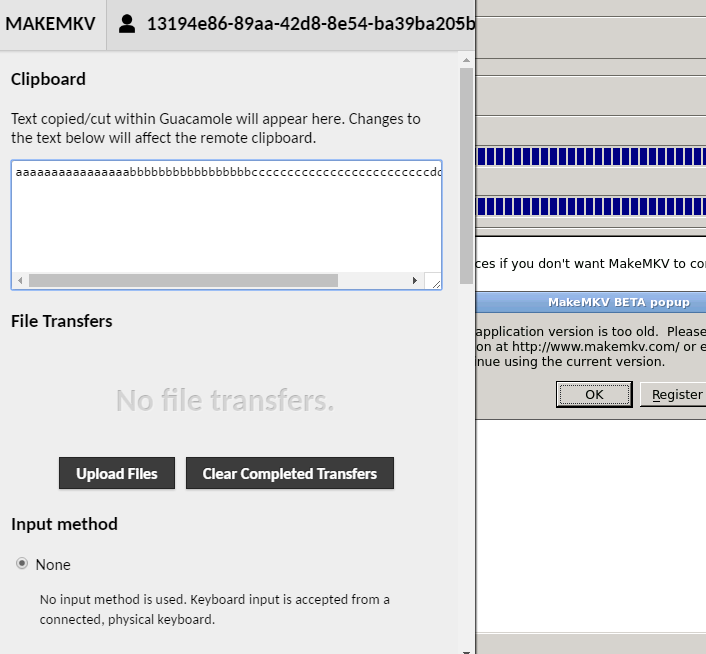
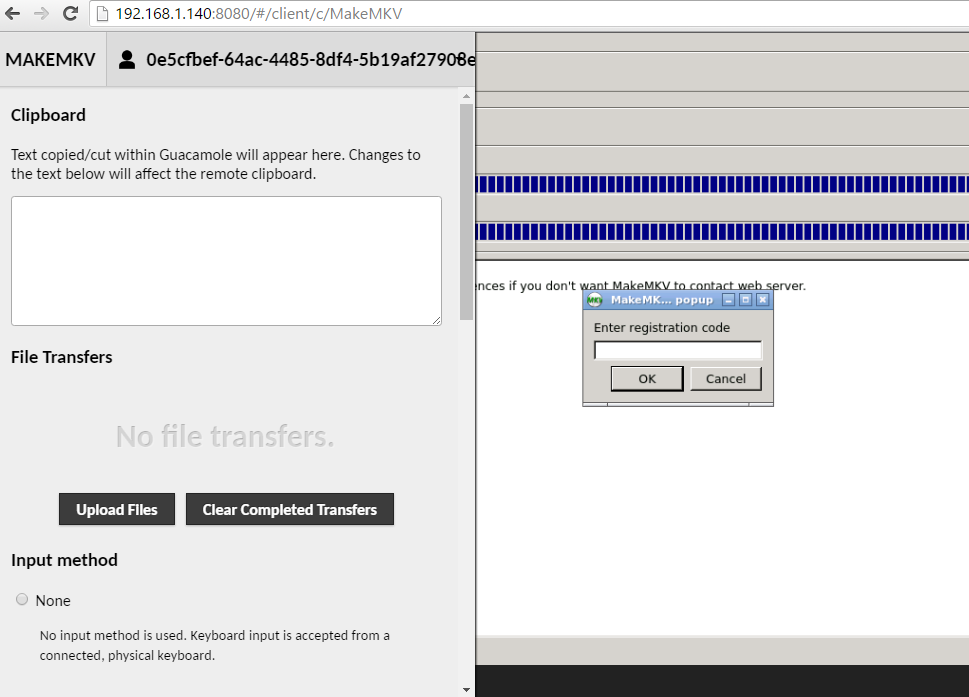
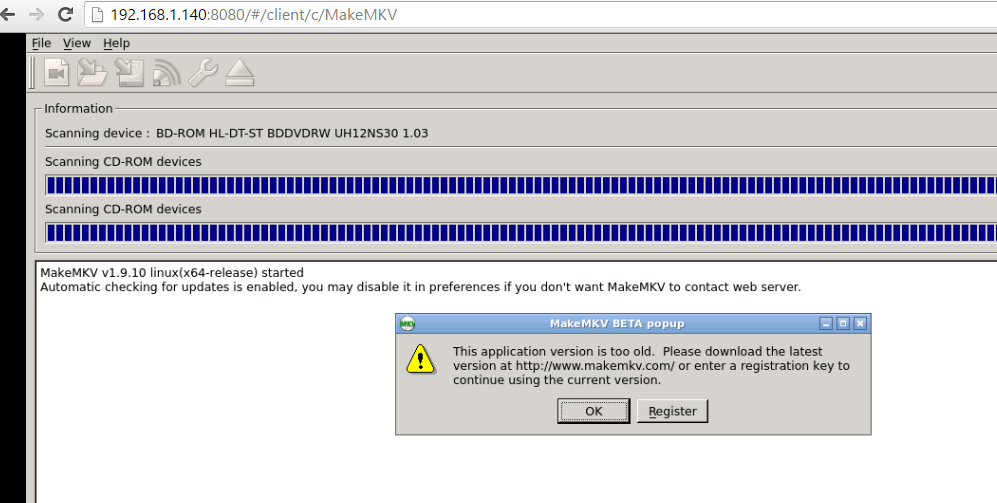
and using the Crtl+c and crtl+v didn't work , but let me show you what I did. on the 1st screen you press crtl+alt+shift on the 2nd screen you crtl+v in the big box make sure the text input is select than right click on the popup windows and paste. but still not working
-
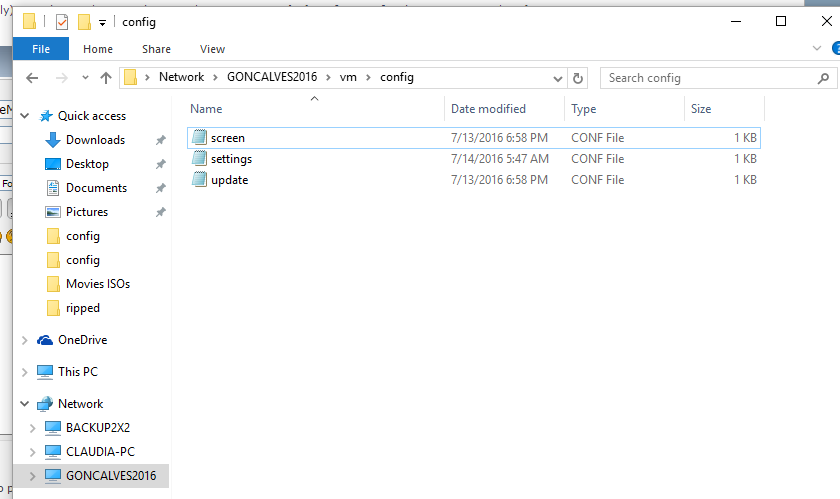
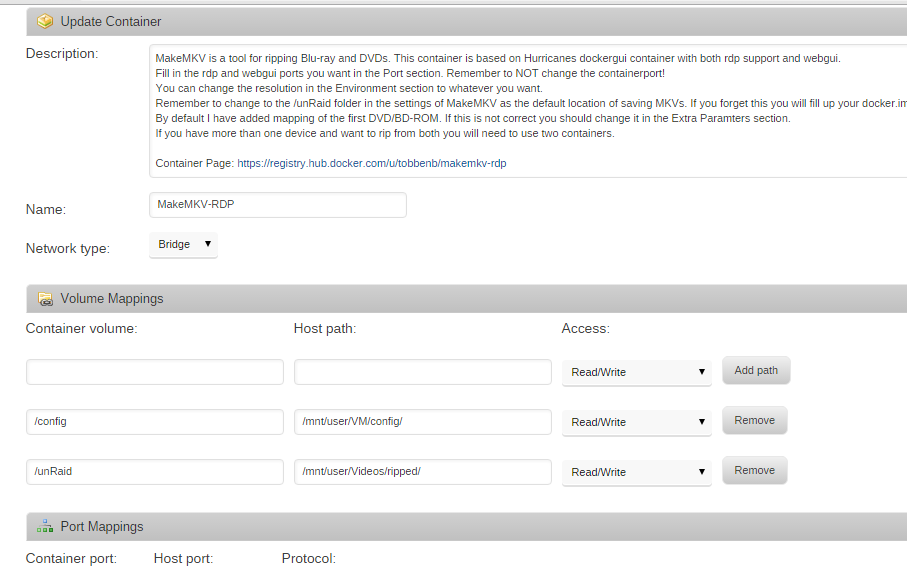
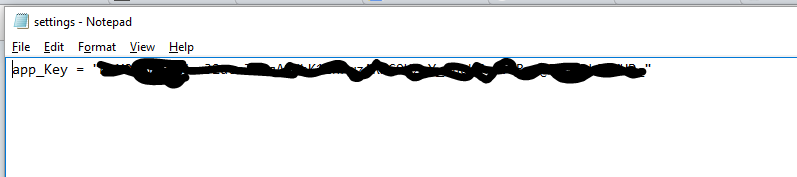
Here is the config folder container screen and the settings.conf files It was working fine until yesterday.
-
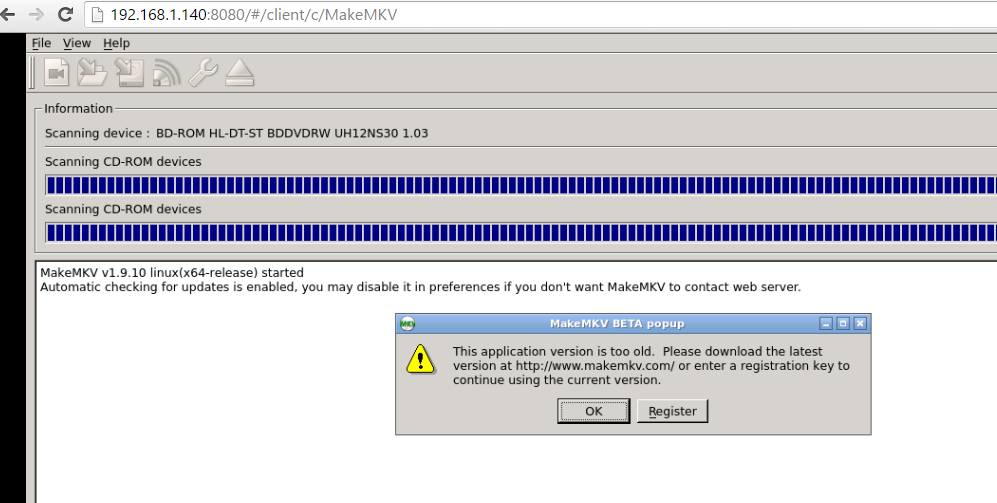
I remove the container and added it back , and same problem I created the settings.conf with the app_Key = "xxxxx" and nothing I also tried to Past ( control/shift/alt ) in the side windows and right click on the registration pop-up, it shows the key in the pop-up windows but it fails. what Am I missing ?
-
I got the same problem , I just got the key and I cannot make it work again . Thanks for the help .
-
Thanks this helped me too !!!
