GoodOlCap
Members
-
Joined
-
Last visited
-
Hello again, i recently tried to reinstall my szurubooru instance and the API part throws a bunch of errors befor it shuts down. I noticed that this year the project went to the version 2.5 and I am wondering if the dockertemplate for unraid got updated or this is a problem on my end? Below the logoutput of the api docker: Traceback (most recent call last): File "/usr/bin/alembic", line 8, in <module> sys.exit(main()) File "/usr/lib/python3.8/site-packages/alembic/config.py", line 588, in main CommandLine(prog=prog).main(argv=argv) File "/usr/lib/python3.8/site-packages/alembic/config.py", line 582, in main self.run_cmd(cfg, options) File "/usr/lib/python3.8/site-packages/alembic/config.py", line 559, in run_cmd fn( File "/usr/lib/python3.8/site-packages/alembic/command.py", line 320, in upgrade script.run_env() File "/usr/lib/python3.8/site-packages/alembic/script/base.py", line 563, in run_env util.load_python_file(self.dir, "env.py") File "/usr/lib/python3.8/site-packages/alembic/util/pyfiles.py", line 92, in load_python_file module = load_module_py(module_id, path) File "/usr/lib/python3.8/site-packages/alembic/util/pyfiles.py", line 108, in load_module_py spec.loader.exec_module(module) # type: ignore File "<frozen importlib._bootstrap_external>", line 848, in exec_module File "<frozen importlib._bootstrap>", line 219, in _call_with_frames_removed File "/opt/app/szurubooru/migrations/env.py", line 23, in <module> import szurubooru.model.base # noqa: E402 File "/opt/app/szurubooru/migrations/../../szurubooru/model/__init__.py", line 1, in <module> import szurubooru.model.util File "/opt/app/szurubooru/migrations/../../szurubooru/model/util.py", line 6, in <module> from szurubooru.model.user import User File "/opt/app/szurubooru/migrations/../../szurubooru/model/user.py", line 4, in <module> from szurubooru.model.comment import Comment File "/opt/app/szurubooru/migrations/../../szurubooru/model/comment.py", line 3, in <module> from szurubooru.db import get_session File "/opt/app/szurubooru/migrations/../../szurubooru/db.py", line 10, in <module> _engine = sa.create_engine(config.config["database"]) # type: Any File "/usr/lib/python3.8/site-packages/sqlalchemy/engine/__init__.py", line 520, in create_engine return strategy.create(*args, **kwargs) File "/usr/lib/python3.8/site-packages/sqlalchemy/engine/strategies.py", line 54, in create u = url.make_url(name_or_url) File "/usr/lib/python3.8/site-packages/sqlalchemy/engine/url.py", line 229, in make_url return _parse_rfc1738_args(name_or_url) File "/usr/lib/python3.8/site-packages/sqlalchemy/engine/url.py", line 288, in _parse_rfc1738_args return URL(name, **components) File "/usr/lib/python3.8/site-packages/sqlalchemy/engine/url.py", line 71, in __init__ self.port = int(port) ValueError: invalid literal for int() with base 10: '5433:5432' Would love to run my booru again :)
-
@FoxxMD Worked perfectly, thank you!
-
Hello! First of all: Thanks for this awesome Docker, was exactly what I was looking for! I got this running with no problems and used a custom config.yaml like you described in the initial post. What I am wondering now is if it is possible to change the favicon.png? I tried it with a volumemapping for the client > Container Path: /opt/app/img/favicon.png to /mnt/user/Docker/appdata/szurubooru/img/favicon.png No idea if that makes any sense at all, was just what I came up with looking at the files on Github.
-
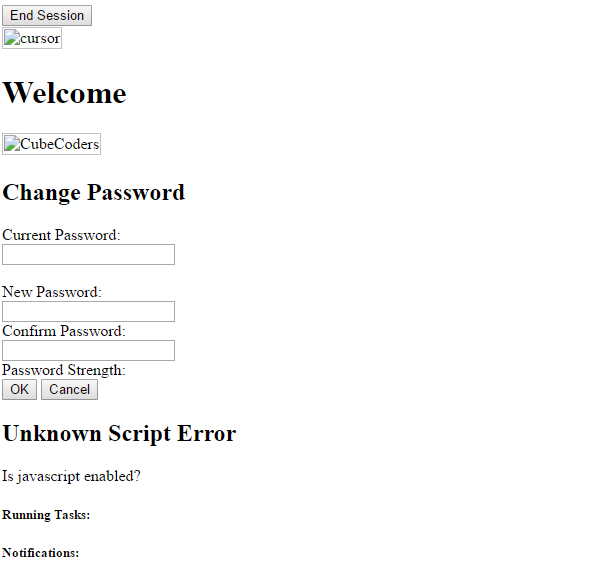
Good evening, i hope that one of you can help me. I tried let's encrypt today using this guide.I didn't have much trouble with emby and nextcloud (Also using no-ip instead of duckdns) but mymcadmin is giving me a headache. I can reach it but all images, js and css files are missing. I searched this forum and google and found different solutions for similar problems but couldn't get it to work. location /mcmyadmin2 { include /config/nginx/proxy.conf; proxy_pass http://192.168.178.29:8080/; } This is my code at the moment, I tried adding all sorts of commands to no avail. I read something about using a subdomain but I guess that is not possible on a free dyndns? That is how the interface looks opening it via https://<servername>.ddns.net/mcmyadmin2 Help would be much appreciated! Edit: I think I solved it! I don't know how but I found this to be working: location /mcmyadmin2/ { rewrite ^/mcmyadmin2(/.*)$ $1 break; proxy_pass http://192.168.178.29:8080/; proxy_set_header Host $host; proxy_set_header X-Real-IP $remote_addr; proxy_set_header X-Forwarded-For $proxy_add_x_forwarded_for; proxy_set_header X-Forwarded-Proto https; proxy_redirect off; } Is doing it like this advisable?