





lbrwnie
Members
-
Joined
-
Last visited
-
Fair enough, thought it would be something like that. Appreciate your assistance with this. Haven't had the USB drive error pop back up. Fingers crossed the whole thing is fixed up now, will also be swapping out my old HBA and cables for a new one in case that was causing the issues with the drives becoming disabled without actually having any issues.
-
Yeah monthly checks, clean as far as I remember
-
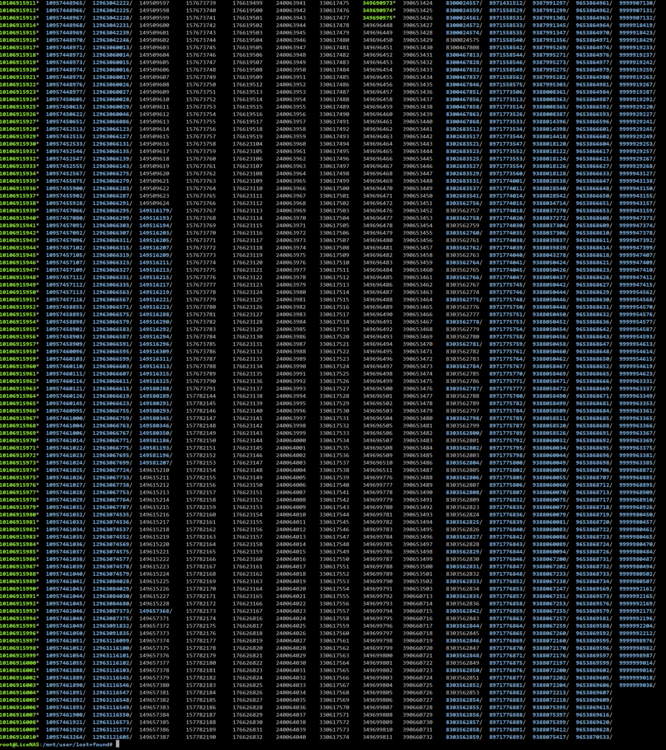
Got a bunch of this using ls command in terminal after about 10mins of waiting
-
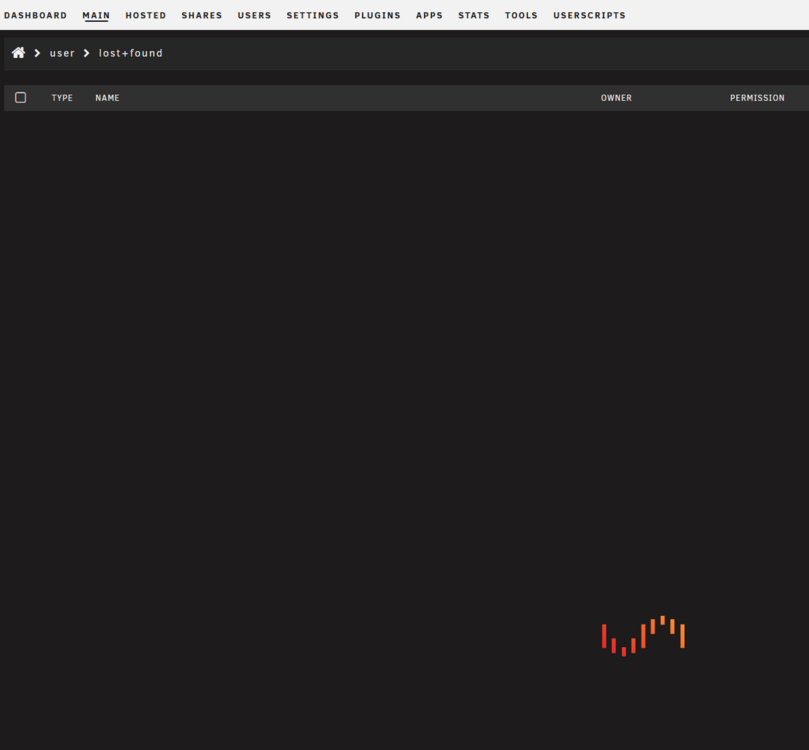
Actually also found a lost+found folder in /user/lost+found but when navigating via GUI is just gets stuck loading
-
Ya, the UI showed it as complete. This is an unraid install that has been around almost 10 years now, first time running repair on the array. Could just be never run it before and had a lot of error correction to do? Should be fine with my backup but offsite limited to 20Mbps upload so taking a while to pull it back down again haha
-
I understand its a weird one. Just want to make sure this won't happen much again, appreciate all your help looking into this
-
I did replace disk 5 from 4tb to 8tb recently. Not as far as I know, only just read up on that now you mentioned it. I was just doing the old way of replacing/rebuilding drives up to now.
-
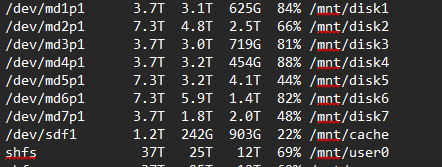
Here is comparison from the first set of diags to now Definite data loss on disk 2 and 5. That's including some 500GB+ I have been slowly re-downloading from backup for one of my shares.

-
Disk 5 My UI says 21.5TB used on the array right now. Could you confirm if the usage is different on any of those diags? Planning on moving domains and system once I have this parity operation complete
-
licenas-diagnostics-20260428-2139.zip
-
Perhaps, would be very odd as all my docker apps were working up until I rebooted to safe mode to repair the drive. Wasn't a complete deletion on anything in any share either, just some/most files with some shared not touched nearly as much. Also looked to be isolated to the disks I had errors found and fixed with xfs_repair. The other disks are at their previous capacity %. Maybe my appdata was still on array and I didn't move them back over correctly after I had that pool failure and reconfigured everything. Don't know what else could have affected only the repaired drives and not the others but not completely wiped them either.
-
Nope, nothing else was done. Was making sure not to touch anything while repair was running, unraid was booted in safe mode and array in maintenance mode
-
The drives went from 60-70% full down to 10% after the repair, was missing the majority of my appdata (wasn't even set to array) and a bunch of files from other shares. Don't see any user share under shares named lost+found
-
Done, will wait and see if error pops up. Do see in the file list it was recreated/modified at the timestamp I did that, thanks for the tip
-
See below, just FYI a parity operation is running. May see something about that. licenas-diagnostics-20260428-1628.zip



