Angelo.Tambini
Members
-
Joined
-
Last visited
-
That worked like magic 🫡

-
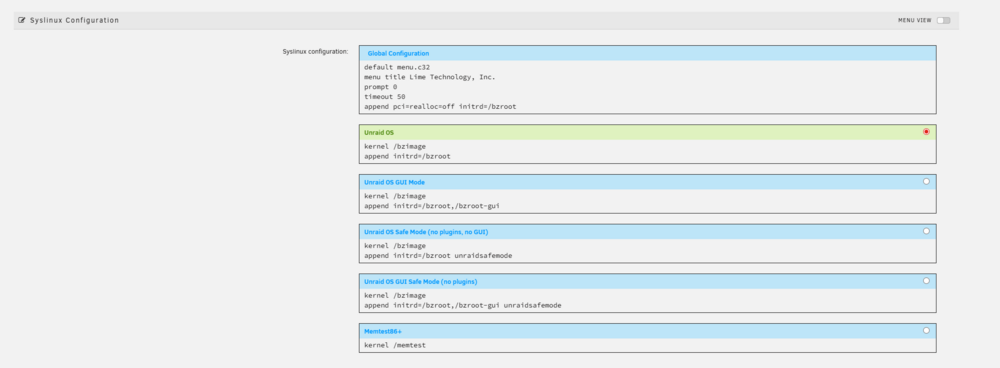
Added this append pci=realloc=off initrd=/bzroot However, doesn't seem to have made any difference
-
tower-diagnostics-20260123-0909.zip
-
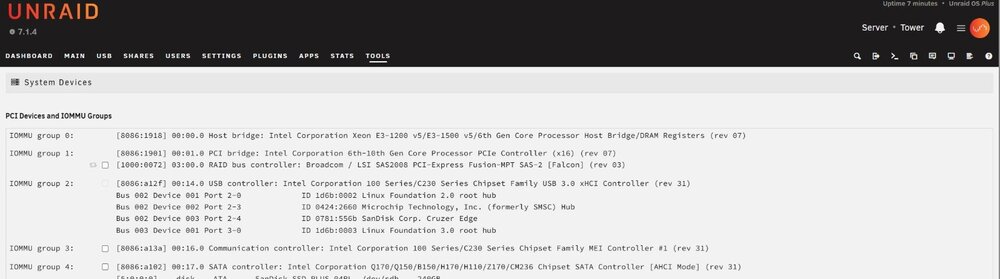
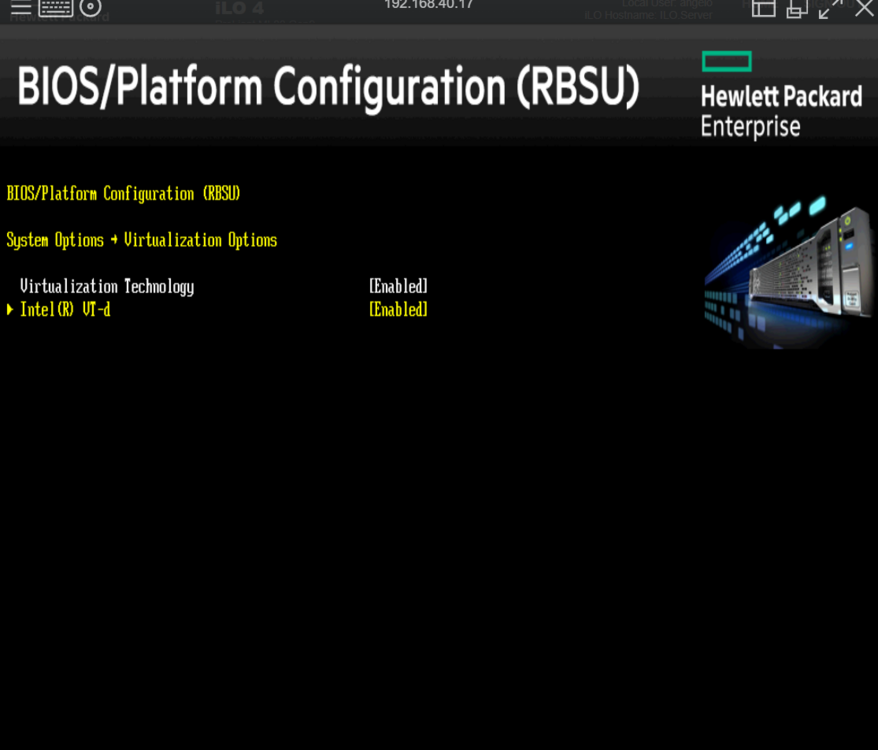
Hi all I'm attempting to migrate my setup to a newly purchased HP ML30 Gen9 server to do this It shipped with a HP H240 HBA but i purchased the LSI card that had already been flashed to IT Mode with the Bios removed Original plan is to run Proxmoxl then virtialise Unraid within. The HP H240 was able to be passed through to Unraid as a PCI device with full control but the fans ran at 100% because ILO could no longer had control of the HBA, this is why I purchased the LSI card The LSI card is also able to be passed through in the same way For reference the purchased card https://www.ebay.co.uk/itm/326088190913 So for now i have removed proxmox and am booring directly into Unraid but the result is the same Unraid can detect the LSI card in both available PCI slots but no disks are visible through the card This is what's displayed in the system drivers tab VT-d is enabled but bios has very limited options Any help here would be great